

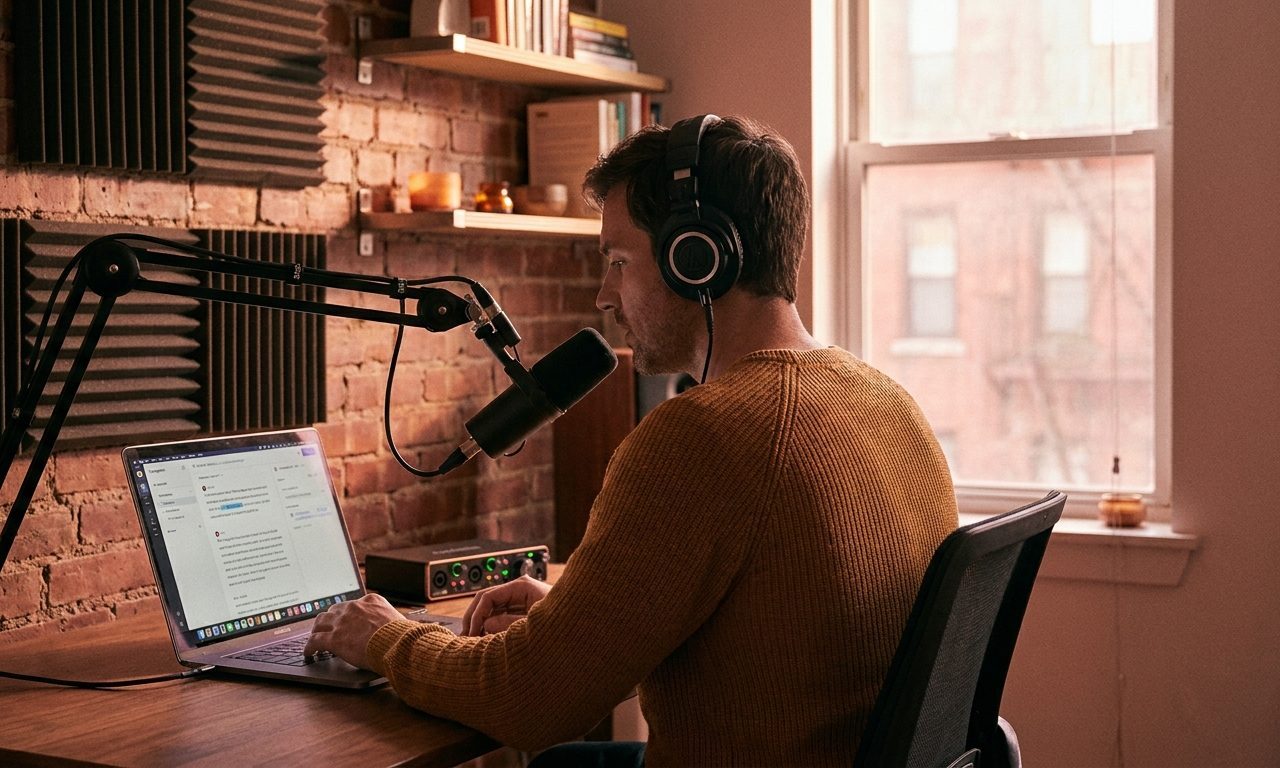
I recorded a 62-minute podcast interview last month and needed a clean transcript I could edit into show notes, social clips, and a written companion piece. Two tools came up over and over when I asked working podcasters: Whisper and Otter. I ran the same audio file through both, watched what came back, and tracked which one I would actually want to use on the next interview.
They are not the same kind of tool. Whisper is OpenAI’s open-source speech-to-text model — you run it yourself or call it through an API. Otter is a polished web app that records, transcribes, and organizes. Same job on paper, very different experience in practice.
TL;DR
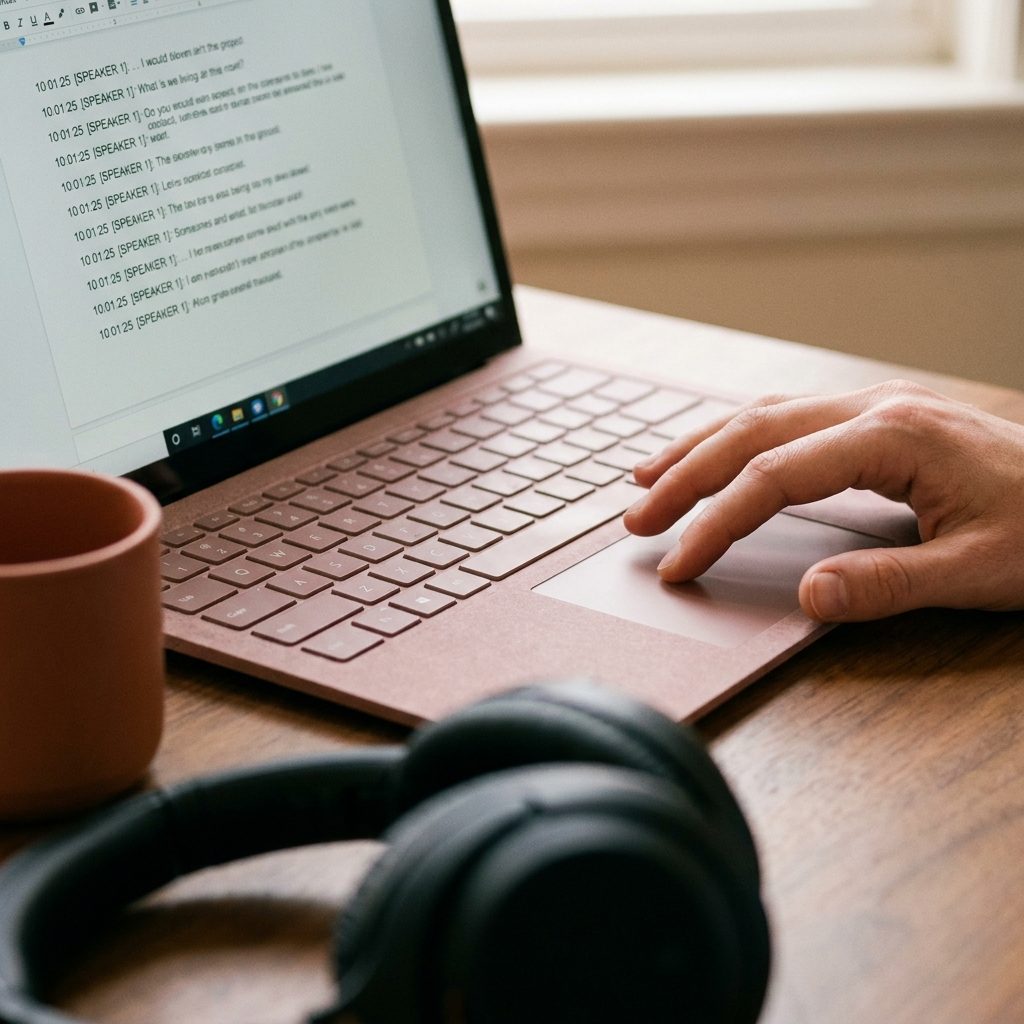
This post compares Whisper (OpenAI API) and Otter Pro for transcribing a 1-hour podcast, evaluating setup, accuracy, speaker separation, and cost to determine which is better for podcasters.
Key takeaways
- Otter offers significantly easier setup for occasional transcription, while Whisper requires more initial effort.
- Whisper provides slightly higher accuracy on spoken words, especially with patchy audio connections.
- Otter excels at speaker separation, automatically labeling and naming speakers throughout the transcript.
- Whisper via API lacks built-in speaker separation, delivering a continuous block of text.
- For most podcast needs, Otter’s ease of use and speaker separation outweigh Whisper’s minor accuracy edge.
| Feature | Whisper (OpenAI API) | Otter Pro |
|---|---|---|
| Setup Friction | Higher, requires API key, file splitting, script/wrapper. | Very low, web app import, instant processing. |
| Accuracy (spoken words) | Slightly better, especially on difficult segments (7 errors/10 min). | Good enough for most, but more errors on difficult segments (11 errors/10 min). |
| Speaker Separation | None automatically, continuous text block. | Excellent, automatic labeling and naming. |
| Verdict | Good for control, accuracy, and frequent use after initial setup. | Best for ease of use, speaker separation, and occasional transcription. |
The test setup
The audio: a 62-minute remote interview with one guest. Two voices total. Mid-quality recording (USB microphones, Riverside, good but not studio). Some crosstalk, a few hard-to-pronounce names, and one segment where the guest’s connection got patchy.
I tested:
- Whisper via the OpenAI API (large-v3 model), with the audio uploaded as a single file
- Otter Pro, with the same MP3 imported through their web app
I judged each on five things: setup friction, accuracy of the spoken content, speaker separation, how editable the output was afterward, and what they cost in time and money.
Round 1: Setup friction
Otter wins this one without a fight.
Otter: log in, click “Import,” drag the file in. Three minutes later the transcript is sitting in your dashboard, formatted, with speaker labels and timestamps. No code, no setup, no decisions to make.
Whisper through the API took longer to get going. You need an API key, you need to handle the upload (the API has a 25 MB file size limit, so a 62-minute MP3 needs to be split or compressed first), and you need somewhere to save the output — a script, a Jupyter notebook, or a third-party wrapper tool. The first run took me about 25 minutes including troubleshooting; subsequent runs took about 6.
If you transcribe occasionally and value zero setup, Otter is the obvious pick. If you transcribe weekly and want full control over the output format and where the audio goes, Whisper is worth the upfront work.
Round 2: Accuracy on spoken words
This was closer than I expected.
Both tools handled the bulk of the conversation cleanly. Common words, normal sentences, standard phrasing — both transcripts were readable and mostly accurate. I counted the obvious errors over a 10-minute test segment:
- Whisper: 7 errors (4 misspelled proper nouns, 2 dropped words, 1 mid-sentence repeat)
- Otter: 11 errors (3 misspelled proper nouns, 6 dropped or substituted words, 2 mid-sentence repeats)
Whisper edged ahead, especially on the patchy-connection segment where it was clearly trying harder to recover what was said. Otter sometimes gave up and dropped a phrase entirely. On the names — both tools mangled the same hard-to-spell guest name in different ways, and neither got it right without a manual fix.
Round 2 to Whisper, but it is not a blowout. For most podcast use cases, Otter is “good enough” and the small accuracy gap is not worth the setup cost.
Round 3: Speaker separation
Otter wins this one decisively.
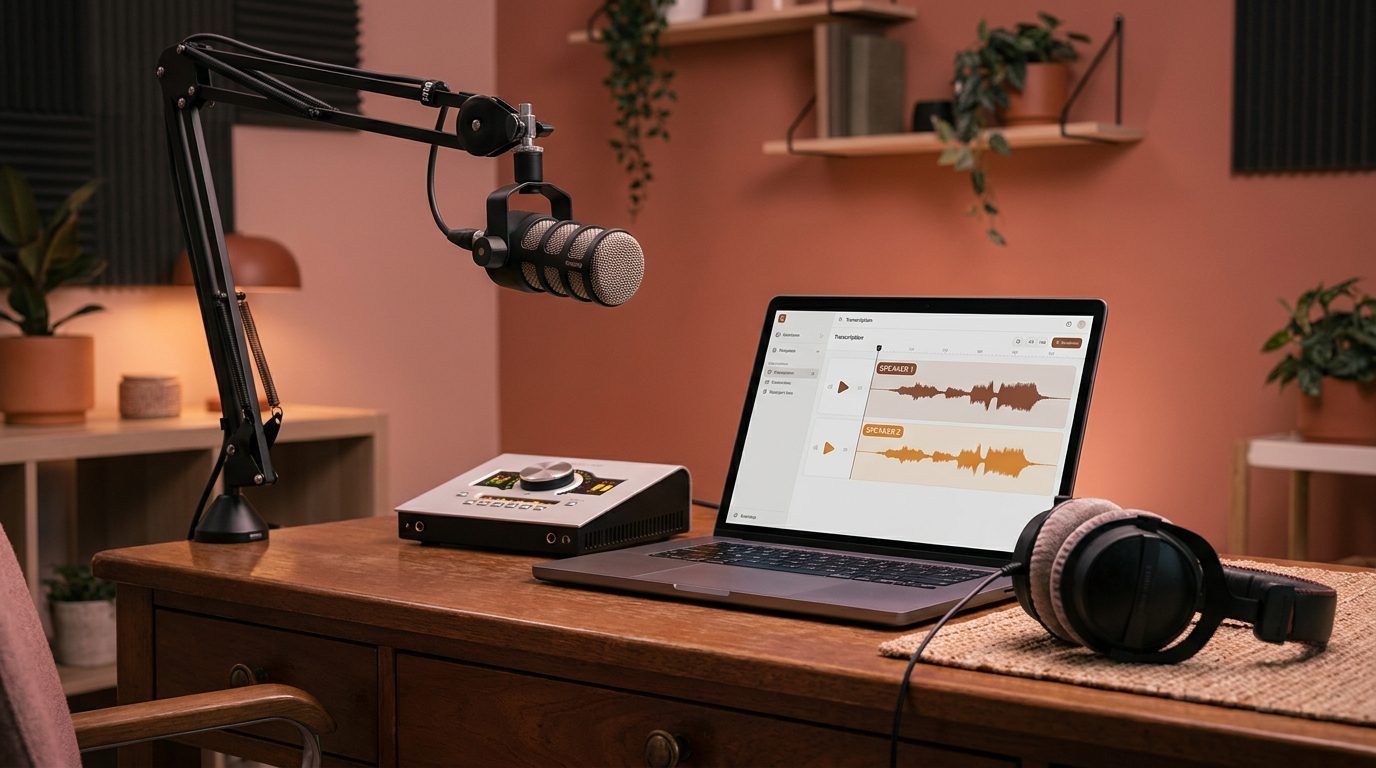
Otter automatically labeled the two speakers as Speaker 1 and Speaker 2 throughout the transcript. After I tagged the first instance of each, it propagated the names across the entire document. The result was a transcript that looked like a real interview, ready to drop into show notes.
Whisper through the standard API does not do speaker separation. You get one continuous block of text with no idea who said what. There are workarounds — you can pair Whisper with a separate diarization tool like pyannote.audio, or use a wrapper service like Replicate that bundles them — but it is not built in, and the diarization tools have their own setup costs.
If your final output needs speaker labels (interviews, panels, multi-host shows), Otter saves you a chunk of editing time. For a solo episode or monologue, this round does not matter.
Round 4: Editing the transcript afterward
Otter has a built-in editor with audio playback synced to the transcript. Click any word, the audio jumps to that timestamp. You can fix errors in place, highlight key quotes, and export to several formats (TXT, DOCX, SRT, PDF). For show notes and clip selection, this is a real workflow advantage.
Whisper just gives you text. What you do with it is your problem. If you already have a writing tool you like — Google Docs, Notion, your own scripts — that flexibility is fine. If you do not, you will end up improvising a workflow that Otter has already solved.
Otter wins on workflow integration. Whisper wins on portability of the raw output.
Round 5: Privacy and where the audio goes
This is the round most people skip and later regret.
Otter uploads your audio to their servers, processes it there, and stores the transcript in their cloud. Their terms allow them to use audio for product improvement unless you explicitly opt out. For most podcast content this is fine, because the audio is going to be public anyway. For confidential interviews — sources, internal company calls, sensitive client conversations — read their privacy policy carefully before you upload.
Whisper through the OpenAI API also sends audio to a third party, but OpenAI’s API terms do not allow them to train on your data by default. If you want zero third-party involvement, you can run Whisper locally on your own machine — the model is open-source, runs on a decent laptop, and never sends a byte to anyone. That is not possible with Otter.
For sensitive material, local Whisper is the only one of the three options (Otter, Whisper API, local Whisper) that keeps the audio entirely on your machine.
Cost comparison
| Plan | Cost | What you get |
|---|---|---|
| Whisper API (OpenAI) | $0.006 per minute | Transcription only, large-v3 model, 25 MB file limit, no speaker labels |
| Whisper local | Free (your hardware) | Same model, runs on your laptop, no usage limits, no internet required |
| Otter Free | $0 | 300 minutes per month, 30 minutes per conversation, basic features |
| Otter Pro | $16.99/month | 1,200 minutes per month, 90-minute conversations, custom vocabulary, advanced exports |
| Otter Business | $30/user/month | 6,000 minutes per user, team workspace, admin controls |
For a 62-minute episode, Whisper API costs about $0.37. Otter Pro costs $16.99 a month flat, which is the right deal if you transcribe 5+ hours a month or want the editor and speaker separation. For one-off transcription with no ongoing need, Whisper API is dramatically cheaper.
When I pick which
| Use case | Pick |
|---|---|
| Weekly podcast with two or more speakers, want speaker labels and an editor | Otter |
| One-off transcription, no ongoing need | Whisper API |
| Sensitive or confidential audio you do not want on a third-party server | Whisper local |
| Very high accuracy on technical terms or hard-to-spell names | Whisper |
| Real-time live transcription during a Zoom call | Otter |
| Building transcription into a custom workflow or app | Whisper API |
| You do not want to write code or set anything up | Otter |
What neither tool fixes
Bad audio in still gets you a bad transcript out. If your guest has a poor microphone, ambient noise, or a flaky connection, neither tool will save you. Spend more time on recording quality than on choosing between transcription tools — it pays back ten times over.
Both tools also need a human pass before the transcript is ready for publication. Names, technical terms, jargon specific to your industry — all of these will be wrong, and only a person who knows the subject can catch them. Budget 10 to 15 minutes of cleanup per hour of audio regardless of which tool produced the first draft.
The bottom line
If you record interviews regularly and want a tool that just works, Otter Pro is worth the $17 a month. The speaker separation alone saves you most of the manual labor, and the editor turns the transcript into a place where you can do the work — clipping quotes, finding moments, exporting in the format you need.
If you transcribe occasionally, want better accuracy, or care deeply about where the audio goes, Whisper is the better tool. The setup is real but a one-time cost, and the per-transcript price is far lower than any subscription.
For my own podcast, I ended up using both: Otter for the quick first pass during the week, and local Whisper for the rare interviews where the guest asked me to keep the recording private. The two tools cover different problems. Pick based on which problem you actually have.
Related reading
- How to Turn a Voice Memo into Clean Written Notes Using Whisper and ChatGPT
- Three AI Tools That Turn Long Meetings Into 5-Minute Written Summaries
- How Arab Content Creators and Podcasters Can Use AI Tools to Save Time and Grow Faster
About the author
Shahid Saleem writes PickGearLab — a practical blog about AI tools, tutorials, and automation workflows for people who want real results, not another listicle. Certified in Microsoft AZ-900, CompTIA Security+, and AWS AI Practitioner, with 10+ years in enterprise IT.
→ Connect on LinkedIn · More about Shahid · Latest posts
One practical AI tutorial. Every Monday.
Workflows like this one — straight to your inbox. Free. Unsubscribe in one click.
Subscribe free →


3 responses