


I sat down on the first Monday of April and ran a real audit on my AI tool stack. Not the loose mental “I should probably cancel something” version. The actual exercise: spreadsheet, every line item, every renewal date, every tool’s daily/weekly/monthly usage scored honestly. The number that came out the other end made me uncomfortable, and the audit itself revealed three patterns I now think apply to almost everyone paying for AI in 2026.
This post is the audit method, the numbers from my own stack (with nothing redacted), and the patterns I noticed. The goal is not to make you cancel things. The goal is to give you the framework to know what you’d actually miss.
TL;DR
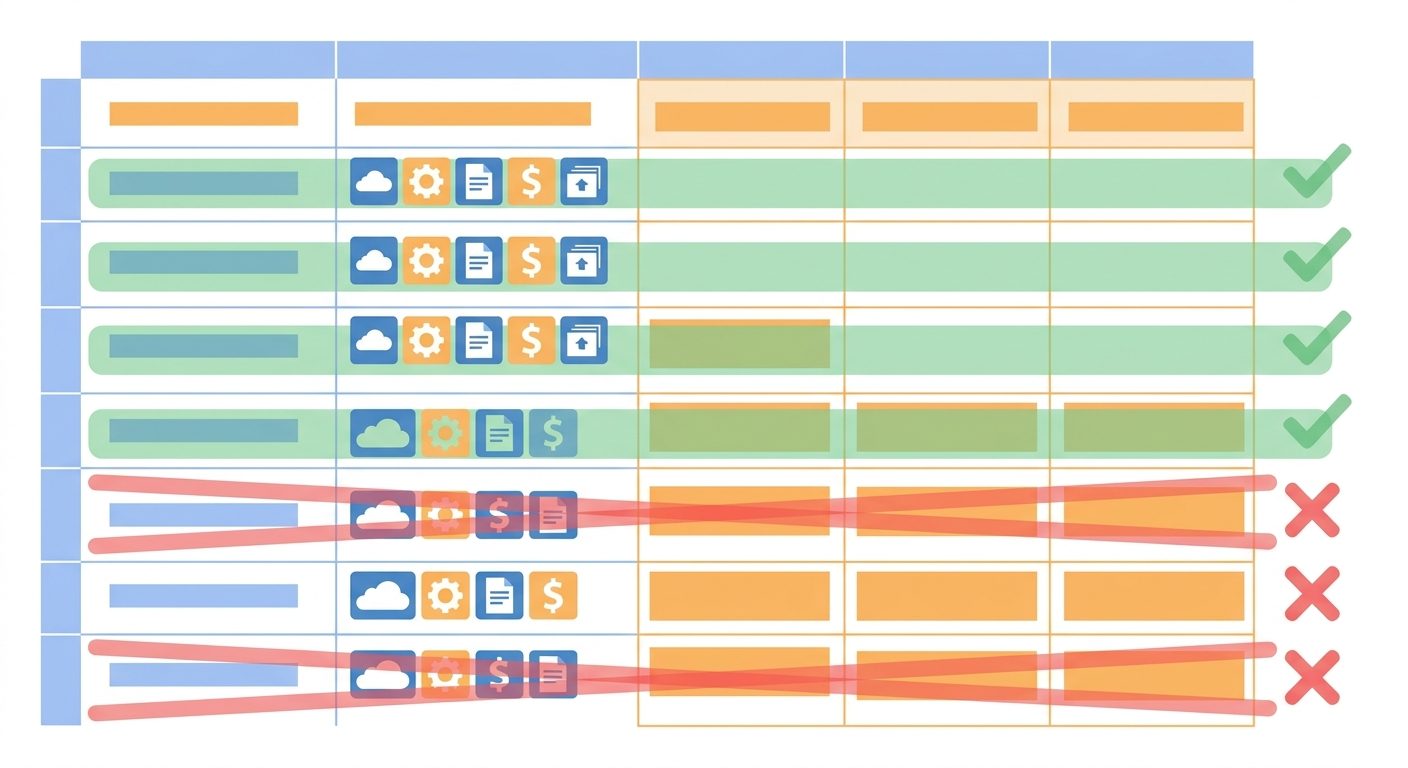
This post details a step-by-step audit framework for AI subscriptions, revealing how the author saved $2,904 annually by cancelling underutilized tools without losing capability.
Key takeaways
- Audit all AI subscriptions using credit card statements, don’t trust memory.
- Score tools on frequency and unique value, cancel those scoring 6 or below.
- Identify replacements for cancelled tools among your kept subscriptions.
- Beware the ‘first-mover tax’ and ‘premium tier trap’ for forgotten subscriptions.
- Avoid ‘comfort subscriptions’ due to sunk-cost fallacy, cancel quickly.
The audit method, step by step
You will need: a spreadsheet, your last 90 days of credit card statements, and 60 minutes of honest self-assessment.
Step 1: List every AI subscription
Open three months of credit card and PayPal statements. Search for: “OpenAI,” “Anthropic,” “Jasper,” “Otter,” “Grammarly,” “Notion,” “Midjourney,” “Perplexity,” “Adobe,” and any other AI-related vendor you can think of. Don’t trust your memory — go to the statement.
For each charge, log: vendor name, monthly cost, renewal date, payment method.
Step 2: Score actual usage
For each tool, answer two questions on a 1-5 scale:
- Frequency: 1 = forgot it existed; 5 = open it daily
- Unique value: 1 = at least one other tool I have does this; 5 = nothing else I have does this
The math is brutal: any tool scoring 6 or below across both questions is on the chopping block. A tool I open daily but that does nothing unique (5 + 1 = 6) is duplicate spend. A tool with unique value but I never open (1 + 5 = 6) is paying for an option I’m not exercising.
Step 3: For each “chopping block” tool, identify the replacement
Before cancelling, write down what would do the job if this tool disappeared. If you can’t name a replacement, the tool stays for now. If you can name one in the same row of the spreadsheet, the tool goes.
My actual numbers, unredacted
| Tool | Cost/mo | Frequency (1-5) | Unique value (1-5) | Total | Decision |
|---|---|---|---|---|---|
| ChatGPT Plus | $20 | 5 | 4 | 9 | Keep |
| Claude Pro | $20 | 5 | 4 | 9 | Keep |
| NotebookLM Plus | $10 | 4 | 5 | 9 | Keep |
| Perplexity Pro | $20 | 4 | 4 | 8 | Keep |
| Jasper | $59 | 1 | 1 | 2 | Cancel |
| Otter.ai Premium | $17 | 2 | 1 | 3 | Cancel |
| Grammarly Premium | $30 | 3 | 1 | 4 | Cancel |
| Midjourney | $30 | 2 | 2 | 4 | Cancel |
| Notion AI add-on | $10 | 2 | 2 | 4 | Cancel |
Total before audit: $216/month base + $96 in side tools = $312/month, $3,744/year. Total after audit: $70/month, $840/year. Net savings: $2,904/year, with zero capability loss because each cancellation had a clean replacement among the kept tools.
“The cost wasn’t the dollars. It was the cognitive overhead of nine apps competing for my attention when I really only needed four.”
Three patterns I noticed
Pattern 1: The “first-mover” tax
Three of the five tools I cancelled (Jasper, Otter Premium, Midjourney) were tools I subscribed to in 2023 or 2024 when they were genuinely the best in their category. Two years later, the general-purpose AIs (ChatGPT, Claude) had caught up or surpassed them on my specific use cases.
The pattern: you pay the first-mover tax forever, even after the broader tools eat the niche. Most people don’t run the audit, so the niche tool keeps charging. Mine had been charging for over a year of non-use.
Pattern 2: The “premium tier” trap
Grammarly Premium and Notion AI add-on are both upgrades on top of free or paid tools I was already using productively. The upgrade pitch is always plausible — “10x more value with this premium feature” — and rarely true once you actually measure usage. I was using maybe 20% of Grammarly Premium’s premium suggestions and almost none of Notion AI’s.
The pattern: premium tiers of tools you already pay for are the easiest cancellation to miss. The base tool feels “yours” and the premium tier feels like part of it. Audit the upgrades separately from the bases.
Pattern 3: The “comfort subscription”
Two tools were what I now call comfort subscriptions — I kept paying not because I used them but because cancelling felt like admitting I’d been wrong to subscribe. This is sunk-cost thinking applied to monthly bills, and it’s expensive.
The pattern: if a tool’s score is 4 or below and you’ve been paying for more than three months, cancel today. The “but I might use it again” thought is the single most expensive sentence in software subscriptions.
The framework, condensed
- Pull 90 days of statements. List every AI charge.
- For each tool, score frequency (1-5) and unique value (1-5).
- Anything totaling 6 or below: cancel, unless you can defend it specifically.
- For each cancellation, identify the replacement in the kept stack before pulling the trigger.
- Re-run the audit every 90 days. Tools and your habits both change.
What the savings actually go to
I want to be honest about this part. I did not pocket the $186/month and feel virtuous. About a third went to the AI services I kept (paying for credits to use Claude’s API for some custom tooling). About a third went to two new niche tools I subscribed to after the audit because I now had a budget to test things. The remainder I genuinely saved.
That’s actually the right outcome. The audit isn’t really about saving money — it’s about putting the money where it does work, instead of where it used to do work. The savings number is just a clean way to measure how much of your stack had become decoration.
The bottom line
If you haven’t audited your AI subscriptions in the last six months, the over/under on what you’ll cancel is two or three tools. The over/under on what you’ll save is between $50 and $200 a month. Both numbers are higher if you’ve been subscribing since the early ChatGPT days.
You don’t need a fancy method. You need a spreadsheet, an hour, and the willingness to be honest about what you actually use. The compound annual savings of running this audit four times a year, instead of once a year or never, is meaningful enough that I now block 90 minutes on the first Monday of each quarter for exactly this exercise.
- Pull credit card statements directly — don’t trust memory of what you’re subscribed to
- Score each tool on frequency (1-5) AND unique value (1-5); total of 6 or below → cancel
- Watch for three patterns: first-mover tax, premium-tier trap, and comfort subscriptions
- Always identify the replacement in your kept stack BEFORE cancelling
- Run the audit quarterly, not annually — the AI landscape moves too fast for an annual cycle
- The goal is putting money where it works now, not just saving it
Related reading
About the author
Shahid Saleem writes PickGearLab — a practical blog about AI tools, tutorials, and automation workflows for people who want real results, not another listicle. Certified in Microsoft AZ-900, CompTIA Security+, and AWS AI Practitioner, with 10+ years in enterprise IT.
→ Connect on LinkedIn · More about Shahid · Latest posts
New workflows, straight to your inbox.
Workflows like this one, as they are published. Free. Unsubscribe in one click.
Subscribe free →


3 responses