

Chasing a late invoice is the single most avoidable time-sink in freelancing — it’s emotionally draining, it’s easy to forget, and awkward reminder emails are exactly the kind of writing AI is genuinely good at. Here’s the setup that now sends every follow-up for me, on schedule, without me remembering to do it.
The pieces you need
- An invoicing tool that tracks paid/unpaid status (most, including free ones, expose this via API or a Zapier/Make integration).
- Make.com or Zapier to watch invoice status and trigger on a schedule — I use Make for the same cost reasons covered in my Make vs Zapier comparison.
- An AI step (Claude or ChatGPT via API, or just pre-written AI-drafted templates) to generate the actual reminder text.
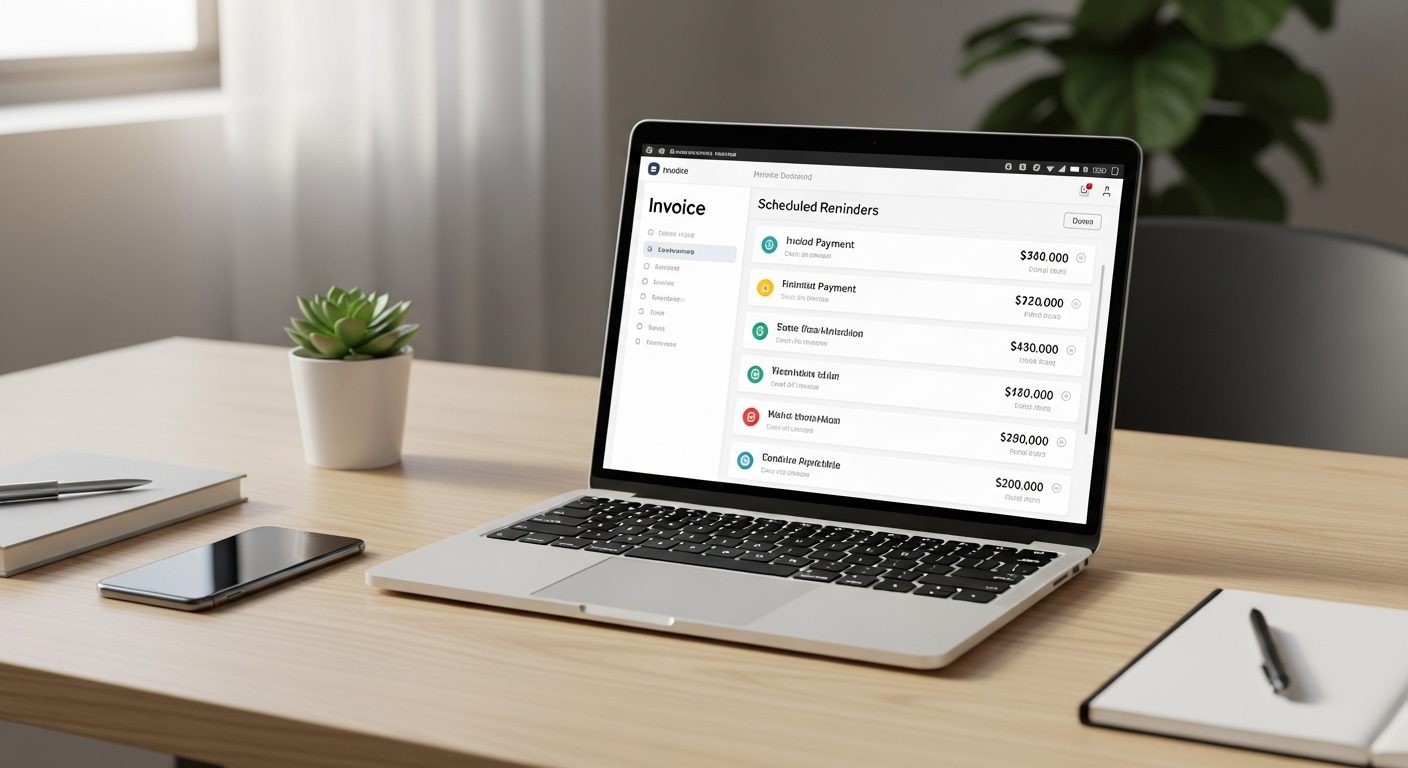
The actual workflow
- Trigger: invoice hits day 1 past due (unpaid).
- Day 1 reminder: friendly, assumes good faith — “just making sure this didn’t get buried in your inbox.” AI-drafted, warm tone, no urgency.
- Day 7 reminder: slightly firmer, restates the amount and due date, offers to resend the invoice in case it was lost.
- Day 14 reminder: direct and professional — states the overdue period plainly, asks for a specific payment date, and flags that late fees may apply if that’s in your contract.
- Day 21+: auto-notify yourself (not the client) — this is the point a human should step in personally, not another automated email.
Why AI-drafted beats a static template
A single canned template repeated three times reads as robotic and can actually annoy a client into feeling nagged. Having AI generate each stage with an escalating-but-still-professional tone, referencing the specific invoice number and days overdue, reads more like a real person following up — because you’re the one who set the tone and escalation logic, the AI is just executing it consistently.
The honest limitation
Automate the reminders, not the relationship. If a client goes quiet past day 14, that’s a signal to call them personally, not to let a 4th automated email go out. This system exists to remove the 90% that’s just forgetting and awkwardness — it’s not a replacement for the judgment call of “this client relationship needs a real conversation now.”
The payoff
Once this runs, “did I invoice them” and “did I follow up” both disappear from your mental to-do list — the same relief I got automating client onboarding. Set it up once, in an afternoon, and it quietly protects your cash flow from here on.
Related reading
- How to Automate Your Client Onboarding with AI
- Make.com vs Zapier in 2026
- Browse all workflow guides — the Library
About the author
Shahid Saleem is the founder and editor of PickGearLab. He tests AI tools in the real world — writing, automation, content — and writes up what actually worked. Based in Dubai.
One practical AI tutorial. Every Monday.
Workflows like this one — straight to your inbox. Free. Unsubscribe in one click.
Subscribe free →