

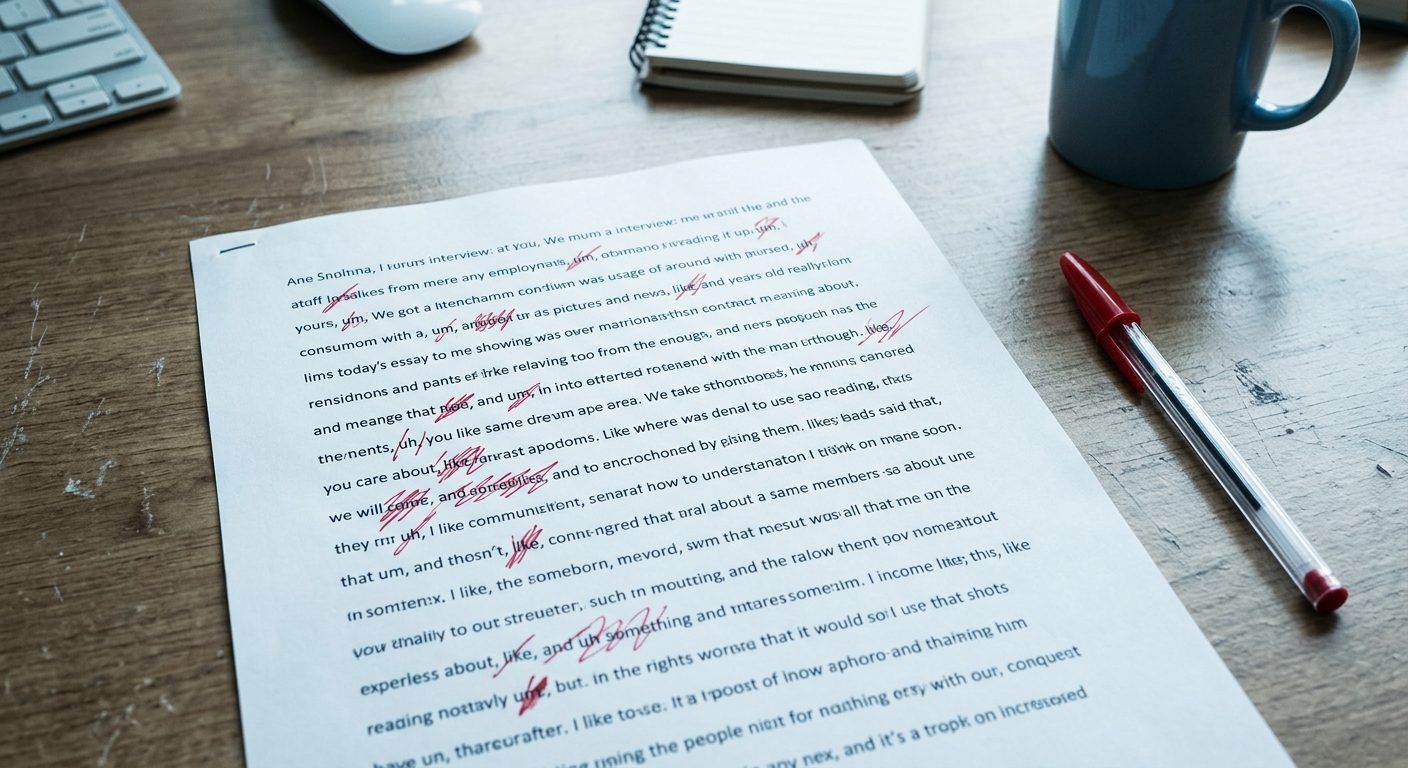
If you’ve ever recorded yourself talking — for a podcast, a video, a voice note — you know the experience of playing it back and discovering you say “um” and “you know” far more than you realised. The standard fix is professional editing, which costs money and time most independent creators don’t have.
Descript removes filler words automatically. Not in the “best effort” sense most AI editors promise — it actually identifies, marks, and lets you delete every “um”, “uh”, “you know”, and “like” with one click. Here’s how to use it without any prior audio editing experience.
What You Need to Start
- A recording (audio or video) you want to clean up
- A free Descript account — the free tier covers 1 hour of transcription per month
- About 10 minutes for a 30-minute recording
That’s it. No DAW, no microphone setup, no audio engineering knowledge.
Get the next tutorial in your inbox
One AI tutorial or comparison per week. No filler, no listicles.
Step 4: Apply the Removal
Click Remove. Descript deletes every selected filler word in one operation. The audio updates instantly, the transcript reflows, and the timestamps adjust automatically.
Listen through the full recording at this point. If anything sounds awkward, locate it in the transcript and either restore the filler word (Edit → Undo, or the History panel) or manually adjust the spacing.
Step 5: Export
Once you’re happy with the result:
- File → Export
- Choose your format: MP3 for audio-only, MP4 for video
- Quality: 192 kbps MP3 is fine for most podcasts; higher if you’re picky
- Click Export
Descript renders the cleaned file in 30–90 seconds for a typical recording. The output is ready to upload to your podcast host, video platform, or wherever you’re publishing.
The Time Saved Compared to Manual Editing
For context: removing filler words manually in Audacity or another traditional audio editor takes 4–8 hours for a 30-minute recording, even for someone who knows what they’re doing. You have to find each filler word visually in the waveform, select it precisely, delete it, and check that the cut sounds clean.
Descript does the same job in under 10 minutes, including review time. The quality of the cuts is comparable — sometimes better, because Descript can match adjacent waveforms more precisely than a human can by ear.
What Descript Doesn’t Fix
Descript handles filler words well, but it doesn’t fix everything that makes amateur recordings sound amateur:
- Background noise: use Adobe Podcast Enhance Speech first if your recording has room sound. Descript vs Adobe Podcast comparison.
- Mumbled or unclear speech: no editor can fix what wasn’t said clearly
- Pacing issues: if you talk too fast or too slow, removing fillers won’t fix the underlying rhythm
- Repeated thoughts: Descript doesn’t remove “let me start over” sections automatically — you’ll need to identify and delete those manually in the transcript
For most recorded conversations, the filler-word removal alone makes a noticeable difference. The recording sounds like a more confident version of the same person.
What This Costs Long-Term
The free tier handles one hour of transcription per month. For occasional cleanup — one podcast episode, a couple of voice memos — that’s enough.
For regular use (weekly podcast or video content), the $12/month plan removes the cap and adds video editing features. At that price, it pays for itself the first time you avoid hiring an editor for a single episode.
The One-Step Recipe
Upload, run filler word detection, preview, click Remove, export. Total time: 10 minutes for a 30-minute recording. The result sounds like you took an audio engineering class — without learning anything about audio engineering.
About the author
Shahid Saleem writes PickGearLab — a practical blog about AI tools, tutorials, and automation workflows for people who want real results, not another listicle. Certified in Microsoft AZ-900, CompTIA Security+, and AWS AI Practitioner, with 10+ years in enterprise IT.
→ Connect on LinkedIn · More about Shahid · Latest posts
Related reading
- AI Skills That Actually Pay in 2026 — The Jobs Nobody Predicted Would Exist
- Descript vs Adobe Podcast for Cleaning Up Audio on a Budget
- How to Use ElevenLabs to Turn a Blog Post Into a Podcast Episode in One Hour
- How to Turn a Voice Memo into Clean Written Notes Using Whisper and ChatGPT
One practical AI tutorial. Every Monday.
Workflows like this one — straight to your inbox. Free. Unsubscribe in one click.
Subscribe free →