

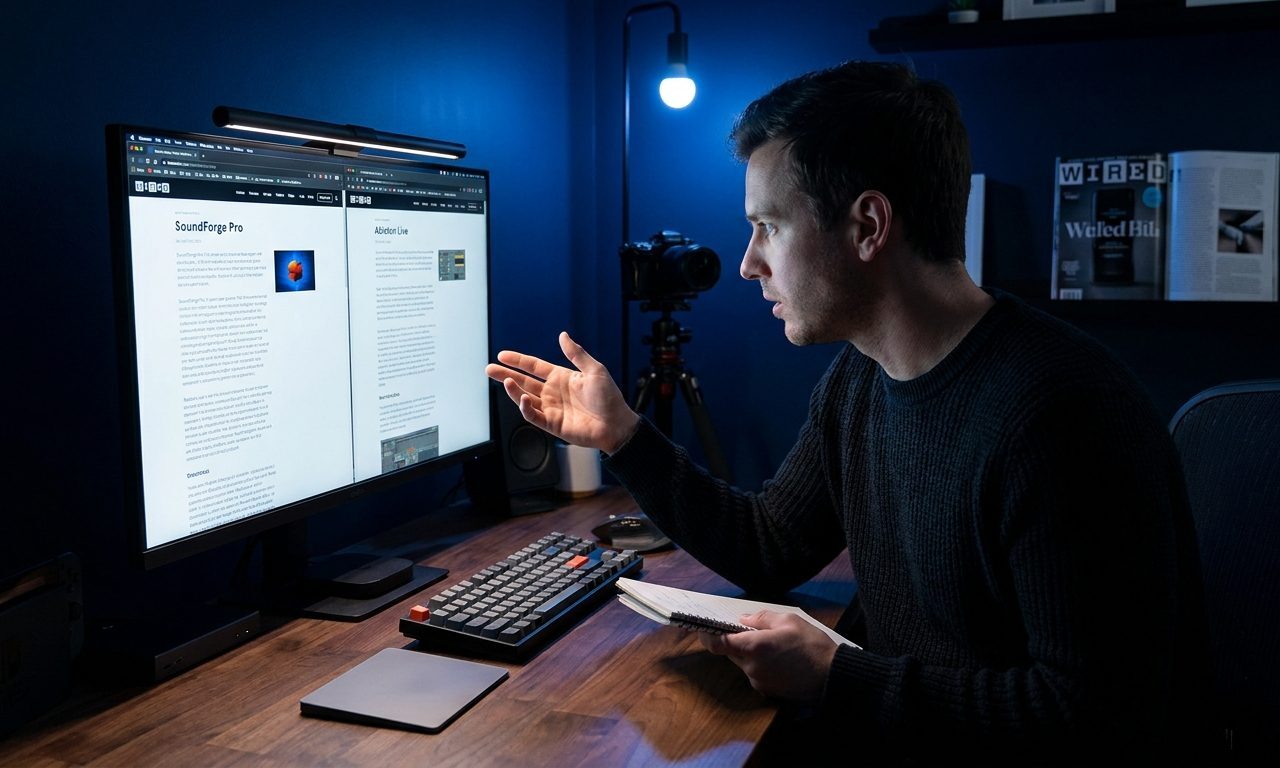
I spent three months switching between Descript and Adobe Podcast before I stopped second-guessing myself. Both tools clean up audio. Both are browser-based. Both have a free tier. But they do very different things well — and if you pick the wrong one, you’ll either pay for features you don’t need or hit a wall the moment your project gets slightly more complex.
This is an honest comparison after using both on real projects: a weekly interview recording, a solo narration episode, and a client presentation recording that needed to sound professional without a studio.
What Each Tool Actually Does
Before comparing features, it helps to understand how differently these two tools think about audio.
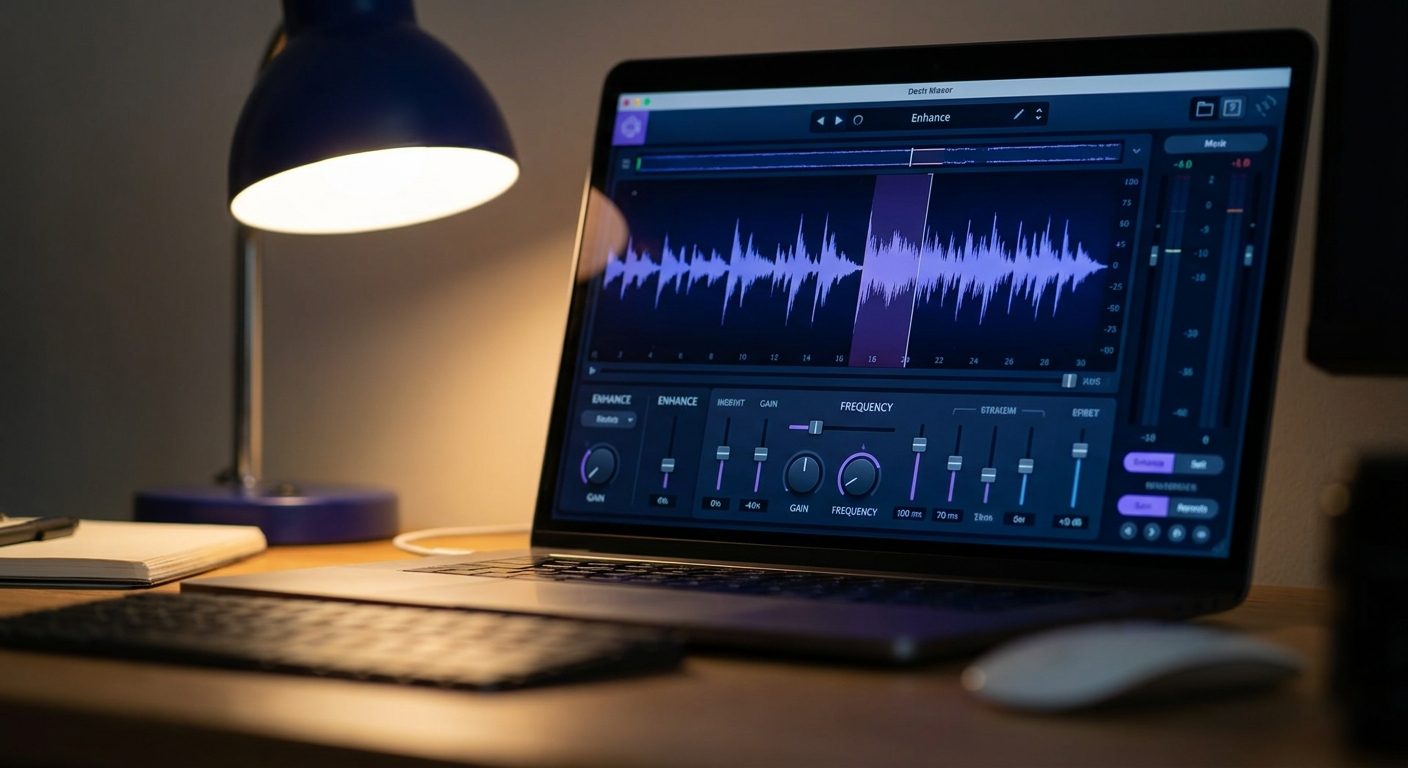
Adobe Podcast Enhance Speech is a single-purpose tool. You upload an audio file, it removes background noise and enhances the voice, you download the result. That’s the entire product. There’s no timeline, no editing interface, no transcript. It’s an audio filter, not an editor.
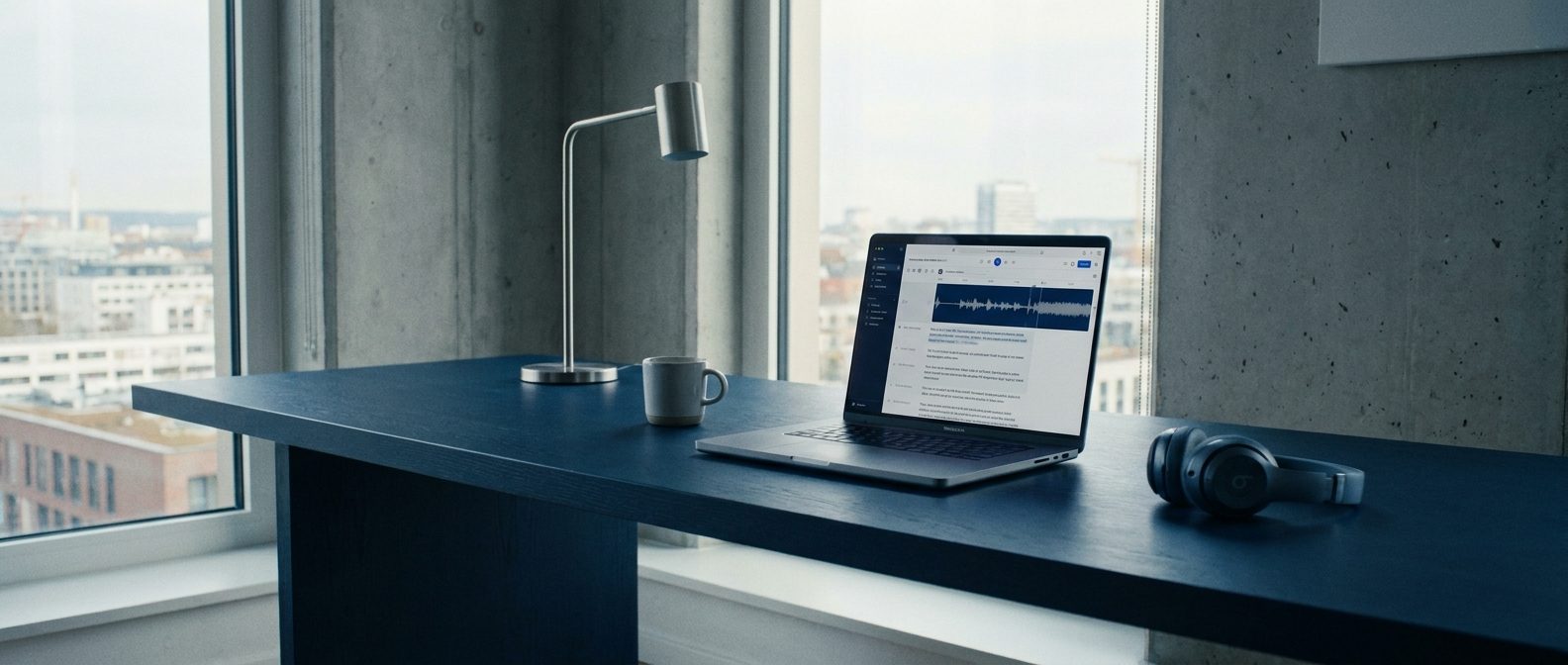
Descript is a full audio and video editor built around a transcript. You upload a recording, it transcribes it automatically, and then you edit the audio by editing the text — delete a sentence from the transcript and the audio disappears with it. It also has noise removal, but that’s one feature inside a much larger tool.
Most comparisons treat these as competitors. They’re not really. One is a one-click enhancer. The other is a production environment. The question is which one matches your actual workflow.
Adobe Podcast Enhance Speech: Where It Wins
Speed. If you have a raw recording and you want it to sound better in under two minutes with zero learning curve, Adobe Podcast wins every time.
The enhancement quality is genuinely impressive. I’ve run recordings made in a car, a kitchen with a running dishwasher, and a hotel room with AC noise — Adobe Podcast cleaned all three to the point where they sounded like they were recorded in a quiet room. It doesn’t add warmth or presence; it removes interference. The result is clean but neutral.
It’s free for files under 1GB and currently requires no account to use. That combination — free, no signup, two-minute turnaround — makes it the obvious choice for a one-off job.
Where it falls short: it does nothing else. You can’t edit the content, remove filler words, cut sections, or do anything beyond noise removal. If you also need to trim dead air or cut a rambling answer, you’re opening a second tool anyway.
Descript: Where It Wins
Editing without timeline scrubbing. If you’ve ever tried to find and remove a specific sentence in a 45-minute recording using a traditional audio editor, you know how painful it is. In Descript, you read the transcript, highlight the sentence, and delete it. The audio updates instantly.
For interview-style content where you want to tighten a recording — remove tangents, cut filler answers, clean up a rambling intro — Descript is dramatically faster than any other tool. What takes 90 minutes in Audacity takes 20 minutes in Descript.
The filler word removal feature is genuinely useful: Descript automatically identifies every “um”, “uh”, “you know”, and “like” in the transcript and lets you remove them all in one click. You can review before deleting, which matters — sometimes a filler word is actually a natural pause you want to keep.
Descript also handles video, which matters if you record Zoom calls or screen shares alongside audio. Adobe Podcast is audio-only.
The free tier gives you one hour of transcription per month and watermarks video exports. For audio-only projects, the watermark limitation doesn’t apply. The paid plan is $12/month for 10 hours of transcription.
Side-by-Side Comparison
| Feature | Adobe Podcast Enhance | Descript |
|---|---|---|
| Background noise removal | Excellent | Good |
| Filler word removal | No | Yes (one-click) |
| Transcript-based editing | No | Yes |
| Video editing | No | Yes |
| Free tier | Yes (no account needed) | Yes (1hr transcription/month) |
| Paid plan | Included in Adobe Creative Cloud | $12/month |
| Learning curve | None | Low (1–2 hours) |
| Best for | One-click cleanup | Full episode production |
Which One Should You Use?
Use Adobe Podcast Enhance if your only problem is background noise or room sound. You have a clean recording, it just sounds like it was made in a bathroom. Run it through Adobe Podcast, download, done.
Use Descript if you need to edit the content itself — cut sections, remove filler words, tighten a rambling answer, or combine multiple takes. The noise removal is good enough for most podcasts, and you get a full editor in the same tool.
Use both if your recordings are noisy AND need content editing: clean up in Adobe Podcast first, then import into Descript to edit. The two-step workflow adds five minutes and gets you the best of both.
The Budget Reality
If you’re producing one podcast episode per week at under an hour of recorded audio per episode, you can run the entire workflow for free:
- Adobe Podcast Enhance: free, no account
- Descript free tier: 1 hour of transcription per month covers a 45-minute episode with buffer
Once you go above one hour of recording per month, Descript’s $12/month plan is the only paid upgrade you need. Adobe Podcast Enhance remains free for individual creators regardless of file size.
Neither tool requires expensive hardware. A decent USB microphone helps — the Blue Yeti Nano at around $80 is the standard entry point — but both tools can make a laptop microphone recording sound passable if the recording environment is reasonably quiet.
My Current Setup
I use Adobe Podcast Enhance for quick turnaround jobs where the content is final and I just need cleaner sound. I use Descript for anything where I know I’ll be editing — interviews, recorded calls, anything over 20 minutes where I want to cut the fat before publishing.
Most weeks I end up in Descript. The time I save on content editing outweighs the slightly better noise removal from Adobe Podcast, and having transcription as part of the editing workflow means I can repurpose the episode into a blog post in the same session.
Both are genuinely useful. Neither is a waste of money at their price points. The right choice is whichever one solves the specific problem you have in the recording you’re looking at right now.
About the author
Shahid Saleem writes PickGearLab — a practical blog about AI tools, tutorials, and automation workflows for people who want real results, not another listicle. Certified in Microsoft AZ-900, CompTIA Security+, and AWS AI Practitioner, with 10+ years in enterprise IT.
→ Connect on LinkedIn · More about Shahid · Latest posts
Related reading
- How to Use Descript to Remove Filler Words From a Podcast Without Editing Skills
- How to Use ElevenLabs to Turn a Blog Post Into a Podcast Episode in One Hour
- How to Turn a Voice Memo into Clean Written Notes Using Whisper and ChatGPT
- Three AI Tools That Turn Long Meetings Into 5-Minute Written Summaries
One practical AI tutorial. Every Monday.
Workflows like this one — straight to your inbox. Free. Unsubscribe in one click.
Subscribe free →

1 response