


I cancelled $147 of monthly AI subscriptions in March. Not because I lost faith in AI — the opposite. After two years of paying for everything that promised to save me time, I finally did what I should have done a year ago: an honest audit of which tools I actually opened, which ones I forgot about, and which ones were doing a job a cheaper tool already did better.
This post is the result. Five subscriptions I cut, what each one was supposed to do for me, why it didn’t survive the audit, and what now does that job in my workflow. No affiliate enthusiasm — these are tools I actively stopped paying for.
TL;DR
The author audited their AI subscriptions, cutting $147/month by replacing five premium tools with free alternatives or existing subscriptions, resulting in a faster, cheaper workflow.
Key takeaways
- Regularly audit subscriptions to cut unused or redundant tools.
- Many premium AI features are now available in cheaper or free alternatives.
- Prioritize tools that solve your biggest weaknesses, not just general tasks.
- Workflow friction can outweigh a tool’s superior quality.
- Leverage existing subscriptions like ChatGPT Plus for multiple AI tasks.
| Tool/Item | Use case | Key benefit |
|---|---|---|
| Jasper | Long-form writing | Replaced by ChatGPT Plus for better drafts and prompt control. |
| Otter.ai Premium | Meeting transcription | Replaced by Granola’s free tier for discreet recording. |
| Grammarly Premium | Writing refinement | Replaced by Claude for deeper editorial feedback, keeping free Grammarly for typos. |
| Midjourney | Image generation | Replaced by ChatGPT image generation for better workflow and sufficient quality. |
| Notion AI add-on | Notion content tasks | Replaced by Claude for superior output with minimal workflow change. |
How I ran the audit
The method was simple and a little embarrassing. I exported my last 60 days of credit card statements into a spreadsheet, listed every recurring AI charge, and asked three questions about each one:
- When did I last open this? If the answer was “I don’t remember,” that was a flag.
- What unique thing does this do? If a tool I was already paying for could do the same thing, the duplicate was dead weight.
- Would I notice if it disappeared? The honest answer was usually “not for a few weeks.”
That third question is the one that did the most damage. It turns out I was paying for confidence as much as capability — the comfort of knowing I had a tool available, even if I rarely used it.
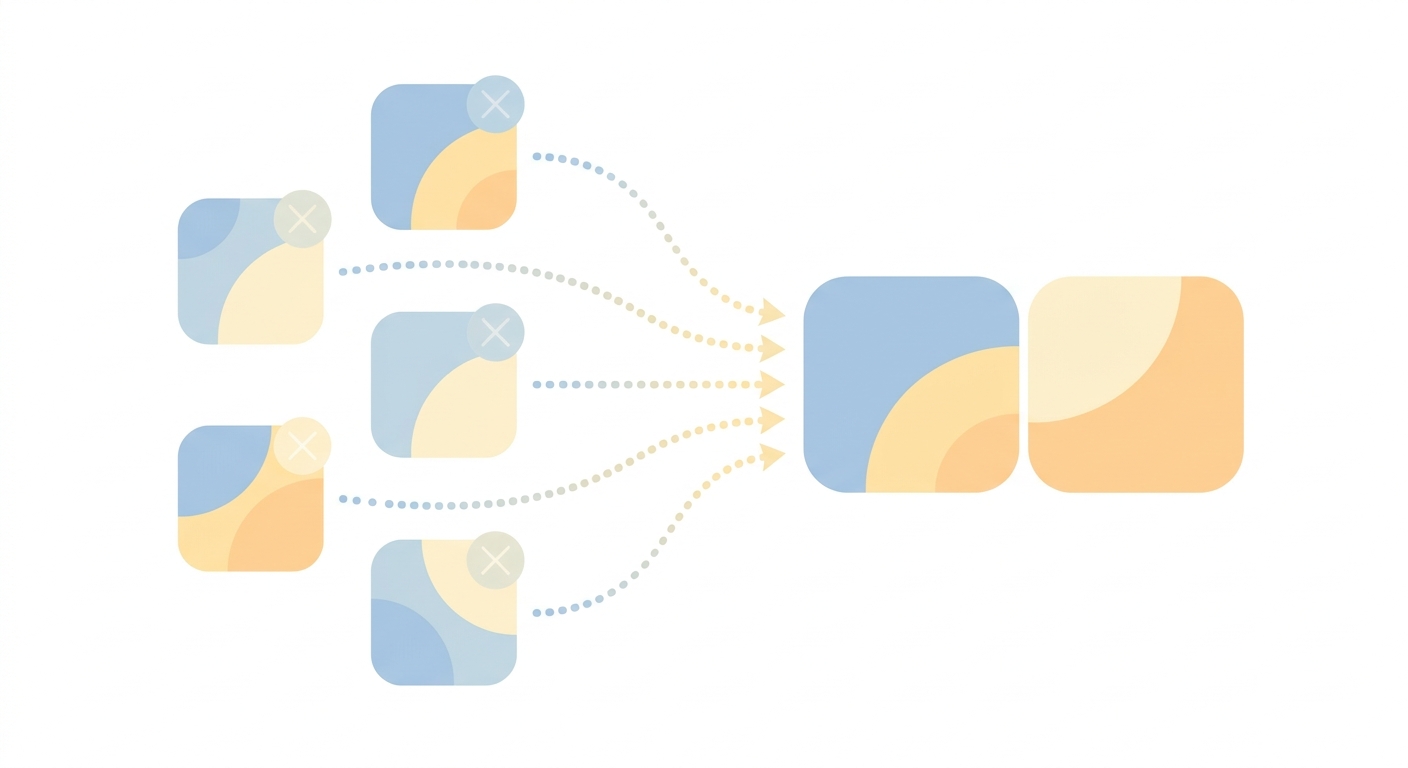
1. Jasper ($59/month) — replaced with ChatGPT Plus ($20/month)
Jasper was my first paid AI tool back in 2023, when ChatGPT was still rough at long-form writing. I used it for blog drafts, email sequences, and the occasional landing page.
By late 2025, the gap had closed. By early 2026, it had inverted. ChatGPT and Claude write longer, cleaner first drafts than Jasper does, with prompt control that’s actually predictable. Jasper’s templates — the thing that used to be its edge — became friction. I’d open the app, pick a template, fill in fields, and get output that needed more editing than what I got from a single ChatGPT prompt.
2. Otter.ai Premium ($16.99/month) — replaced with Granola (free tier)
Otter was great for transcribing meetings, until the bot showing up in calls started feeling like an etiquette problem. Half my customers asked what “OtterPilot” was when it joined. The other half didn’t ask but visibly stiffened.
Granola records meeting audio quietly off your laptop without joining as a participant. No bot, no name in the participant list, no “permission to record” awkwardness. The free tier covers 25 meetings a month, which is more than enough for me. I covered the workflow comparison in detail in my Whisper vs Otter post — Otter is still good, it just stopped being good enough to justify a paid tier given what’s free now.
3. Grammarly Premium ($30/month) — replaced with Claude
Grammarly Premium catches commas. It does not catch tone, structure, weak hooks, or paragraphs that should be cut. After six months of paying for the upgrade, I realized I was using the free version’s red squiggles and almost none of the premium suggestions, because the premium suggestions were either wrong for my voice or things I’d already noticed.
Claude reads a draft and tells me which paragraph is dead, which sentence is doing two jobs, and which lede is buried in paragraph four. It’s not a grammar checker — it’s an editor. I still use the free Grammarly browser extension for typos. The $30/month for “premium” is gone.
“Pay for the tool that does the part you’re worst at. Drop the one that does the part you’re already fine at.”
4. Midjourney ($30/month) — replaced with ChatGPT image generation
I subscribed to Midjourney in 2024 because the output was visibly the best in the field. By March 2026, ChatGPT’s built-in image generation produces work that’s good enough for blog featured images, social posts, and presentations. Not Midjourney-good — but good enough for everything I actually use images for.
The deal-breaker was workflow. Midjourney lives in Discord, which means every image generation is a context switch — open Discord, find the right channel, type the prompt, wait, screenshot, crop. ChatGPT image gen lives in the same conversation where I’m already drafting whatever the image is for. The friction tax of Discord finally outweighed the quality bump.
5. Notion AI add-on ($10/month per user) — replaced with Claude in browser
Notion AI is fine. It summarizes pages, drafts content blocks, and answers questions about your workspace. The problem isn’t that it’s bad — it’s that it’s worse at every individual task than Claude is, while costing extra on top of my existing Notion bill.
My new pattern: when I need to draft, summarize, or rewrite something in Notion, I copy the relevant text, switch to Claude in another tab, do the work there, paste back. Two extra clicks. $10/month saved. Better output every time.
The replacement stack at a glance
| Cancelled | Was paying | Replaced with | Now paying |
|---|---|---|---|
| Jasper | $59/mo | ChatGPT Plus (already had) | $0 extra |
| Otter.ai Premium | $16.99/mo | Granola (free tier) | $0 |
| Grammarly Premium | $30/mo | Claude (already had) + Grammarly Free | $0 extra |
| Midjourney | $30/mo | ChatGPT image gen (already had) | $0 extra |
| Notion AI add-on | $10/mo | Claude in browser (already had) | $0 extra |
| Total saved | $145.99/mo ($1,752/year) |
What I’d tell my past self
Three lessons from the audit, in case you’re about to do your own:
- Most “AI tool stacks” are duplicate spend. If you have ChatGPT Plus and Claude Pro, you almost certainly don’t need a third writing tool. The marketing for niche AI tools is much louder than their actual differentiation.
- The unique-feature test is brutal but fair. If a tool’s unique value is a UI wrapper around something you already pay for, kill it. UI wrappers age fast — six months from now, the “general-purpose” tool will probably copy that UI anyway.
- Audit quarterly, not annually. The AI subscription landscape moves fast. A tool that was the best option in October might be redundant by April. I’m now putting a 90-minute calendar block on the first Monday of each quarter to redo this audit.
The bottom line
I’m not anti-tool. I’m pro-knowing-what-I’m-paying-for. The AI subscription market in 2026 still rewards careful audit because so many tools are slight variations on capabilities you’ve already bought. The default is to keep adding. The discipline is to keep subtracting.
If you’ve been ignoring your card statement because you don’t want to know, you probably already know what you’ll find. Spend an hour. The list is shorter than you think, and so is the list of things you’ll actually miss.
- Audit your AI subscriptions every 90 days, not every year
- The “unique-feature test” — if a tool duplicates capability you already pay for, cut it
- Free tiers of newer tools (Granola, Claude.ai free) often beat paid tiers of older ones
- Consolidating onto 1-2 general-purpose AI tools usually saves money and reduces context-switching
Related reading
About the author
Shahid Saleem writes PickGearLab — a practical blog about AI tools, tutorials, and automation workflows for people who want real results, not another listicle. Certified in Microsoft AZ-900, CompTIA Security+, and AWS AI Practitioner, with 10+ years in enterprise IT.
→ Connect on LinkedIn · More about Shahid · Latest posts
New workflows, straight to your inbox.
Workflows like this one, as they are published. Free. Unsubscribe in one click.
Subscribe free →


3 responses