Disclosure: Some links in this post are affiliate links. If you sign up, PickGearLab may earn a commission at no extra cost to you. We only recommend tools we actually use.
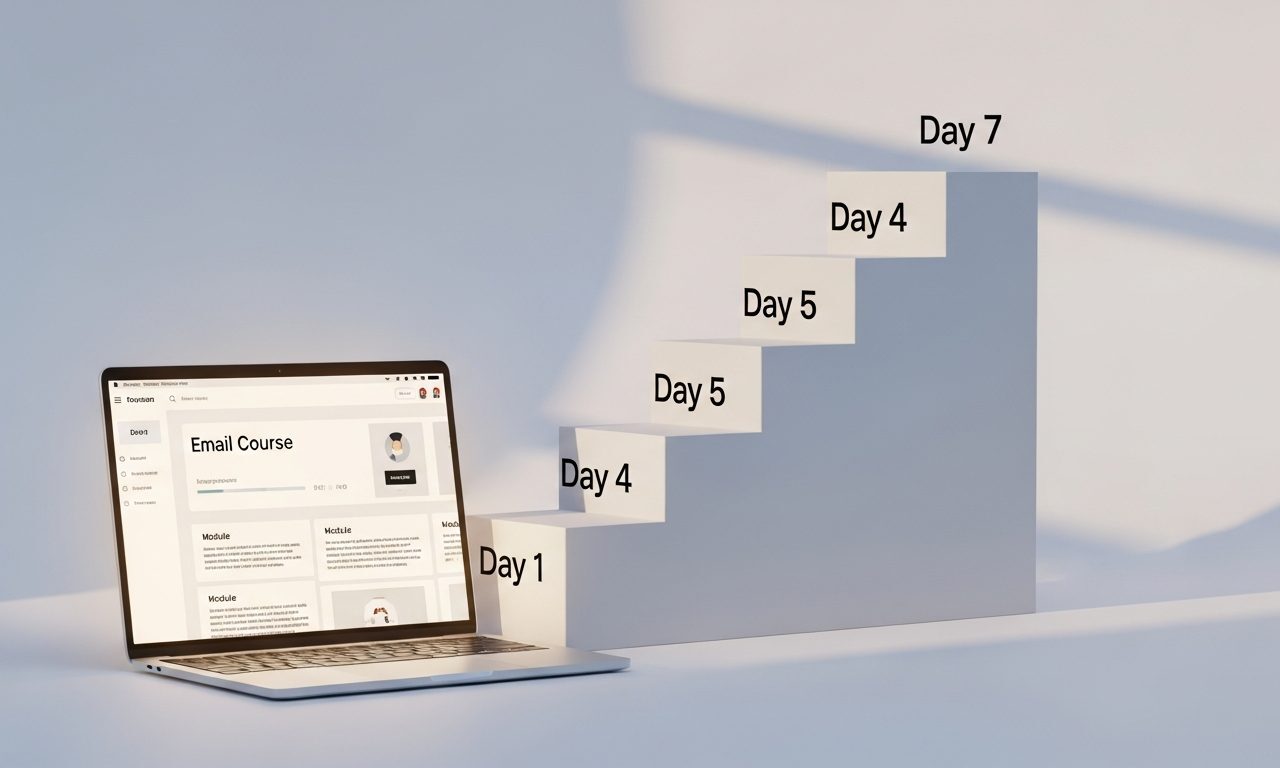
A 7-day email course is the best digital product to start with. It’s free to deliver, builds trust with your audience, and can become a paid product with minimal changes.
Here’s how to build one in a weekend using Claude and Kit (ConvertKit).
Why an email course works better than a PDF guide
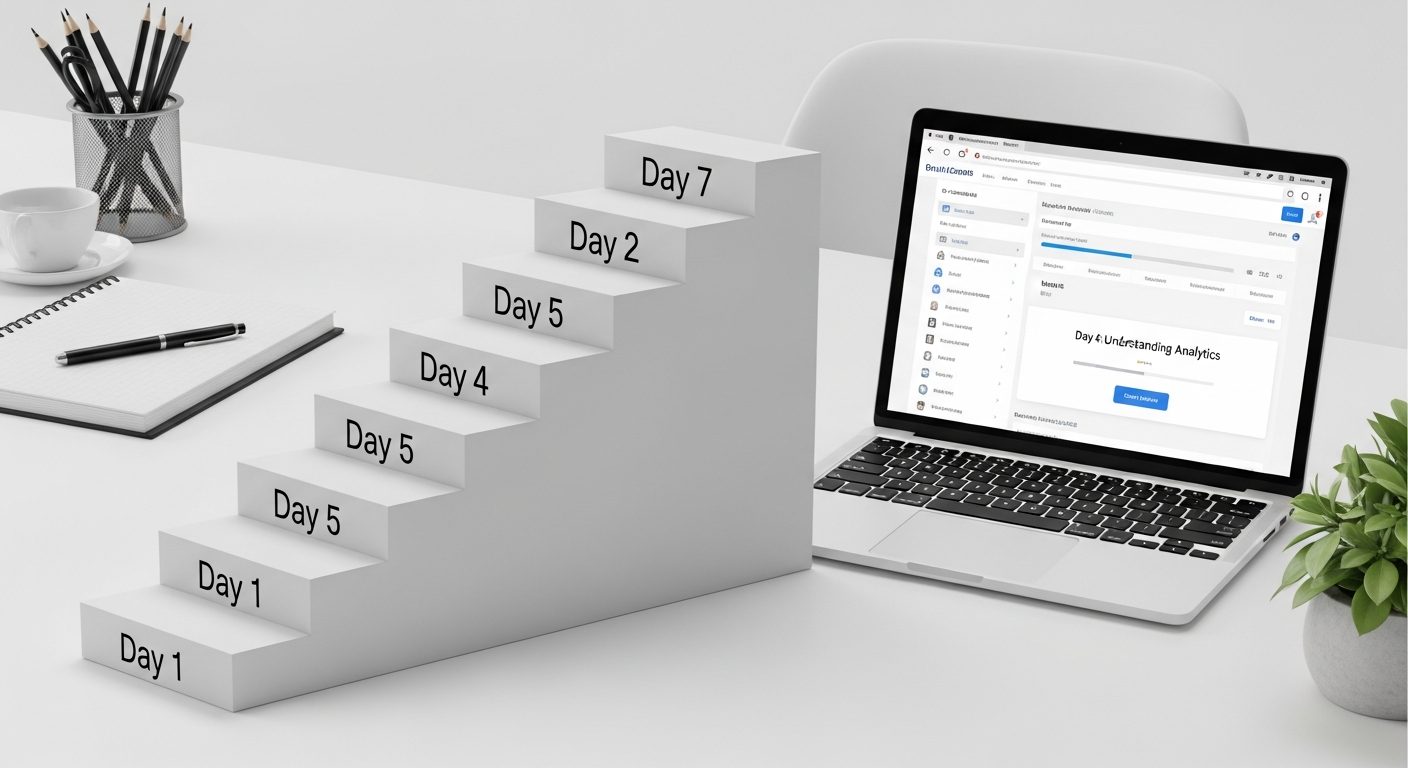
- Delivered over 7 days, so readers actually finish it (PDF completion rate: ~8%; email course: ~40%)
- Builds a recurring touchpoint — you’re in their inbox 7 times
- Creates a relationship before you ask for anything
- Can be converted to a paid product by adding depth and restricting access
Saturday morning: Plan the course (2 hours)
Choose your specific outcome
Not “learn AI tools.” Instead: “By Day 7, you’ll have a complete Monday-morning AI workflow that saves you 2 hours per week.”
The more specific the outcome, the higher the completion rate and the better word-of-mouth.
Map the 7 days
Give Claude this prompt:
I’m creating a 7-day email course titled “[TITLE]” for [AUDIENCE]. The outcome is [SPECIFIC OUTCOME]. Give me a 7-day lesson plan where each day builds on the previous, has one specific action the reader takes, and can be delivered in a 400-600 word email. Format as Day 1: [Title] — [Action] — [Key lesson].
Spend 30 minutes reviewing and adjusting the outline. Make sure each day has a clear “one thing to do today” instruction.
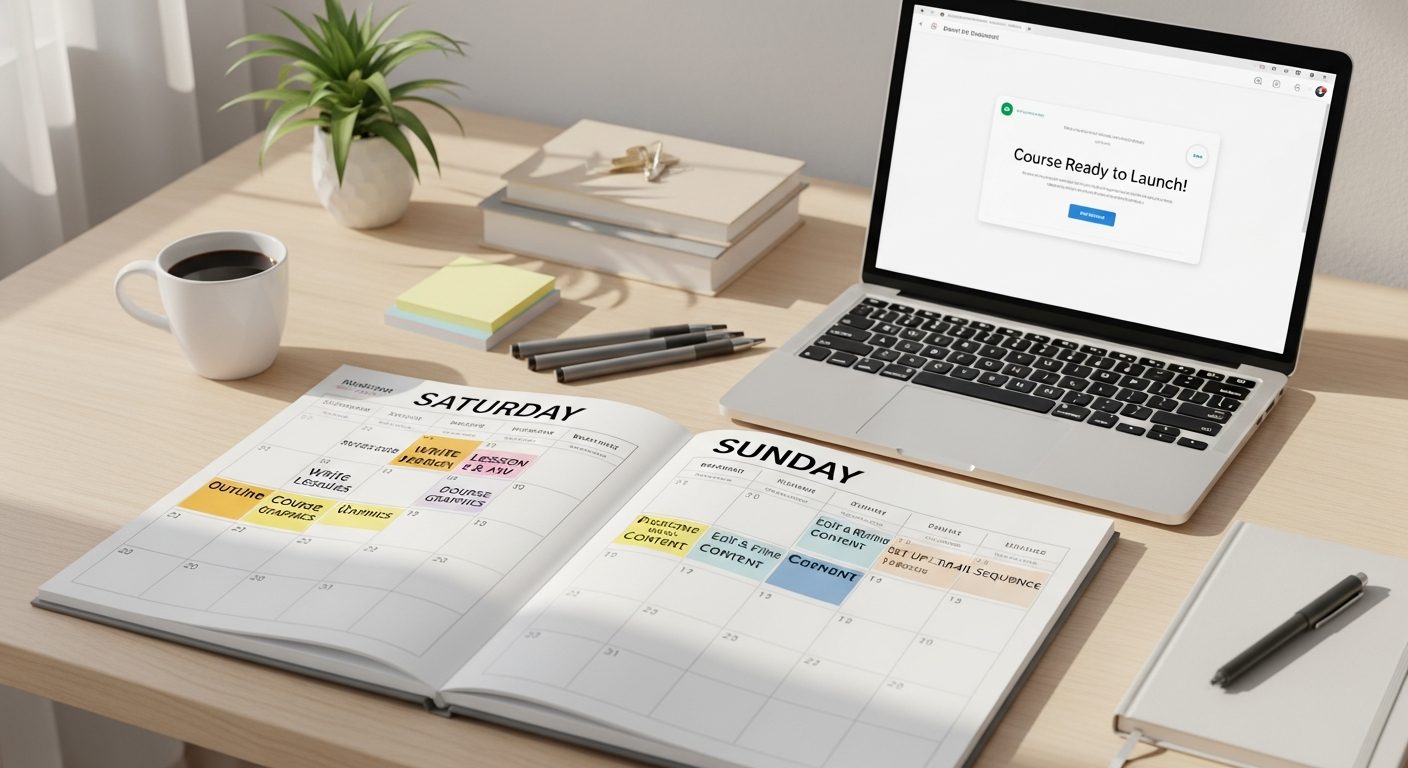
Saturday afternoon: Write all 7 emails (3 hours)
For each day, prompt Claude with:
Write Day [N] of my email course. Title: [DAY TITLE]. The reader has completed [PREVIOUS DAY’S ACTION]. Today’s lesson: [KEY LESSON]. Today’s action: [SPECIFIC TASK]. Format: short hook (30 words), main lesson with example (300 words), today’s action in a box/blockquote (50 words), preview of tomorrow (30 words). Tone: encouraging, practical, specific. No fluff.
Edit each one — add your own examples, remove anything generic. Target: 400-500 words per email.
Sunday: Set it up in Kit (2 hours)
Create the sequence
- In Kit (ConvertKit): Automations → Sequences → New Sequence
- Name it: “7-Day [Course Name] Course”
- Set send interval: 1 day between each email (start 0 minutes after trigger)
- Paste each email, add subject lines
Create the opt-in form
In Kit: Landing Pages & Forms → Create New Form. Keep it minimal:
- Headline: exactly what they’ll learn
- 3 bullet points of what they’ll be able to do after
- Single input: email address
- Button: “Send me Day 1”
Connect form to sequence
In Kit: When someone subscribes to this form → add to sequence “7-Day Course.” That’s it. Everything runs automatically.
How to turn it into a paid product
Once you have 50+ completions and positive feedback, add a Day 8 email: “Here’s the advanced version — [course name] PLUS includes [templates/tools/live access]. $47 for PickGearLab readers.”
Kit (ConvertKit)‘s Commerce feature lets you sell digital products directly. No third-party tools needed.
Related reading
About the author
Shahid Saleem is the founder and editor of PickGearLab. He tests AI tools in the real world — writing, automation, content — and writes up what actually worked. Based in Dubai.
One practical AI tutorial. Every Monday.
Workflows like this one — straight to your inbox. Free. Unsubscribe in one click.
Subscribe free →