Disclosure: Some links in this post are affiliate links. If you sign up, PickGearLab may earn a commission at no extra cost to you. We only recommend tools we actually use.
My newsletter goes out every Monday at 9 AM Dubai time. I’ve never missed a send. And I spend less than 90 minutes on it each week.
Here’s the exact system.
The tools
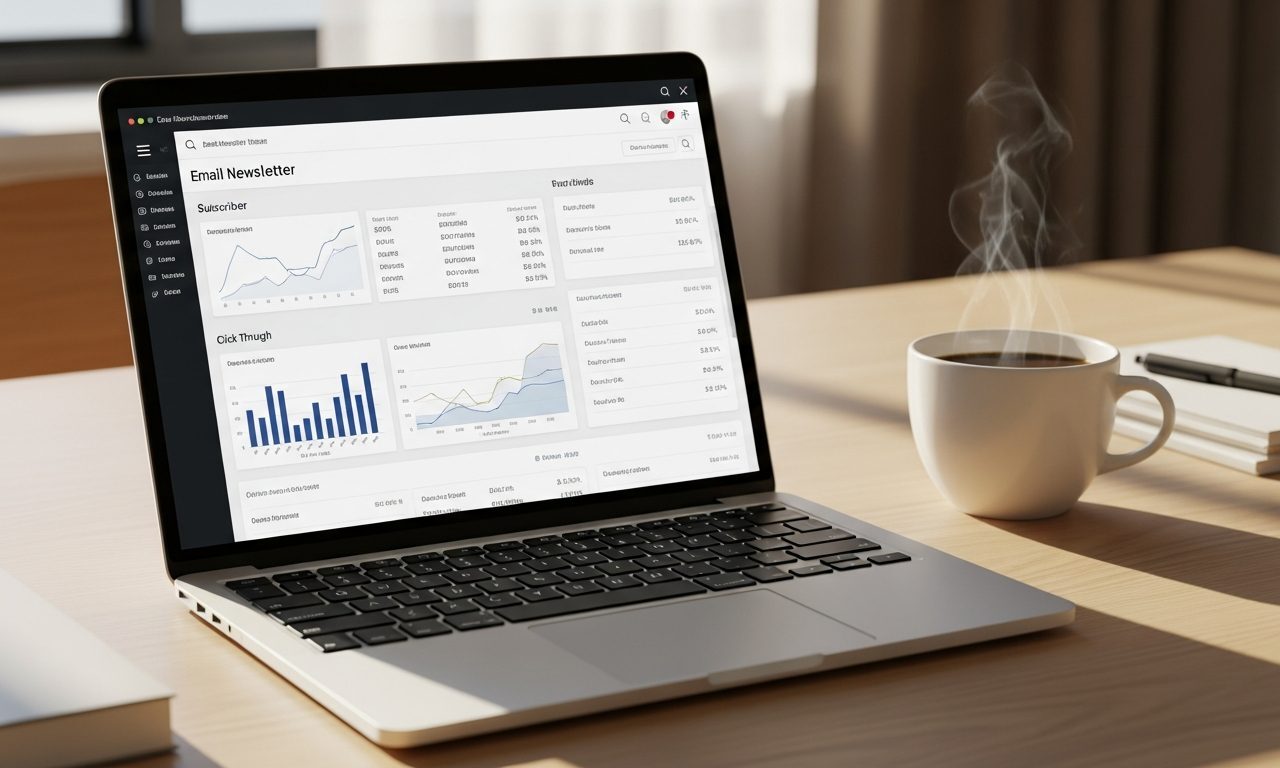
- Kit (ConvertKit) — subscriber management, sequences, automation (the backbone of everything)
- Claude — drafting the email copy
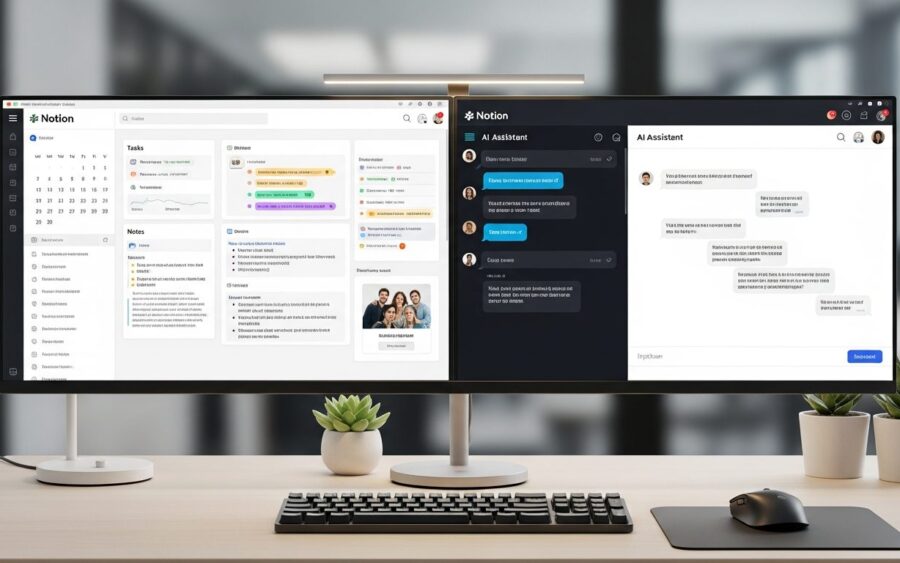
- Notion — editorial calendar and content queue

Sunday: the 90-minute window
Minutes 0-20: Pull the week’s topic
I have a Notion database of content ideas. Every Sunday I pick the one that matches what I’ve been thinking about most that week. The best newsletters are personal — they need to feel like they’re from a real person who worked on something real that week.
Minutes 20-50: Draft with Claude
My prompt template:
Write a 400-word Monday newsletter for PickGearLab. Topic: [TOPIC]. Tone: conversational, honest, slightly opinionated. Structure: 1 opening hook, 1 main insight with a specific example from real use, 1 actionable takeaway the reader can use today. No generic AI hype. Sign off as Shahid.
Claude gives me a solid 80% draft in under a minute. I spend 20-25 minutes editing — adding personal details, fixing anything that sounds too polished or AI-like, adding a specific story from that week.
Minutes 50-75: Set up in Kit
In Kit (ConvertKit):
- Create a new broadcast
- Paste the email, add subject line options (I A/B test two subject lines every week)
- Add one CTA — usually a link to the most relevant article on the site
- Schedule for Monday 9 AM
Minutes 75-90: Review on mobile
Send a test to my phone and read it as a subscriber would. I’m looking for: does the subject line make me want to open it? Does paragraph one make me want to keep reading? Is the CTA clear?
The automation layer (set once, runs forever)
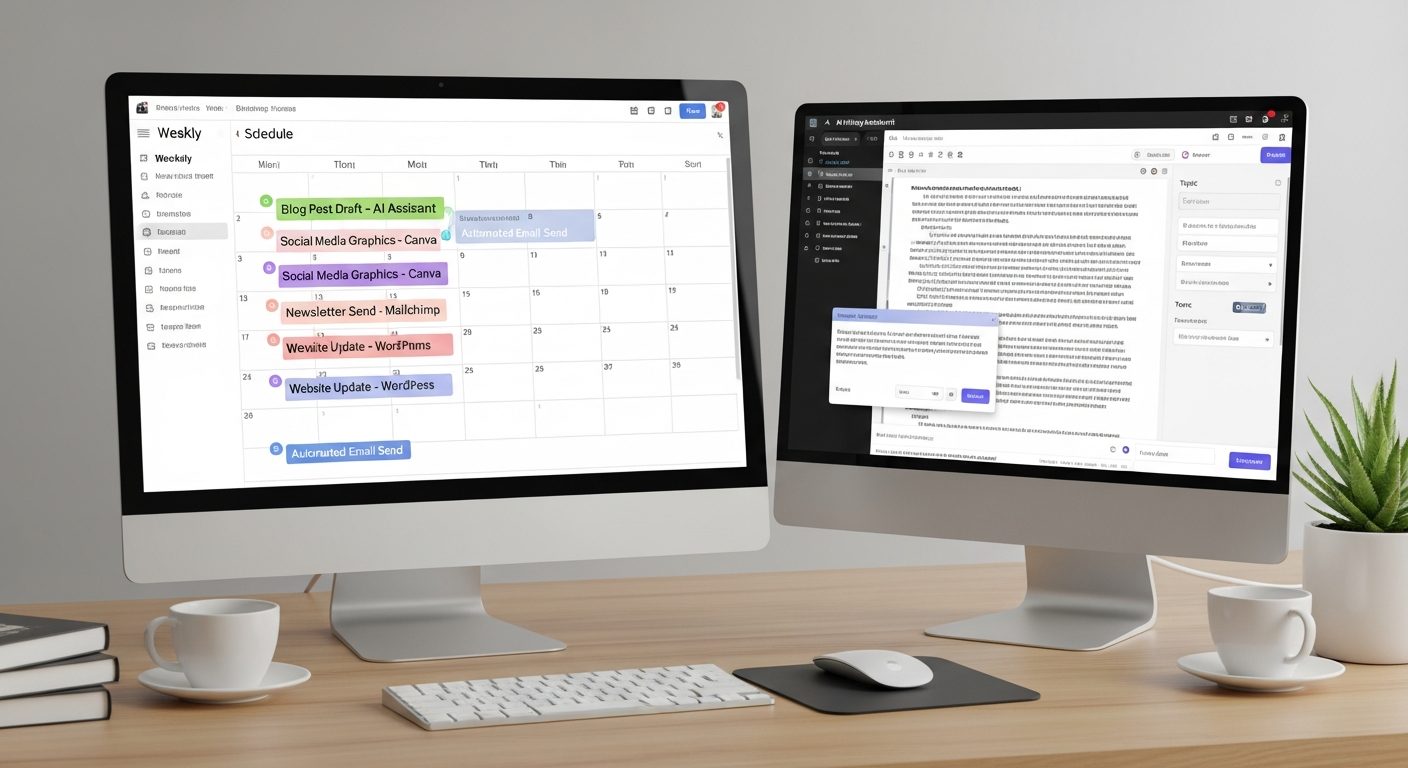
Beyond the weekly send, Kit (ConvertKit) runs three automations that I set up once and never touch:
Welcome sequence (5 emails, Days 1, 3, 7, 14, 21): Every new subscriber gets my five best articles automatically. This turns a cold subscriber into a warm reader before they even get their first Monday email.
Re-engagement (triggers at 90 days without open): A two-email sequence asking if they still want the newsletter. Keeps my list clean and my open rates healthy.
Birthday email (if I collected birthday on signup): A short, personal note. The open rate on this is consistently above 60%.
Why Kit over other tools
I’ve used Mailchimp, ConvertKit (now Kit), and Beehiiv. For a content creator building a relationship-first newsletter, Kit (ConvertKit) wins on automation logic and subscriber tagging. Beehiiv is excellent if your primary model is a newsletter-as-publication (built-in web presence, referral program, paid subscriptions).
If you’re just starting out, both are worth a free trial. My recommendation: use Kit (ConvertKit) if you already have a website and want email to complement it; use Beehiiv if you want the newsletter to be your website.
Related reading
- Turn Blog Posts into Podcast Episodes with ElevenLabs
- Auditing Your AI Stack: Are You Paying for Tools You Don’t Use?
About the author
Shahid Saleem is the founder and editor of PickGearLab. He tests AI tools in the real world — writing, automation, content — and writes up what actually worked. Based in Dubai.
One practical AI tutorial. Every Monday.
Workflows like this one — straight to your inbox. Free. Unsubscribe in one click.
Subscribe free →