
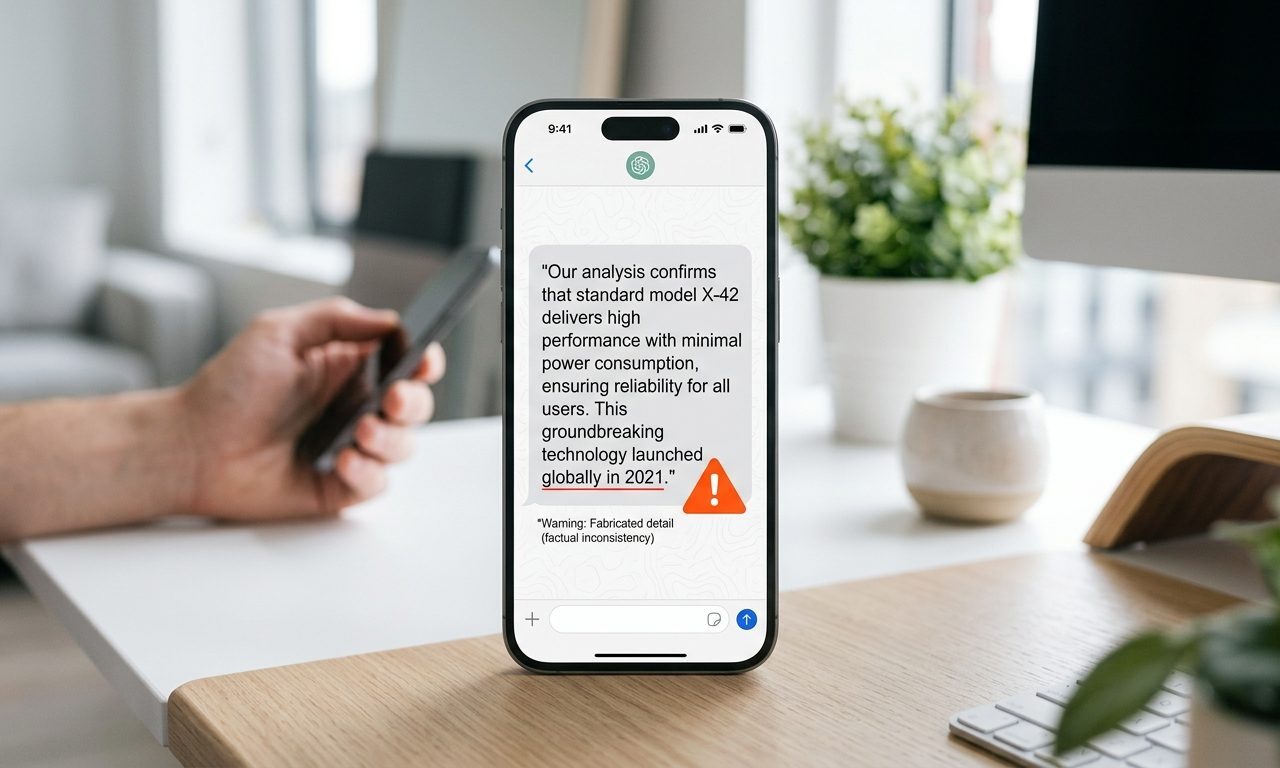
An AI “hallucination” is when a model states something false with the exact same confident tone it uses for something true — a fake citation, a made-up statistic, a quote nobody said. It’s the single biggest reason you can’t fully trust AI output unattended. Here’s what’s actually happening, and how I catch these before they end up in a client deliverable.
Why it happens (in plain English)
A language model isn’t looking things up by default — it’s predicting the most statistically likely next words based on patterns in its training data. Most of the time, that prediction matches reality. But when the model doesn’t actually “know” something, it doesn’t say “I’m not sure” — it keeps predicting plausible-sounding text anyway, because sounding plausible is what it was trained to do, not being right.
Where hallucinations show up most
- Citations and sources — fake study names, fake URLs, real authors attributed to papers they never wrote.
- Specific numbers — a precise-sounding statistic that was never in the source material.
- Anything outside its training cutoff — recent events get filled in with confident guesses.
- Niche or obscure topics — the less common the topic, the thinner the model’s real knowledge, and the more it improvises.
How to actually catch them
- Ask for sources, then click them. A model that can’t produce a real, working link to back a claim just told you it made it up.
- Use search-grounded tools for facts. Perplexity and similar tools cite live sources rather than generating from memory alone — I lean on this specifically in my Perplexity workflow.
- Be most suspicious of the most specific claims. A vague statement is rarely wrong; a suspiciously precise number or quote is exactly where hallucinations hide.
- Paste your own source material and ask it to answer only from that — grounding the model in real text (this is what RAG does at a system level) sharply cuts hallucination rates.

The honest limitation
There’s no setting that eliminates this — even the best models in 2026 still hallucinate, just less often than two years ago. Bigger context windows and better grounding help, but “verify anything that matters” isn’t a temporary workaround, it’s a permanent habit for using AI responsibly. The same rule from my AI search comparison applies everywhere: an AI answer is a fast first draft of the truth, not the final word.
Related reading
- The Deepfake Problem — What AI-Generated Media Is Doing to Online Trust
- AI and Copyright — Who Actually Owns What an AI Creates?
- Canva AI vs Adobe Express: Which One Should a Solo Creator Actually Pay For in 2026?
- What Is an AI Wrapper — And Should You Pay for One or Just Use the Raw Model?
- The AI Meeting Tool I Switched to After My Old One Let Me Down
- AI Skills That Actually Pay in 2026 — The Jobs Nobody Predicted Would Exist
- What Is RAG (Retrieval-Augmented Generation)?
- Perplexity vs ChatGPT Search vs Google AI Mode
- See every AI guide — the Library
About the author
Shahid Saleem is the founder and editor of PickGearLab. He tests AI tools in the real world — writing, automation, content — and writes up what actually worked. Based in Dubai.
One practical AI tutorial. Every Monday.
Workflows like this one — straight to your inbox. Free. Unsubscribe in one click.
Subscribe free →