


I used to highlight in books. Orange for arguments, pink for examples, green for things I wanted to try. Then I would close the book, pat myself on the back, and never look at a single highlight again. I have a shelf of orange-streaked paperbacks and I couldn’t tell you what is in most of them.
That changed six months ago when I started putting everything I read into NotebookLM.
If you haven’t used it, NotebookLM is Google’s AI notebook. Technically in Google Labs. Technically “experimental.” Stable enough that I’ve built a daily habit around it, free enough that there is no reason not to try, and boring enough that most people I mention it to glaze over before I get to the good part. It does one very specific thing unusually well: it turns any source material — books, podcasts, PDFs, your own voice memos — into a thing you can actually talk to.
TL;DR
This post describes how the author uses Google’s NotebookLM, an AI notebook, to replace traditional highlighting for more effective recall and interaction with source material.
Key takeaways
- NotebookLM is a free, experimental Google AI tool that acts as a research assistant for uploaded sources.
- It grounds answers in your specific sources, eliminating hallucinations and providing citations.
- The author’s effective workflow involves uploading a book’s Wikipedia, 1-2 reviews, and a voice memo of reactions.
- This method takes 20 minutes per book and captures fresh thoughts, enabling quick Q&A later.
- The free tier offers substantial capacity, suitable for most users’ needs.
What NotebookLM actually does
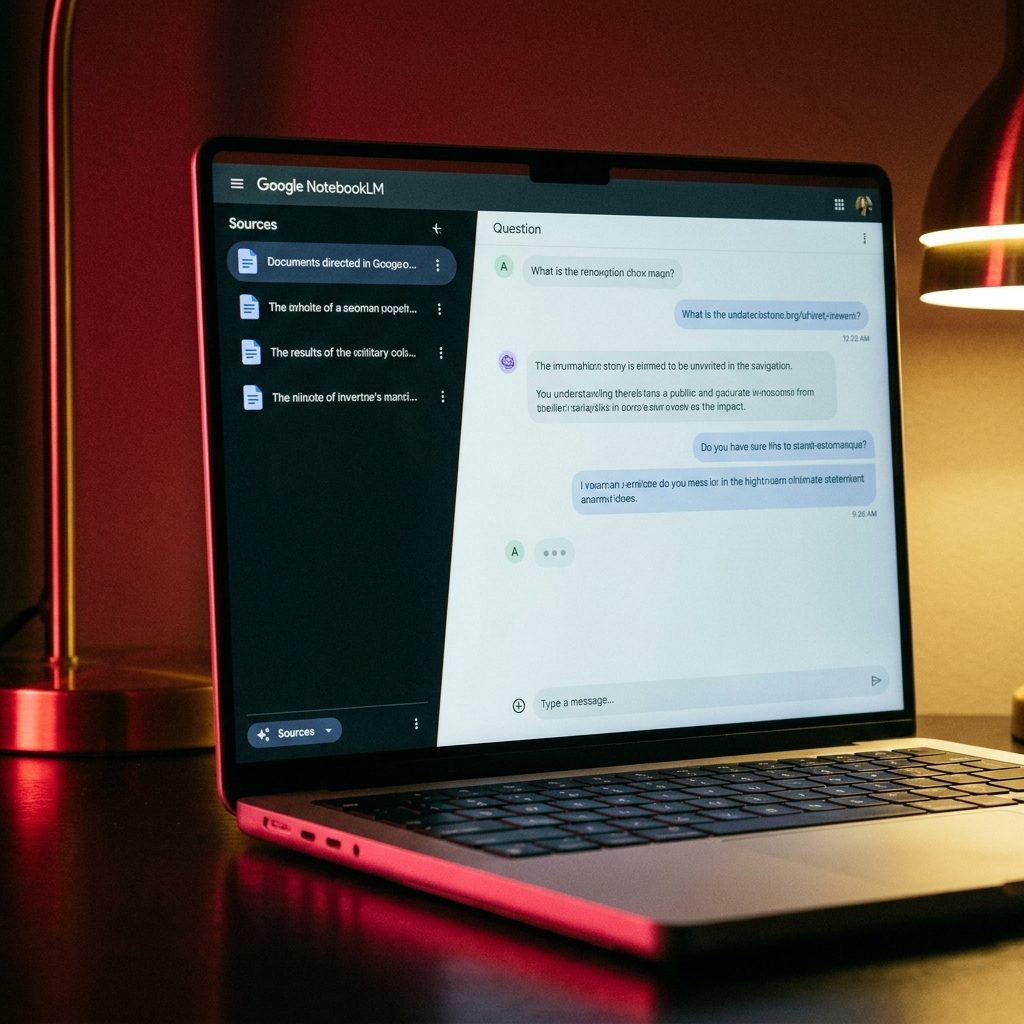
Think of it as ChatGPT, except it only knows what you feed it. You upload sources — PDFs, Google Docs, web URLs, audio files, typed notes — and NotebookLM reads all of them and becomes your research assistant for that specific corpus. Ask a question, get an answer grounded in your sources with citations back to the exact page or timestamp. No hallucinations about stuff it never read. No drift into general training data when it doesn’t actually know.
The free tier gives you 100 notebooks, each with up to 50 sources and 500,000 words per source. That is a lot. A typical non-fiction book is about 80,000 words, so you can fit six books into a single source slot if you want to. Realistically, most people will never come close to the limits.
The paid tier, NotebookLM Pro (included with Google One AI Premium at $19.99/month), raises those limits and adds features like custom voice overviews. For 95 percent of what I’ll describe below, the free tier is enough.
The workflow that actually stuck for me
I tried four versions of a NotebookLM habit before landing on one that held. The version that stuck is embarrassingly simple.
After I finish a book — paper or Kindle — I dedicate 20 minutes to creating its notebook. I name the notebook exactly the book title, nothing cute. Then I dump in three source types:
- The book’s Wikipedia page as a URL
- One or two serious long-form reviews of the book from somewhere like The New York Review of Books, Financial Times, or a trusted Substack, added as URLs
- A rough voice memo of my own reactions, recorded right after finishing the last chapter, uploaded as audio
That’s it. No chapter-by-chapter notes. No carefully organized highlights. No precious summaries. Just those three source types and whatever raw thoughts I had in the 15 minutes after closing the book.
Why this works where my previous attempts didn’t: it takes 20 minutes once, and the voice memo captures the thing nothing else does — what I was actually thinking about when the book was fresh. Six months later, when I want to remember something, I don’t search the paper copy. I don’t dig through highlights. I open the notebook and ask.
“What was the argument about scarcity in chapter 4?” “Did the author give evidence for the claim about commutes?” “What’s the counterargument the NYRB reviewer made?” The answer comes back in three seconds, with citations.

Three use cases it genuinely nails
Studying a dense book. This is the obvious one and it’s also the best one. Upload the book (PDF if you have it legitimately, otherwise the Wikipedia page and a couple of deep reviews), and use NotebookLM to work through it chapter by chapter. Ask it to summarize each chapter, then grill it on specific arguments. Ask it to contrast two chapters’ positions. Ask what the counterargument would be to a particular claim. This has cut my re-read time on academic books by roughly 60 percent because I stop getting lost in the middle sections where every non-fiction book sags.
Podcast catch-up. If someone sends me a 2-hour podcast episode that I will never listen to, I drop the audio file directly into NotebookLM. It transcribes and indexes. I ask: “What were the three main claims?” and “Did the host push back on any of them?” and “What did the guest say about [the one specific topic I care about]?” Thirty seconds, done. This has replaced about 90 percent of my podcast listening that was really just intellectual FOMO.
Research paper synthesis. For anything I’m researching — buying a laptop, evaluating a supplement, picking a SaaS tool for a side project — I collect 5 to 10 sources into a notebook and ask directly comparative questions. “Which of these sources recommend X? Which recommend Y? What’s the strongest case each side makes?” The synthesis saves me the 45 minutes I used to spend reading the same core argument rephrased across four different blogs, each optimized for SEO over clarity.
One specific tip on this use case: when you upload review articles, also upload the product’s official documentation page. NotebookLM will happily point out when reviewers are wrong about factual details because it has no incentive to flatter anyone — it’s just cross-checking text against text.
Where it falls short (and it does)
NotebookLM is not a creativity tool. Ask it to write something original and you’ll get bland, conservative output, because it’s trained to stay close to its sources. That’s the correct tradeoff for research, wrong tradeoff for drafting. If you want new ideas, use ChatGPT or Claude. NotebookLM is for remembering, comparing, and grounding — not for generating.
It also can’t search the web. What you upload is all it knows. If your source is incomplete or outdated, the answers will be too. You are the curator, and the notebook is only as good as what you put in.
The voice overview feature — the “audio summary” that’s been the headline marketing angle since NotebookLM launched — is genuinely cool but mostly a novelty. I’ve generated maybe six of these. The one time it was actually useful was summarizing a 40-page dense PDF for someone who refused to read it, and honestly a written summary would have worked just as well, at a fraction of the computational cost.
If you’ve been holding off on trying NotebookLM because the podcast-style audio demos on Twitter felt gimmicky — you’re right, they are. That is not the reason to use this tool.
The small habit that makes it actually work
Here’s the part that gets skipped in every NotebookLM tutorial I’ve ever read: the notebook is worthless if you don’t go back to it.
What I do — and what finally made this a real habit instead of a museum of notebooks I would never open — is keep a simple text file of “open questions.” Every time I finish something and create a notebook, I also write down three questions I still have about the material. Not deep philosophical questions. Specific, practical ones. “Does the author address the criticism that X?” “What’s the actual data behind the claim on page 83?” “Is there a comparison point with the other book I read last month on this topic?”
Two weeks later, on a slow Sunday morning, I open the text file, pick a question, open the right notebook, and ask. This loop is the only thing I’ve found that makes “I built a research system” stop feeling like a performance and start feeling like actual use. The questions pull me back in. Without them, notebooks become another graveyard of organized intentions.
What I’d tell a friend starting this week
Sign up at notebooklm.google.com. Pick one book you actually care about that you’ve finished in the last month. Spend 15 minutes creating its notebook with the three source types I described — the Wikipedia page, a long-form review or two, and a voice memo of your reactions while they’re fresh. Ask it five questions you are genuinely curious about.
If those five questions give you even one “oh, that’s exactly what I wanted to remember” moment, you’re in. Build the habit. Add the next book’s notebook when you finish it. Two or three months in, you’ll notice you actually remember more of what you read.
If they don’t land — the tool isn’t for you, and that’s fine. Not every AI tool is for everyone.
Most AI tool recommendations are written like manifestos — breathless, full of phrases about transforming everything. This is more of a confession. I’ve finally found something that makes my reading stick, and it turns out to be a slightly boring Google product that doesn’t look anything like the glossy futures people were selling. The boring ones, I’ve noticed, are often the ones that work.
Related reading
About the author
Shahid Saleem writes PickGearLab — a practical blog about AI tools, tutorials, and automation workflows for people who want real results, not another listicle. Certified in Microsoft AZ-900, CompTIA Security+, and AWS AI Practitioner, with 10+ years in enterprise IT.
→ Connect on LinkedIn · More about Shahid · Latest posts
New workflows, straight to your inbox.
Workflows like this one, as they are published. Free. Unsubscribe in one click.
Subscribe free →


6 responses