Disclosure: Some links in this post are affiliate links. If you sign up, PickGearLab may earn a commission at no extra cost to you. We only recommend tools we actually use.
The usual advice is “post consistently.” Nobody tells you how to do that without burning out after six weeks.
I’ve published at least four pieces per week for the last eight months. Here’s the actual system.
The burnout trap
Most writers crash because they’re doing high-effort work on every piece. Research from scratch, full drafts from scratch, editing from scratch. That’s unsustainable at high volume.
The fix isn’t to lower your standards. It’s to reserve your creative energy for the parts only you can do, and use AI for everything else.
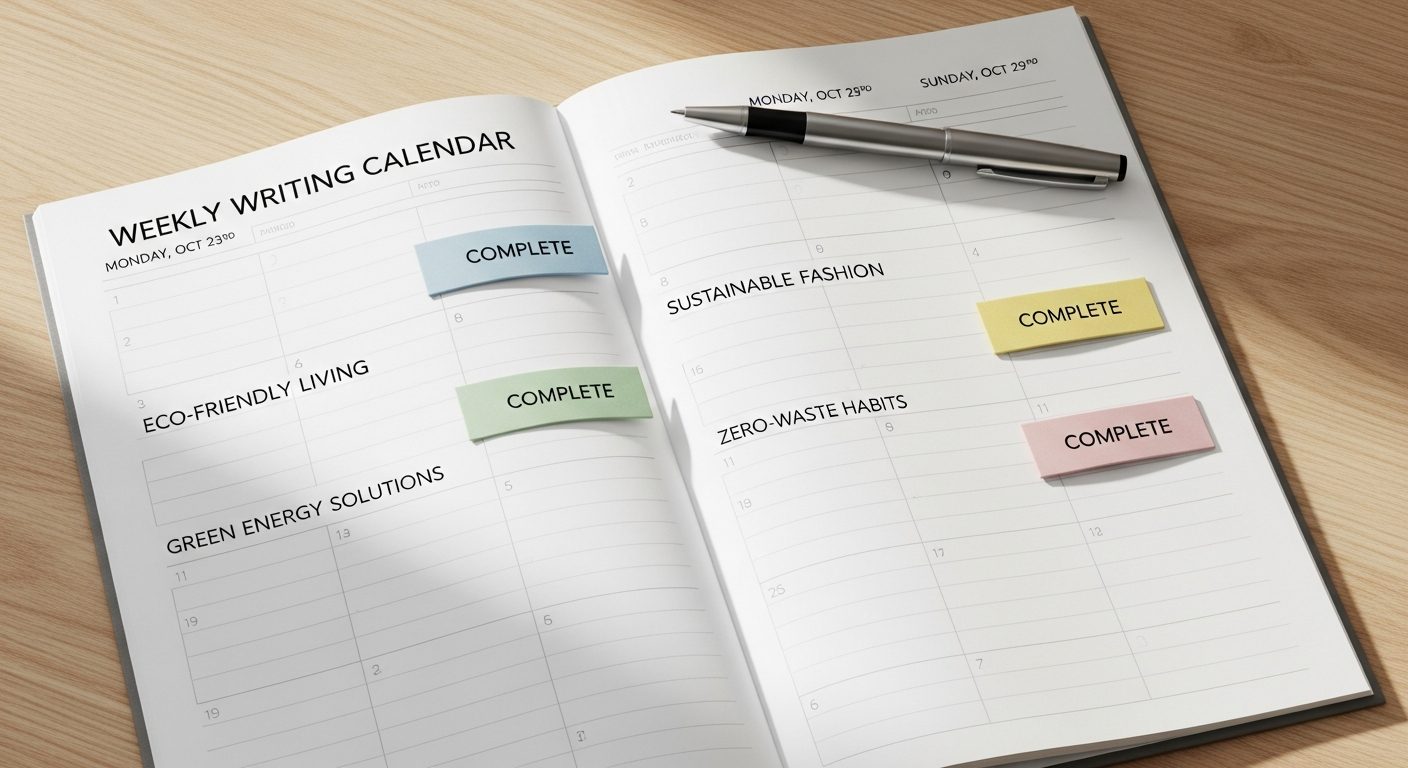
The four-article structure
- Monday: The flagship article (1,500 words, fully researched, personal voice)
- Wednesday: The how-to (1,000 words, process-focused, AI-assisted draft)
- Thursday: The opinion piece (800 words, fast to write, mostly your own words)
- Friday: The roundup/comparison (1,200 words, structured, AI-assisted heavily)
Different cognitive modes for different days. Not all four need the same creative effort.
The Monday flagship: full effort
This is the one article where I do real research and bring a strong point of view. Claude helps with:
- Headline variations (I write 10, Claude writes 10, I pick the best)
- Fact-checking prompts (“what sources would support or refute this claim?”)
- Meta description and internal link suggestions (post-writing)
I do not use Claude to draft the Monday article. The voice needs to be mine, and readers can tell the difference.

The Wednesday how-to: 60% AI
How-to articles follow a predictable structure. Claude is very good at these. My process:
- I outline the steps from memory (10 minutes)
- Claude drafts each step with examples (15 minutes)
- I edit for accuracy, personal anecdote, and voice (30 minutes)
Total time: ~55 minutes per article. The quality is genuinely good when you edit properly.
The Thursday opinion: almost all me
Opinion pieces are fast to write when you have a genuine opinion. I write these in one sitting (45-60 minutes). Claude only helps with: does this argument make logical sense? What’s the strongest counterargument I should address?
The Friday roundup: 70% AI
Comparison and roundup articles are highly structured. Claude handles the structure and filling in factual information. I add: my personal rankings, real-world testing results, and the final recommendation.
The newsletter as a bonus distribution channel
Every Monday, the flagship article becomes the week’s newsletter via Kit (ConvertKit). I don’t write a separate newsletter — I condense the article into 400 words and hit send. The subscribers get the best insight from the week. They click through for the full piece.
This means my newsletter writes itself every week without extra effort.
The anti-burnout rules
- Never write when you have nothing to say. Skip a slot rather than publish filler.
- Bank articles during high-energy weeks. I aim to have 2 articles ahead in draft state at all times.
- Use AI for structure, not voice. The moment your articles start sounding like everyone else’s AI output, readers notice.
Related reading
About the author
Shahid Saleem is the founder and editor of PickGearLab. He tests AI tools in the real world — writing, automation, content — and writes up what actually worked. Based in Dubai.
One practical AI tutorial. Every Monday.
Workflows like this one — straight to your inbox. Free. Unsubscribe in one click.
Subscribe free →