Disclosure: Some links in this post are affiliate links. If you sign up, PickGearLab may earn a commission at no extra cost to you. We only recommend tools we actually use.
Everybody tells you to “build an email list.” Almost nobody tells you the mechanics of the one thing that actually starts it: a lead magnet good enough that a stranger will trade their email for it.
Here’s the full system — from idea to a freebie that’s delivered and followed up automatically — using AI to build it and Kit (ConvertKit) to run it.
Why most lead magnets fail
They’re too broad. “Free Guide to AI Tools” converts terribly because it promises everything and therefore nothing. The lead magnets that work are embarrassingly specific and solve one problem the reader has today.
- ❌ “The Ultimate Guide to Productivity”
- ✅ “The 7 ChatGPT prompts I use every Monday to plan my week in 15 minutes”
Specific wins because the reader can picture the exact result before they even sign up.
Step 1: Find the idea (20 minutes with AI)
You’re looking for the smallest useful thing you can give away. Prompt:
I help [AUDIENCE] with [TOPIC]. List 10 ultra-specific lead-magnet ideas that solve ONE problem each, can be consumed in under 10 minutes, and make the reader want more. For each, give the title, the format (checklist / template / swipe file / mini-guide), and the one problem it solves.
Pick the one that makes you think “I’d actually download that.” If you wouldn’t, neither will they.
Step 2: Build it (60–90 minutes)
Match the format to the value:
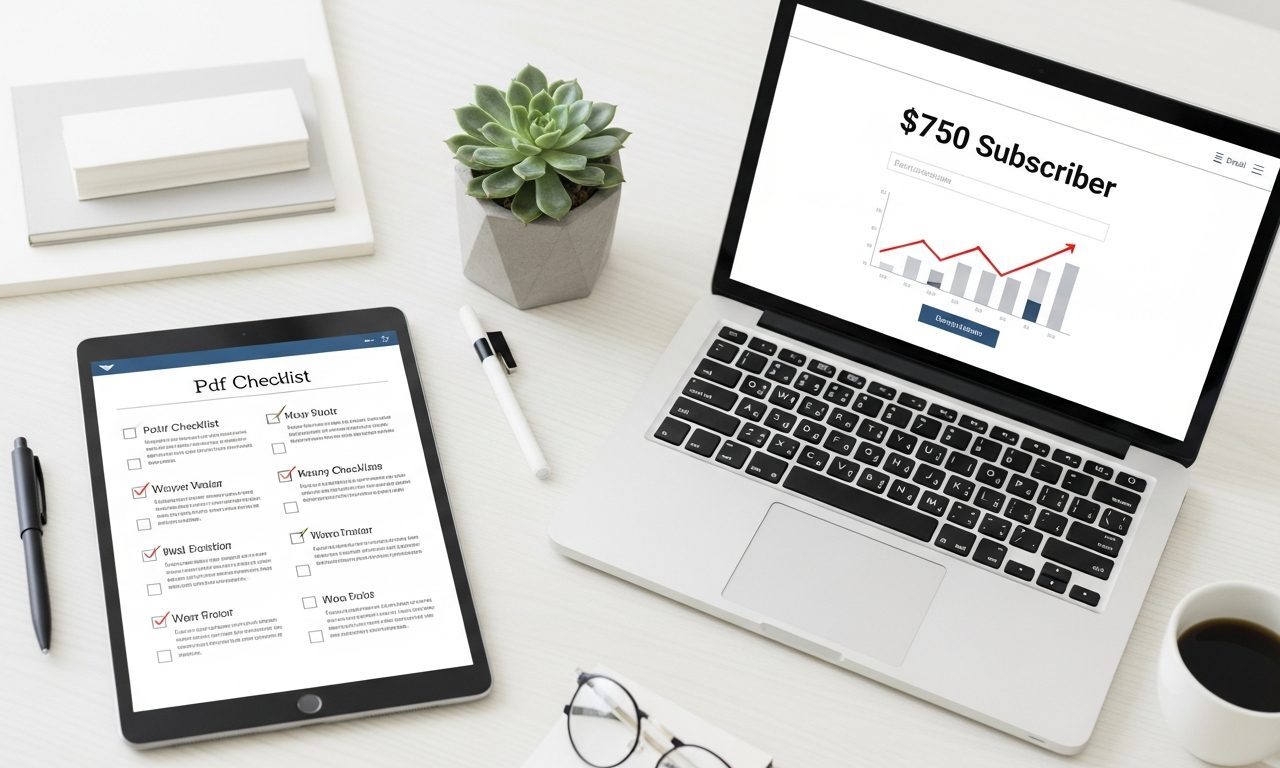
- Checklist or template: fastest to make, often converts best. Build it in Google Docs or Notion, export to PDF.
- Swipe file (e.g. “10 cold-email scripts”): AI drafts, you edit for voice and realism.
- Mini-guide (5–7 pages): only if the topic genuinely needs it. Longer is not better.
Have AI draft the content, then do a hard editing pass. The freebie is the first impression of your paid work — it has to be genuinely good, not obviously machine-generated.
Step 3: Build the opt-in form in Kit
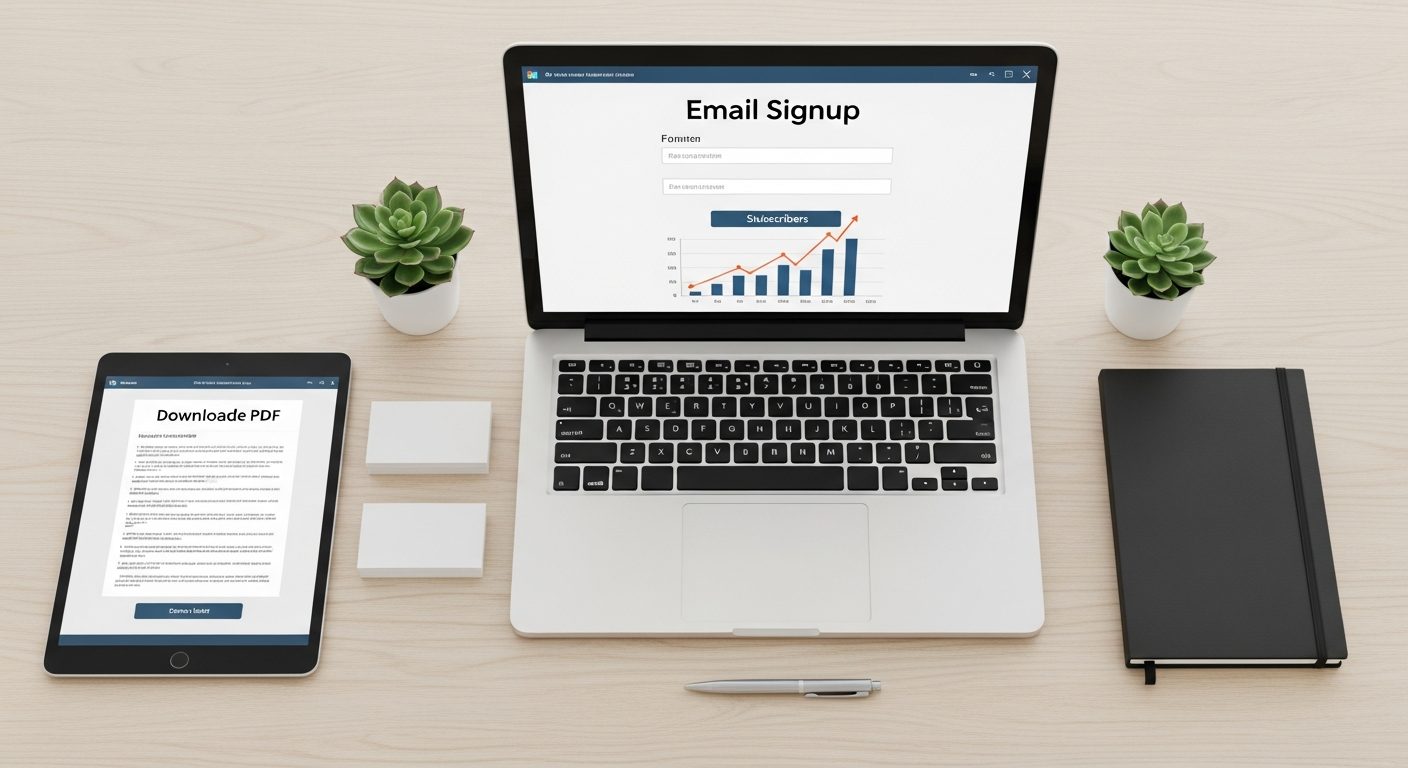
In Kit (ConvertKit), create a form (Landing Pages & Forms → Create New). Keep it ruthless:
- Headline = the exact outcome (“Plan your week in 15 minutes”)
- 3 bullets of what they get
- One field: email
- Button: “Send me the checklist” (not “Subscribe”)
Kit (ConvertKit)‘s free plan handles up to 10,000 subscribers, so you can run this whole machine before paying a cent.
Step 4: Automate delivery and follow-up
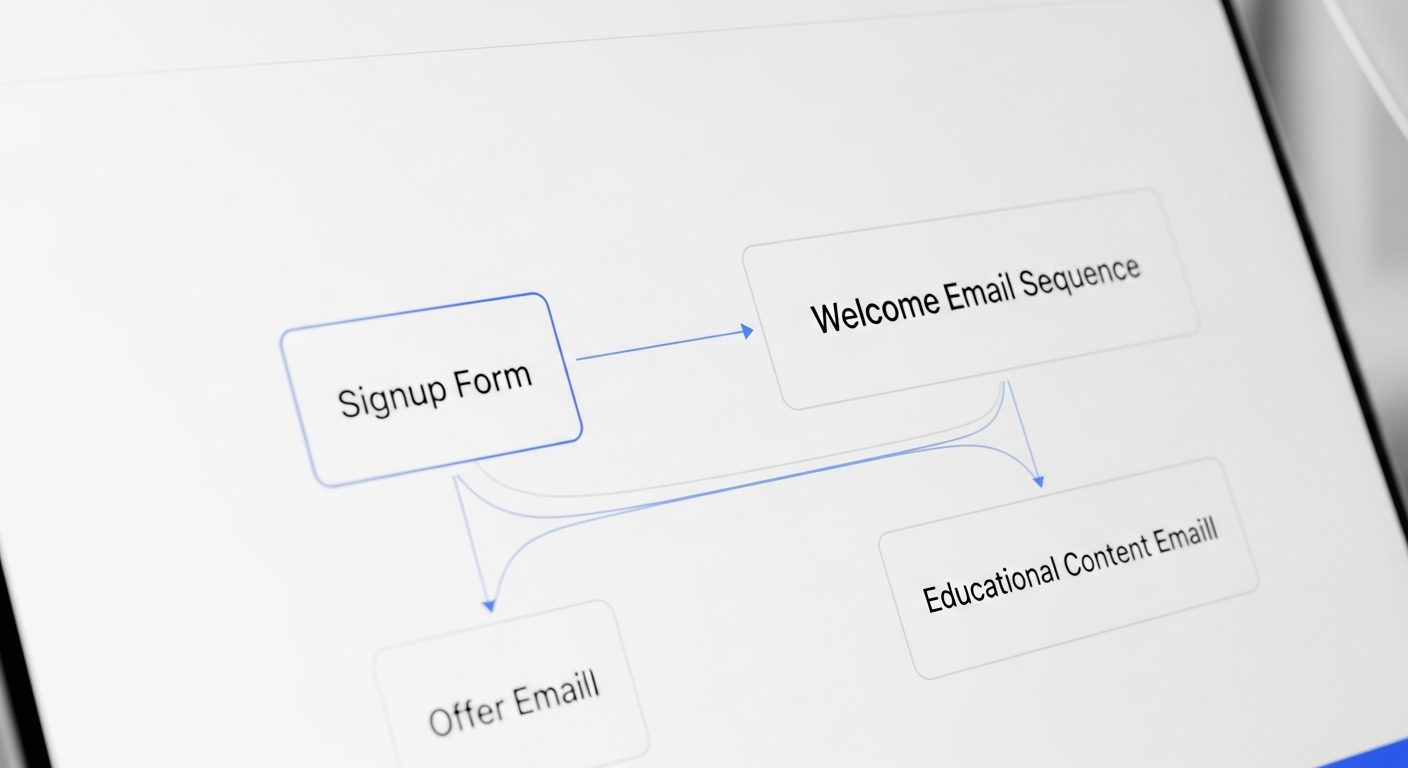
This is where the “machine” part comes in. In Kit (ConvertKit), set up an automation: when someone subscribes to this form → deliver the freebie → start a 5-email welcome sequence.
The welcome sequence is what turns a freebie-grabber into a real reader. A structure that works:
- Email 1 (instant): The download + one quick win to use it now
- Email 2 (Day 2): Who you are and why you can help
- Email 3 (Day 4): Your best free article (deepen trust)
- Email 4 (Day 7): A short story + a useful lesson
- Email 5 (Day 10): A soft ask — your product, service, or “reply and tell me your biggest challenge”
Write all five with AI, then edit heavily for voice. Set once, runs forever. I cover the deeper version of this in how to build a newsletter to 1,000 subscribers.
Step 5: Drive traffic to the form
A lead magnet with no traffic is a pretty PDF nobody sees. The lowest-effort, highest-return channels:
- A link in every social bio and the end of every post (“full checklist free — link below”)
- A content upgrade inside your most-read blog posts
- A pinned post on LinkedIn/X explaining the one problem it solves
What good looks like
A specific lead magnet on a clean form typically converts 20–40% of the people who land on it — versus 1–3% for a generic “subscribe to my newsletter” box. That difference is the entire game.
The honest caveat
Automation grows the list; it doesn’t build the trust. If your welcome sequence is five generic AI emails, people unsubscribe by Day 3. The sequence has to sound like a real person who’s actually useful. AI gets you the draft and the structure — your editing is what makes it convert.
Related reading
- Build a Newsletter to 1,000 Subscribers with AI and Kit
- The Newsletter Workflow That Runs on Autopilot
- Write a 7-Day Email Course with AI and Sell It on Autopilot
About the author
Shahid Saleem is the founder and editor of PickGearLab. He tests AI tools in the real world — writing, automation, content — and writes up what actually worked. Based in Dubai.
One practical AI tutorial. Every Monday.
Workflows like this one — straight to your inbox. Free. Unsubscribe in one click.
Subscribe free →