

My parents live in a small house in India. I live in Dubai, about 2,000 kilometers and one time zone away. Two of my siblings are in Toronto and London. The four of us — adult children with families and jobs and our own slowly aging selves — share the responsibility of helping our parents navigate the parts of getting older that are getting harder. Pharmacy translations. Doctor’s notes that come back in handwriting nobody can read. The medication schedule that nobody can keep straight. The doctor’s appointment last Tuesday that one of us was supposed to call and check in about, and we all assumed someone else had.
This is not a productivity post. It is a workflow that came together slowly, accidentally, out of the small daily failures of caring for people you love from far away. It uses tools you already know — ChatGPT, NotebookLM, a shared Notion page, voice memos. The combination is what makes it work.
TL;DR
This post details an AI-assisted workflow for adult children caring for aging parents from a distance, leveraging common tools to manage medical information and communication effectively.
Key takeaways
- A shared Notion page serves as the single source of truth for all parental medical information.
- ChatGPT translates handwritten prescriptions and medical notes, identifying medications and side effects.
- NotebookLM stores a comprehensive, searchable medical history, citing specific documents for answers.
- Automated transcription of weekly voice memos ensures all siblings stay updated without losing details.
Why this is worth writing about
The number of millennials and Gen X people now caring for aging parents from another country is enormous and almost nobody is writing about how AI tools fit into that life. Most caregiver content is for people in the same house. Most AI productivity content is for knowledge workers optimizing their own time. The intersection — what AI does for someone trying to be a useful child to elderly parents from a thousand miles away — is empty.
I don’t have a complete answer. I have a stack that’s working better than the stack we had a year ago, when our father was diagnosed with a chronic condition I barely understood. Sharing it in case any of it is useful.
1. The shared Notion family page
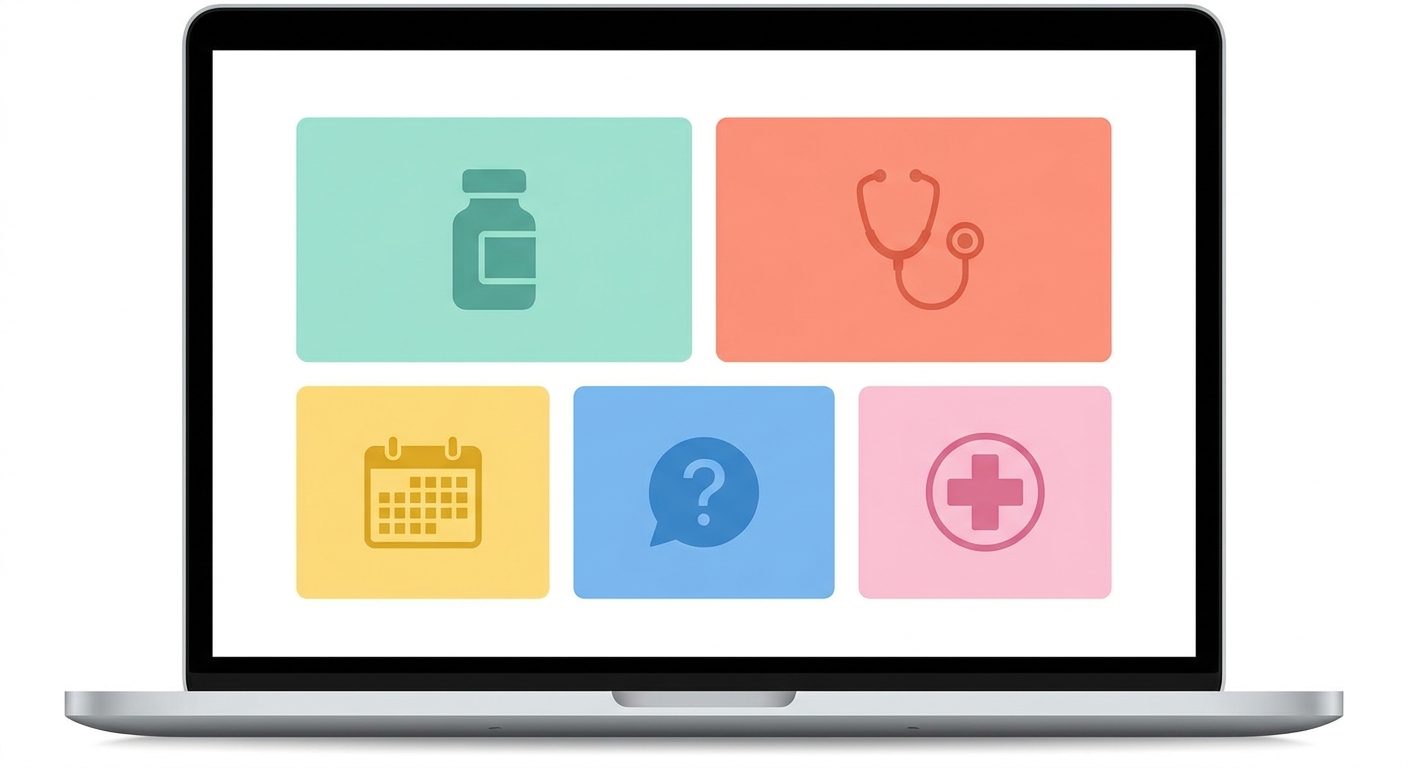
Before any of the AI stuff, the foundational fix was a single shared Notion page that the four siblings, both parents, and one cousin who lives near them have access to. The page has five sections:
- Current medications — name, dose, when, why, and any notes about side effects
- Doctors and contacts — name, specialty, last appointment, next appointment, phone
- Recent visits — date, doctor, what was discussed, what changed, any new instructions
- Open questions — things any of us has noticed and want to ask the next time someone is on a call with the doctor
- Emergency info — insurance numbers, hospital preferences, allergies, blood type
Notion isn’t AI, but it’s the substrate. Every AI workflow below assumes the source of truth is in this page. When I ask ChatGPT to summarize my mother’s medication interactions, I’m pasting in the relevant section of this page.
“The first thing AI fixes for distant caregivers is not the obvious thing. It’s that you finally have one place where what’s true is written down.”
2. ChatGPT for translating prescriptions and doctor’s notes
This is the workflow I use the most often. My father comes home from a doctor’s appointment with a piece of paper covered in handwritten notes, drug names, and a few words in Urdu. He photographs it on his phone and sends it to the family group chat.
I open ChatGPT, paste the photo, and ask:
This is a prescription/medical note from a doctor in Pakistan. Some of it is in English, some in Urdu, some is handwritten. Please:
1. Transcribe everything you can read
2. Translate the Urdu into English
3. Identify each medication, what it's for, common dose, and any major side effects to watch for
4. Flag anything that looks unusual or that I should ask the doctor about

Be honest about what you can't read clearly.
The response is usually a clean structured summary that tells me what’s been prescribed, why, and what to watch for. I copy the relevant parts into the Notion “Current medications” section. Two minutes of work; before this, the same thing took three phone calls and a lot of guessing.
Caveat I want to be honest about: ChatGPT has been wrong. Twice in the last six months it misread a handwritten dose. Both times I caught it because the dose looked higher than what my parents had been taking. Always verify doses with the pharmacy or the prescribing doctor before acting. AI translation is for understanding, not for medical decisions.
3. NotebookLM as my mother’s medical history
This is the use case that surprised me most. My mother has had a complicated decade of health stuff — multiple specialists, several surgeries, a long list of medications that’s changed many times. Her records live in three different hospital systems, two of which don’t talk to each other.
Over a long Sunday last winter, I scanned every paper record we had into PDFs and dropped them all into a NotebookLM project labeled “Mom — Medical History.” Maybe forty documents in total, a mix of English and Urdu, some legible some not.
Now when a new symptom comes up, or a doctor asks “has she ever had X,” I can ask NotebookLM and get an answer with citations to the actual page in the records where the information appears. Last month it found a reference to a medication allergy from 2019 that nobody remembered, in a hospital discharge summary I didn’t even know existed. The new specialist would have prescribed something with that exact ingredient if we hadn’t caught it.
I covered the broader workflow for using NotebookLM as a research tool in an earlier post about reading workflows, but this caregiver use case is the one that has actually mattered most.
4. Weekly voice memos, automatically transcribed
Once a week, my brother in Toronto calls our parents. The conversation is usually 30-40 minutes. By Wednesday, none of us remembers the specifics — what they said about the new doctor, whether mom’s knee was better, the thing dad mentioned about wanting to visit a cousin.
The fix: my brother records the call (with their knowledge — this is important) using the voice memo app on his phone, and pastes the transcript into the Notion family page under “Recent calls” using a free transcription tool. Now all four siblings can read the highlights of any call without any one person having to remember and relay.
I covered the technical workflow for transcribing voice memos in a separate tutorial. The hard part for caregiving wasn’t the technology — it was getting our parents comfortable with the idea that we were keeping a written record of how they were doing. We framed it as “so all of us can keep up,” not “so we can keep tabs,” and that mattered.
The combined stack
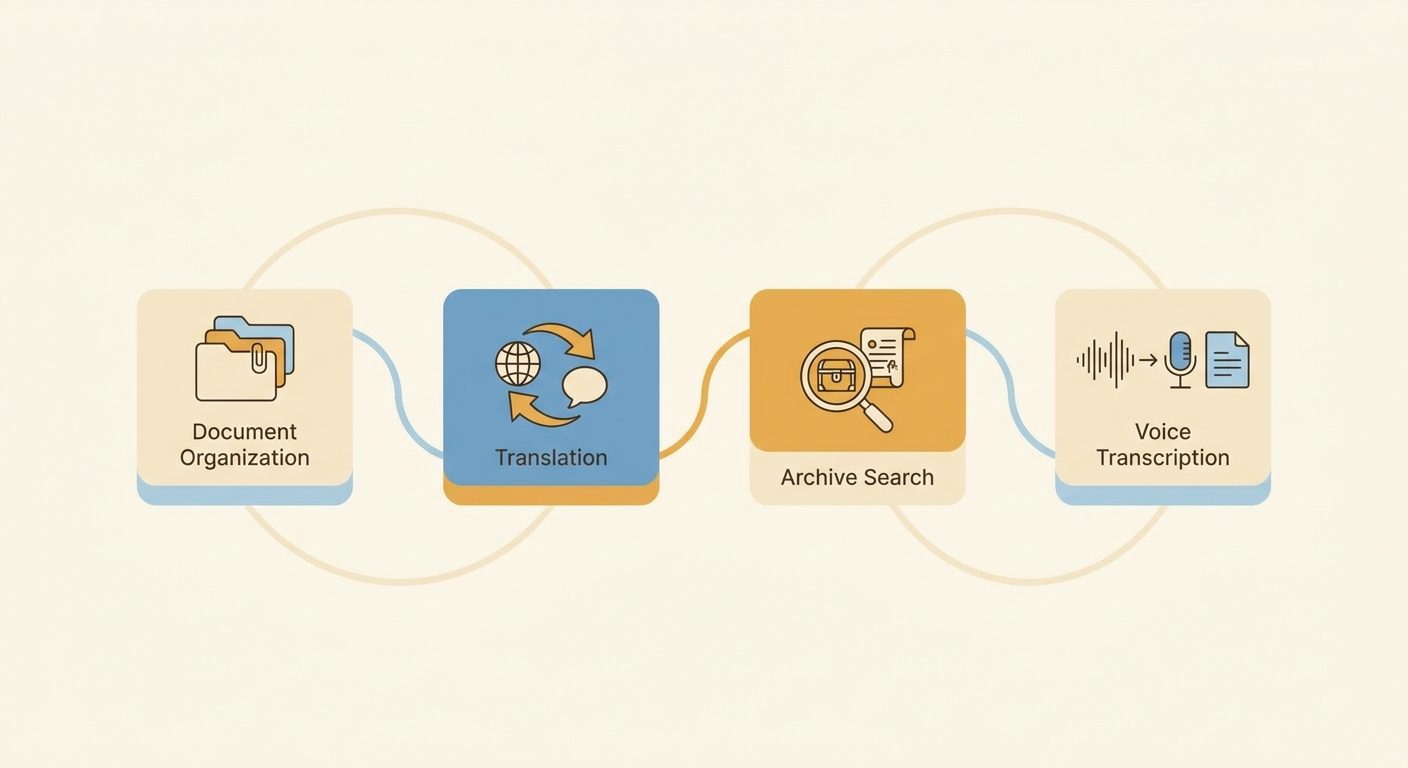
| Tool | What it does for distant caregiving | Cost |
|---|---|---|
| Notion (shared family page) | Single source of truth for medications, doctors, visits, open questions | Free for personal use |
| ChatGPT Plus | Translating prescriptions, drug interaction questions, deciphering handwritten notes | $20/month, shared |
| NotebookLM | Searching across years of medical records with citations | Free |
| Voice memos + transcription | Weekly call summaries that all siblings can read | Free |
What I’d tell another distant caregiver
- Start with Notion before AI. The thing that broke our caregiving wasn’t lack of intelligence — it was lack of shared memory. The family page fixed that. AI on top of it is leverage; AI without it is noise.
- Verify medical AI output with a human. ChatGPT and NotebookLM are good at organizing and translating. They are not your doctor. Always check doses, always confirm new symptom patterns with the actual specialist.
- Tell your parents what you’re doing. The temptation is to set up tooling quietly in the background. Resist it. Our parents deserve to know we’re keeping records, recording calls (when we are), and using a translation tool on their prescriptions. The trust that comes from being upfront is worth far more than the tooling itself.
- The four of us pay $20/month combined for one ChatGPT Plus subscription. We share the login. Account-sharing isn’t ideal but for this use case it’s been fine. Your mileage may vary.
The bottom line
I am not going to pretend AI fixes the harder things about being a child of aging parents who live somewhere else. It does not make distance shorter. It does not replace the actual phone calls, the visits home, or the eventual hard decisions that none of these tools will help with.
What it does is take the small administrative friction — the translations, the lost prescription notes, the calls nobody can remember the details of — and make those things take minutes instead of hours. The reclaimed time goes back into being a person, not a logistics coordinator. That’s worth a lot more than any of the productivity numbers I’d usually quote.
If you’re caring for parents from another country and you haven’t built any of this: start with the Notion page. The rest follows naturally once you have the substrate.
- Build a shared family Notion page first — AI on top of chaos doesn’t help
- ChatGPT photo input is excellent for translating prescriptions and handwritten notes (verify doses)
- NotebookLM holds years of medical history and answers questions with citations
- Weekly call transcripts shared across siblings prevent the “didn’t anyone remember” problem
- Be transparent with your parents about every tool you use — trust is the foundation
- Total monthly cost can be under $20 for the entire family workflow
Related reading
- The Boring Google Tool That Quietly Replaced My Highlighter
- 5 AI Tools I Quit Using in 2026 (and What I Replaced Them With)
About the author
Shahid Saleem writes PickGearLab — a practical blog about AI tools, tutorials, and automation workflows for people who want real results, not another listicle. Certified in Microsoft AZ-900, CompTIA Security+, and AWS AI Practitioner, with 10+ years in enterprise IT.
→ Connect on LinkedIn · More about Shahid · Latest posts
New workflows, straight to your inbox.
Workflows like this one, as they are published. Free. Unsubscribe in one click.
Subscribe free →