
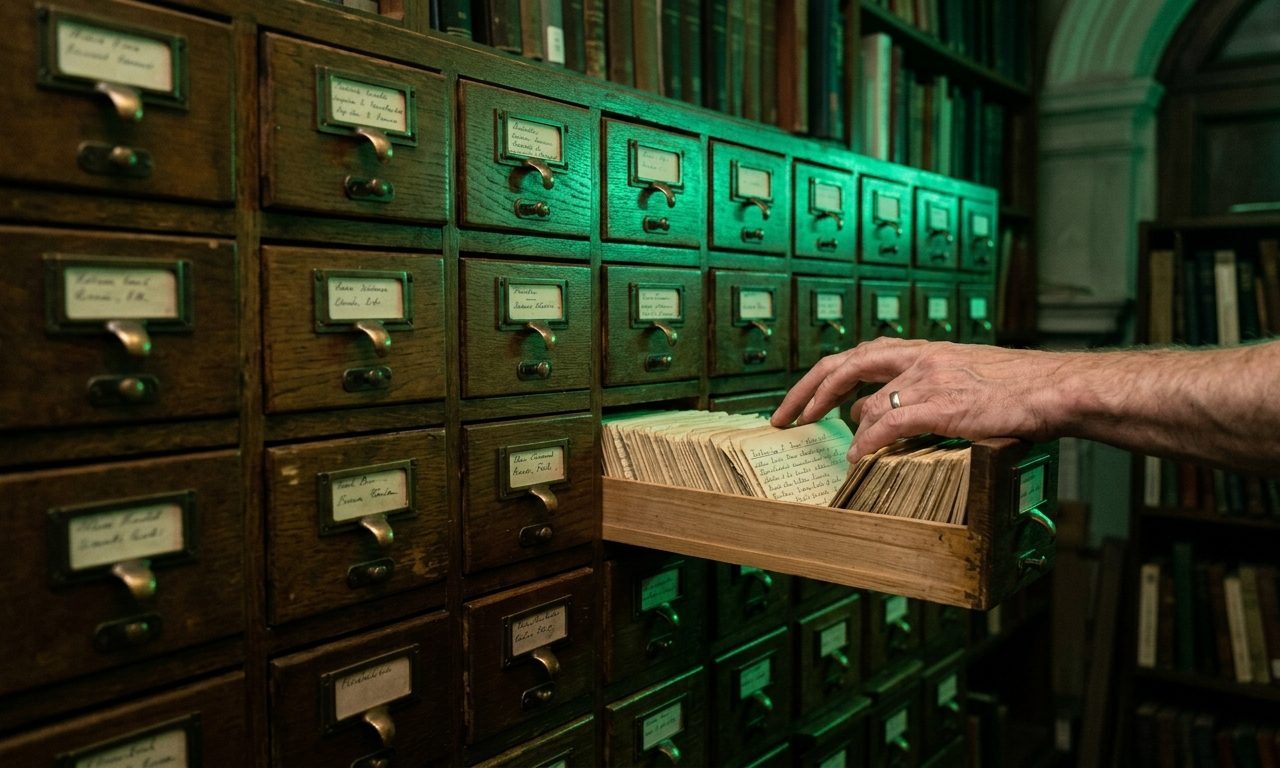
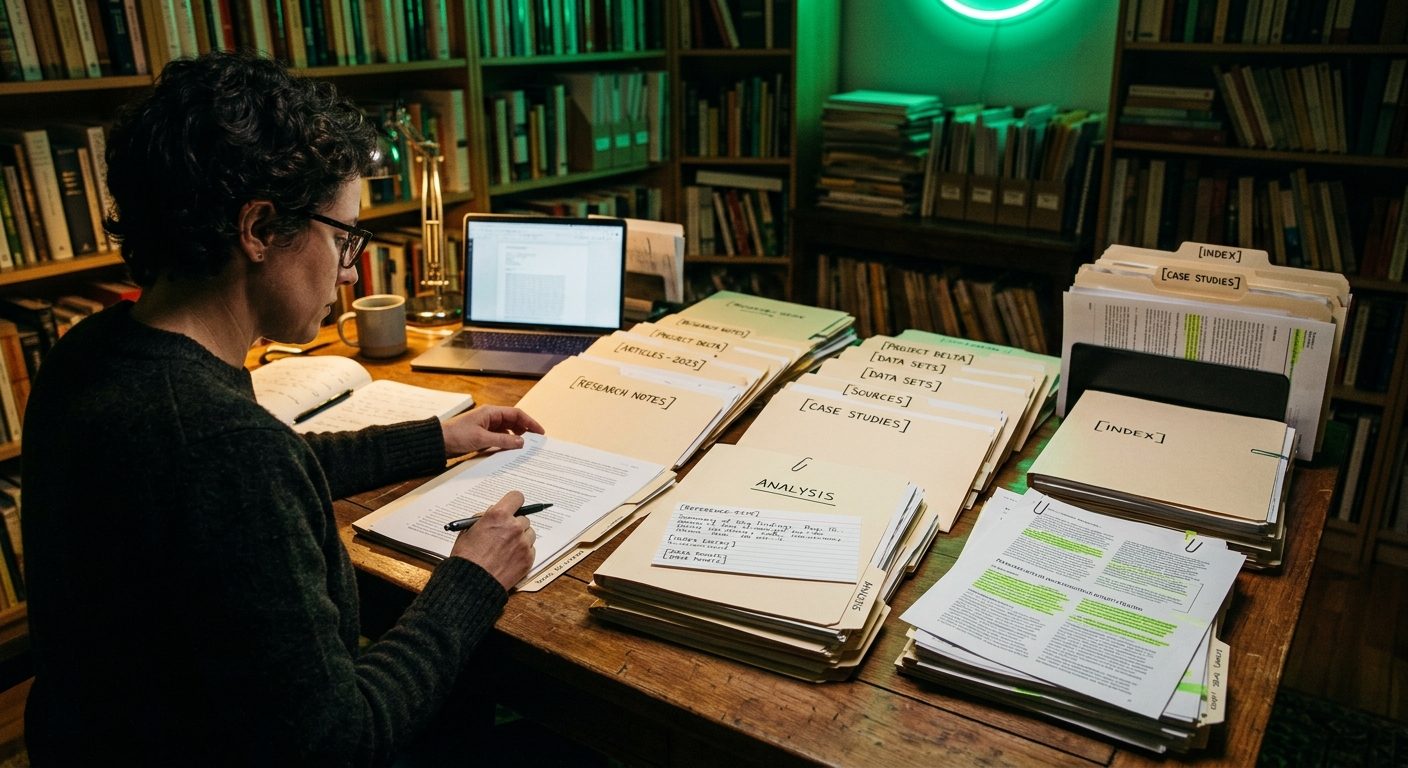
Most people read articles, books, and PDFs and forget 80% of them within a week. Not because the content was forgettable, but because the reading was passive and the capture was non-existent. Six months later, you remember you read something useful but can’t find it.
Readwise solves that quietly. It’s not the most glamorous tool in the AI productivity stack, but it’s the one I’d give up last. Here’s how I use it to build a personal research library from everything I read.
What Readwise Actually Does
Readwise has two parts:
Readwise (the original): imports highlights from Kindle, Apple Books, articles you’ve saved in tools like Pocket or Instapaper, and other sources. It then surfaces those highlights to you over time via daily emails, so you actually see them again.
Readwise Reader (the newer app): a unified reading app for articles, PDFs, RSS feeds, emails, YouTube transcripts, Twitter threads, and more. You read inside Reader, highlight as you go, and the highlights flow automatically into your library.
The combination matters. Most reading happens across many platforms — an article in your browser, a PDF a client sent, a long Twitter thread, a chapter on Kindle. Readwise pulls all of that into one searchable, AI-augmented library.
Get the next tutorial in your inbox
One AI tutorial or comparison per week. No filler, no listicles.
Step 4: Search When You Need Something Specific
The library becomes most useful when you’re working on something specific and need to remember what you’ve read about it.
Use Reader’s search to find every highlight you’ve ever saved about a topic. Searching “customer churn” brings up everything you’ve highlighted across articles, books, and threads on that subject — with full context and source links. It’s a personalised research database built from your actual reading, not generic search results.
For deeper synthesis, copy the relevant highlights and paste them into Claude or ChatGPT with a prompt like: “Here are my saved highlights on [topic]. Synthesise the key insights and identify any contradictions or open questions.”
That synthesis — built from your actual reading rather than the model’s training data — is what makes the library worth maintaining.
Step 5: Connect to Your Note System (Optional but Useful)
Readwise integrates with Notion, Obsidian, Roam, and most other note systems. Highlights flow into your notes automatically, organised by source.
I use the Notion integration. Each book, article, or document I’ve highlighted becomes a Notion page with the highlights embedded. When I’m writing something and want to reference what I’ve read, I link directly from my draft to the relevant highlight page.
This is optional. The Readwise app itself is searchable enough for most use. But if you already work in Notion or Obsidian, the integration means highlights become part of your existing knowledge work without manual copy-paste.
What Readwise Costs
| Plan | Cost | What you get |
|---|---|---|
| Free trial | 30 days | Full features, no card required |
| Readwise + Reader | $10/month | Both apps, all integrations, unlimited highlights |
| Annual | $108/year | Saves $12/year vs monthly |
This is one of the few subscriptions where I genuinely don’t notice the monthly charge because the value compounds. Six months in, my library has 1,400+ highlights I’d otherwise have lost.
Who This Is For
Readwise pays off for people who read more than two or three substantial articles or chapters per week and want what they read to stay accessible. If you’re reading more than that and not capturing anything, you’re losing 80% of the value of the reading.
If you only read occasionally, the value is lower — the daily highlights email needs a meaningful library to draw from. Six months of consistent use is when the compounding becomes obvious.
The biggest mistake people make is treating Readwise as a to-read queue and never highlighting. Without highlights, it’s just an article archive. The highlights are the actual product.
About the author
Shahid Saleem writes PickGearLab — a practical blog about AI tools, tutorials, and automation workflows for people who want real results, not another listicle. Certified in Microsoft AZ-900, CompTIA Security+, and AWS AI Practitioner, with 10+ years in enterprise IT.
→ Connect on LinkedIn · More about Shahid · Latest posts
Related reading
- How to Build a Reusable RFP Answer Library With Claude Projects (Without Buying Loopio)
- How I Use AI to Help Care for My Parents From Another Country
- How to Use ChatGPT and Notion Together to Build a Second Brain from Scratch
- The Boring Google Tool That Quietly Replaced My Highlighter
- How to Use Claude to Extract Key Insights From a Dense PDF Report in Minutes
One practical AI tutorial. Every Monday.
Workflows like this one — straight to your inbox. Free. Unsubscribe in one click.
Subscribe free →