
TL;DR: Multimodal means one model natively handles more than one type of input — text plus images, audio, sometimes video. The practical upshot: you can stop converting things into text before asking about them.
Before and after
Older pipelines were a relay race. To ask about a chart you ran OCR, cleaned the output, described the image in words, then asked your question. Every handoff lost information — and the model never actually saw the chart.
A multimodal model takes the image directly. It sees layout, colour, relative sizes, handwriting, the thing you circled. That is not a small quality improvement; it removes a whole category of preprocessing work.
What this unlocks day to day
- Screenshots as input. Photograph an error message, a settings panel, a form you do not understand. No transcription.
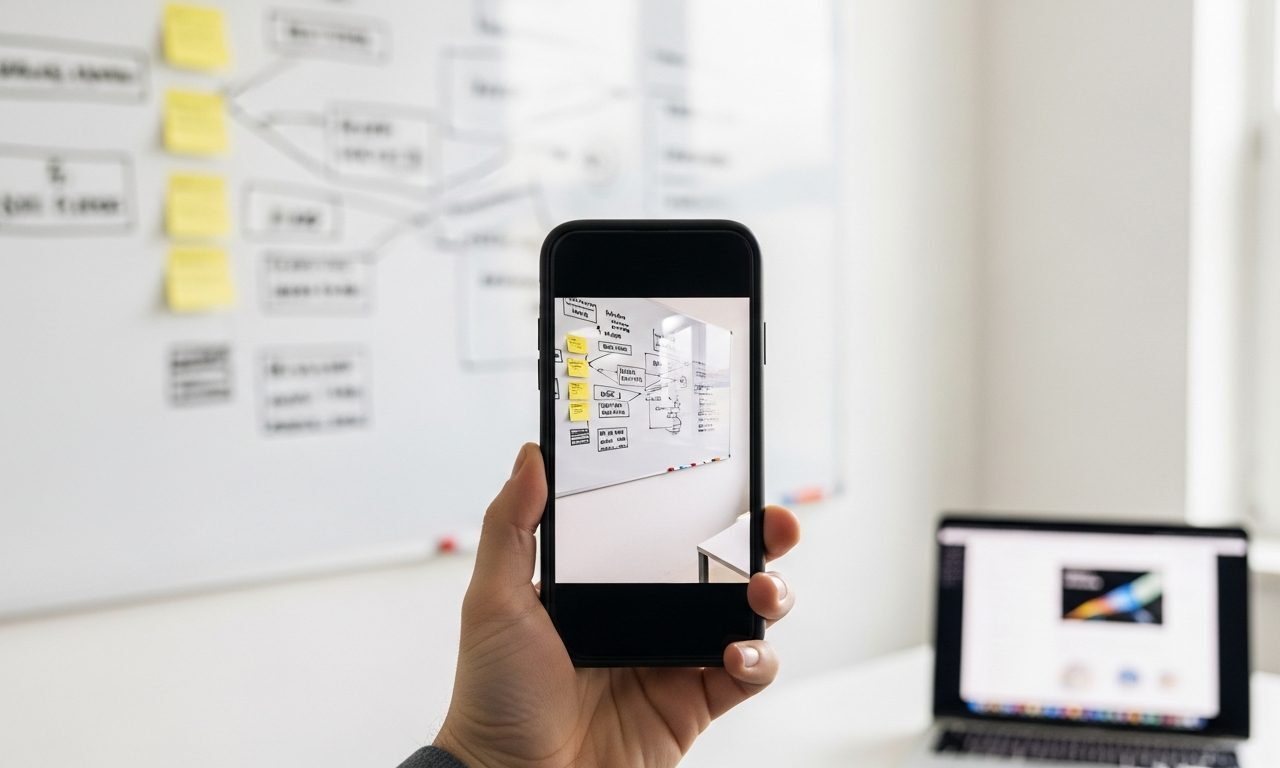
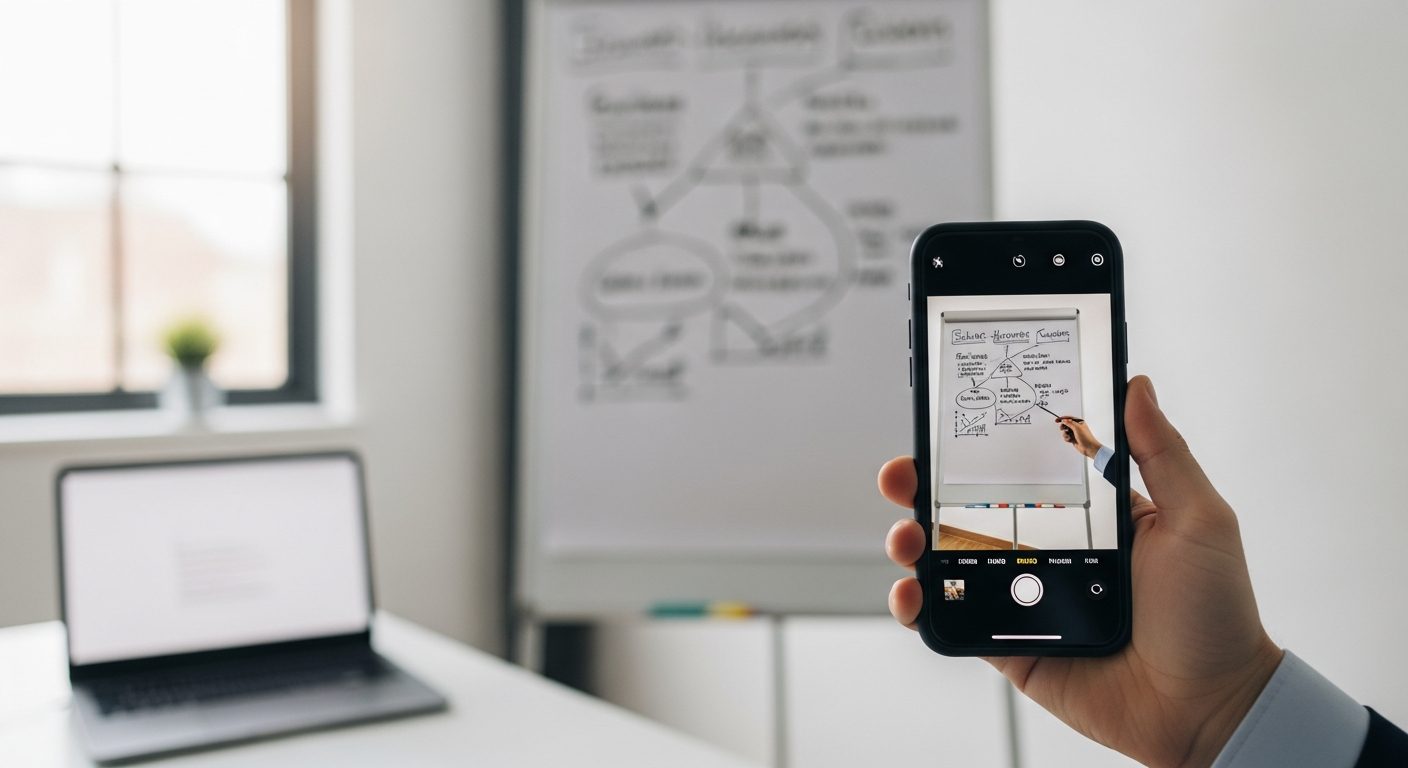
- Whiteboards and handwriting. Snap the meeting whiteboard, get structured notes. This is the single most useful one for most people.
- Documents with layout. Invoices, statements, forms — where the position of a number is part of its meaning. Related: pulling insights out of dense PDFs.
- Audio in, answer out. Talk instead of type, and get a spoken answer back — a real accessibility win, not just a novelty.
- Charts. “What is the trend here and what is misleading about this axis” now works on the picture itself.
Where it still fails
- Dense tables. A 40-row financial table read from an image will contain errors. Verify every number that matters. This is a classic hallucination surface.
- Small text. Low-resolution photos of fine print produce confident nonsense. Photograph in good light, close up.
- Video. Most “video understanding” is still sampled frames plus a transcript, not continuous understanding. Fine for “what happens in this clip,” unreliable for precise timing.
- Spatial precision. “Which of these two lines is longer” style questions are surprisingly weak.
How to get better results from images
Three habits that dramatically improve accuracy:
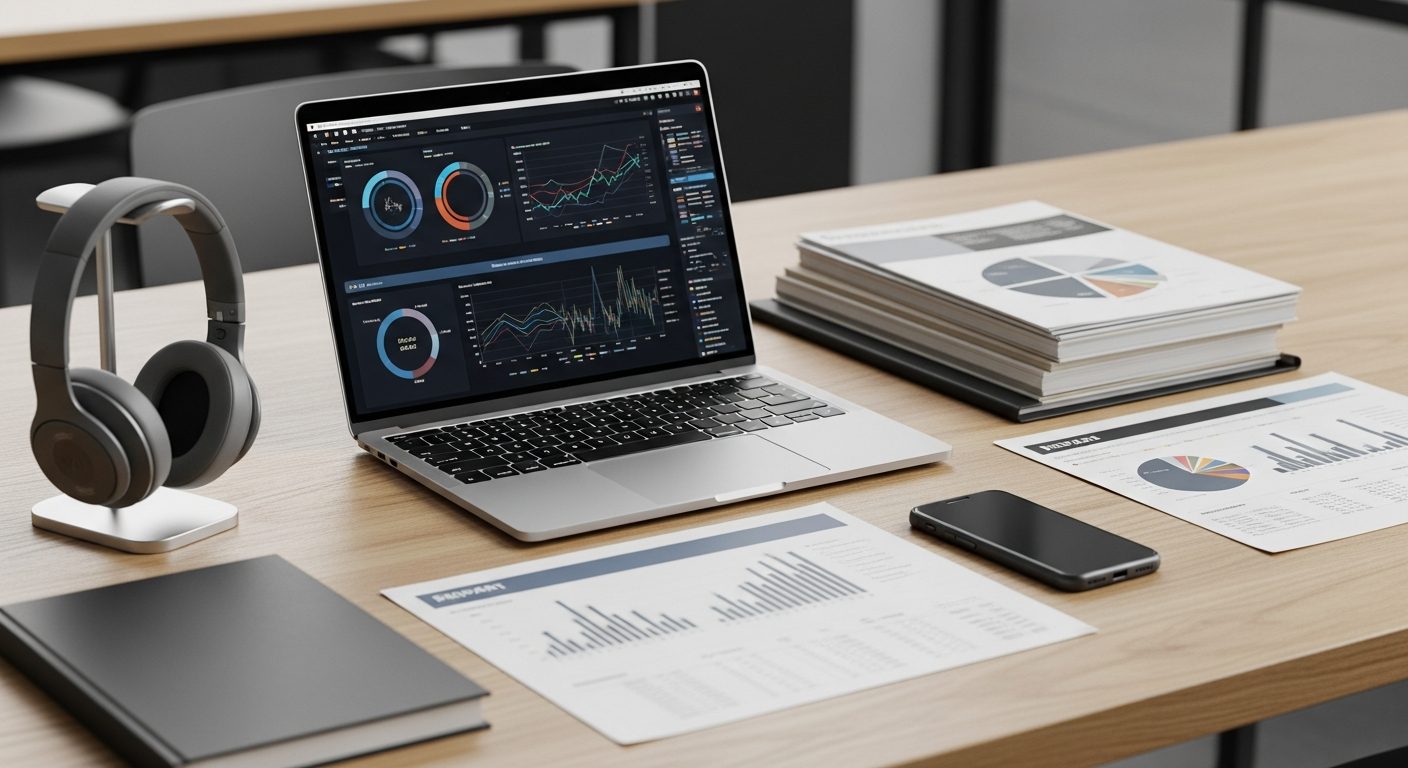
- Crop first. Send the relevant region, not the whole screenshot. Same principle as not pasting an entire report.
- Say what it is. “This is a quarterly P&L from an accounting tool” beats sending the image alone.
- Ask it to quote. “Transcribe the figures first, then analyse” catches misreads before they propagate into conclusions.
Why it matters beyond convenience
Most real-world information is not clean text. It is a photo of a receipt, a scanned contract, a screenshot in a group chat, a whiteboard at the end of a meeting. Multimodal capability is what moves AI from “useful if you prepare the input” to “useful on the mess you already have” — which is also why it underpins most current agentic workflows. If your day involves turning spoken or visual mess into written output, the voice-memo-to-notes workflow is the practical version of this.
About the author
Shahid Saleem is the founder and editor of PickGearLab. He tests AI tools in the real world – writing, automation, content – and writes up what actually worked. Based in Dubai.
One practical AI tutorial. Every Monday.
Workflows like this one — straight to your inbox. Free. Unsubscribe in one click.
Subscribe free →