

You’ve probably noticed AI tools suddenly “connecting” to Google Drive, Slack, your calendar, or a database — without a custom integration built just for that app. A lot of that is powered by MCP (Model Context Protocol), an open standard for letting AI models talk to outside tools and data in a consistent way. Here’s what it actually means, without the developer jargon.
The plain-English version
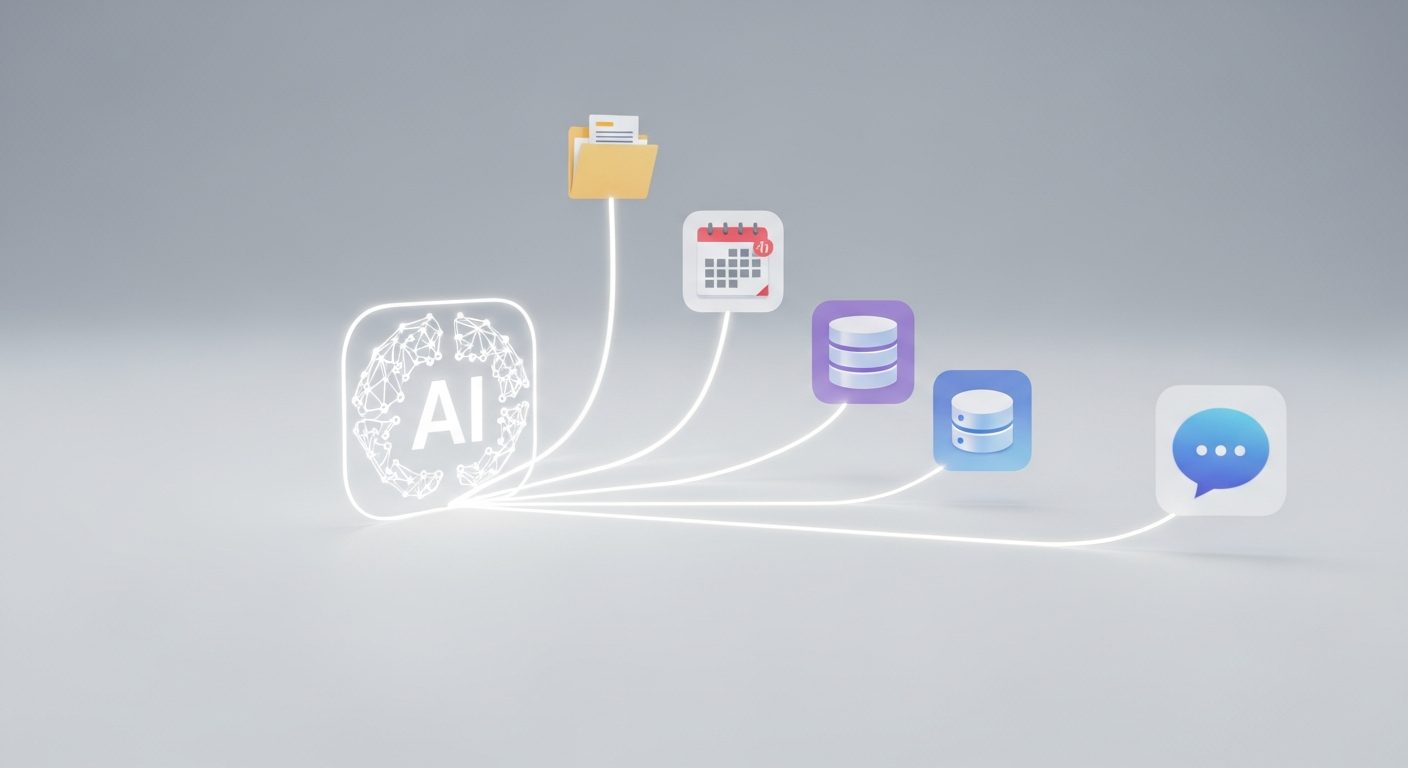
Before MCP, every AI tool that wanted to connect to, say, your calendar had to build a custom one-off integration. MCP is a shared “plug” — a standard way for a tool (a calendar, a database, a file system) to expose what it can do, and a standard way for an AI model to ask for it. One plug, many tools, instead of a custom cable for every combination.
Why this matters if you’re not a developer
- Fewer broken integrations. Tools built on a shared standard tend to be more reliable than one-off custom connections that break with every update.
- Faster new features. When your AI assistant suddenly “just works” with a new app, MCP is often why — someone built one MCP connector instead of a custom integration per AI tool.
- More of your actual workflow becomes reachable by AI — not just chat, but your files, your project tool, your CRM, all through the same doorway.
Where you’ll actually run into it
If you use Claude, ChatGPT, or Cursor and see a settings option to “connect” a tool or add a “server,” that’s very likely MCP under the hood. This is the plumbing behind the same “connect Claude to your tools” pattern I use in automating client project updates — you don’t need to understand the protocol to benefit from it, the same way you don’t need to understand HTTP to use a website.
The honest limitation
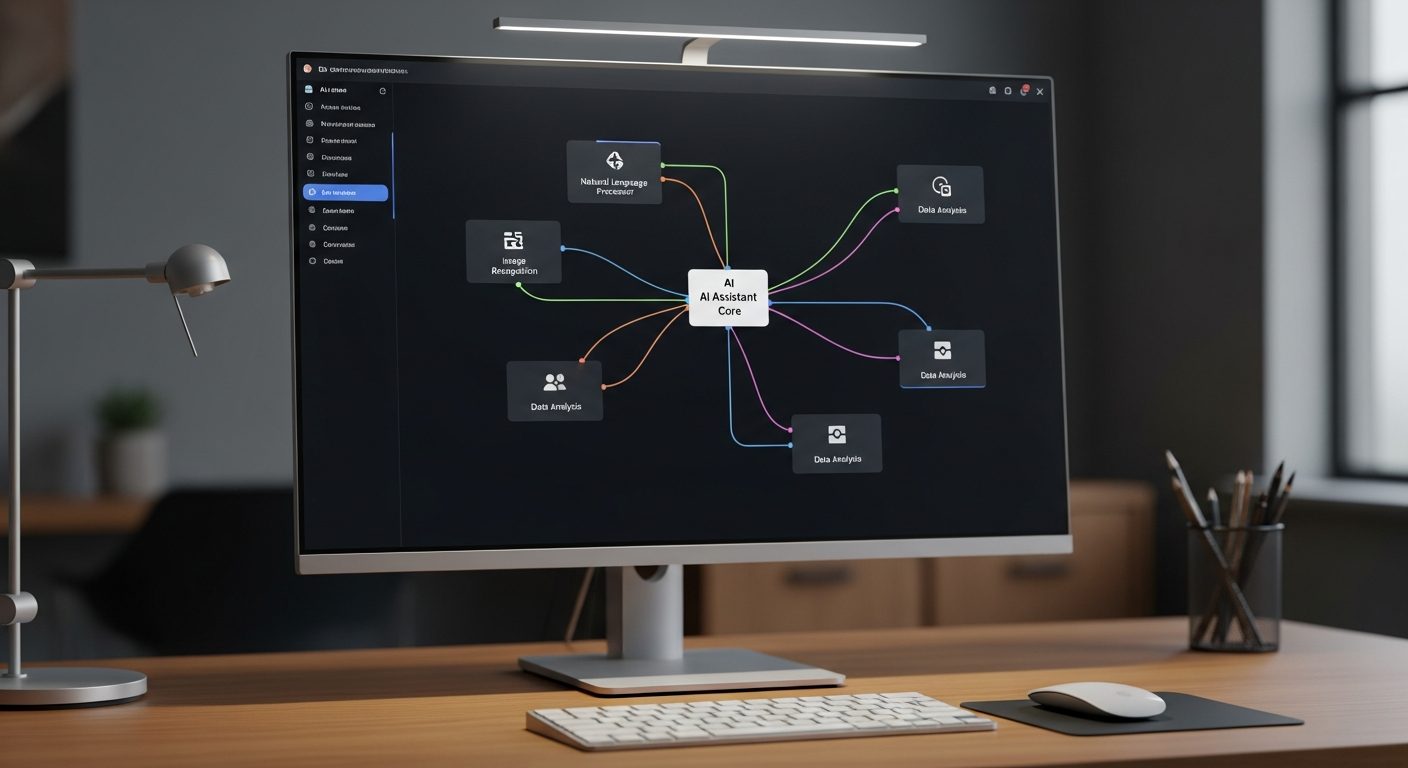
MCP is still young — connectors vary wildly in quality, some are community-built and poorly maintained, and giving an AI model access to your real tools (email, files, a database) is a genuine permissions decision, not a free lunch. Only connect tools you’d be fine with an assistant reading and occasionally acting inside. Review what a connector can actually do before enabling it, especially anything with write access.
The takeaway
You don’t need to build anything with MCP to benefit — it’s the reason more of your actual tools are becoming reachable from inside a single AI chat, instead of you copy-pasting between ten tabs. Expect to see “connect via MCP” show up in more tools through 2026, quietly making agentic AI workflows more practical.
Related reading
- The Deepfake Problem — What AI-Generated Media Is Doing to Online Trust
- AI and Copyright — Who Actually Owns What an AI Creates?
- What Is Multimodal AI? Why Your Assistant Can Suddenly See and Hear
- What Is an AI Benchmark? Why Leaderboards Keep Lying to You
- What Is an AI Wrapper — And Should You Pay for One or Just Use the Raw Model?
- Five AI Tools I Use Every Week as an Enterprise Account Manager
- DeepSeek Explained — Why China’s AI Model Shocked the Entire Tech World
- What Is Agentic AI — And Why Is Everyone Suddenly Talking About It?
- How I Use Claude + Trello + Zapier to Automate Client Project Updates
- Browse the full AI guides Library
About the author
Shahid Saleem is the founder and editor of PickGearLab. He tests AI tools in the real world — writing, automation, content — and writes up what actually worked. Based in Dubai.
One practical AI tutorial. Every Monday.
Workflows like this one — straight to your inbox. Free. Unsubscribe in one click.
Subscribe free →