
Disclosure: Some links in this post are affiliate links. If you sign up, PickGearLab may earn a commission at no extra cost to you. We only recommend tools we actually use.
When you’re a one-person business, customer support is a tax on everything else. Every “how do I…” email is ten minutes you’re not building, writing, or selling. And answering slowly costs you sales.
You can’t hire a support team. But you can build a system where AI handles the repetitive 80% and you handle the 20% that actually needs a human. Here’s the stack I’d set up.
First, a principle: automate the answer, not the relationship
The goal isn’t to remove yourself from support. It’s to remove yourself from the repetitive part so you have time for the conversations that build loyalty. A refund question can be automated. A frustrated long-time customer cannot — and shouldn’t be.
Step 1: Build a knowledge base (the foundation)
80% of your support volume is the same 15–20 questions. Write them down once. This single document is what makes everything downstream possible — AI can only answer well if it has good source material.
Use AI to accelerate it:
Based on my product [describe it], list the 20 most likely customer questions, grouped by theme (billing, setup, troubleshooting, refunds). For each, draft a clear, friendly answer in 3–4 sentences. Flag any that genuinely need a human.
Edit every answer. These become your public FAQ page and the reference your AI replies draw from.
Step 2: Deflect with a good FAQ + search
The cheapest support ticket is the one that never gets sent. Put your FAQ where people hit problems — checkout page, onboarding emails, app footer. A clear FAQ alone removes a surprising share of incoming volume before it reaches you.
Step 3: AI-drafted replies (human-approved)
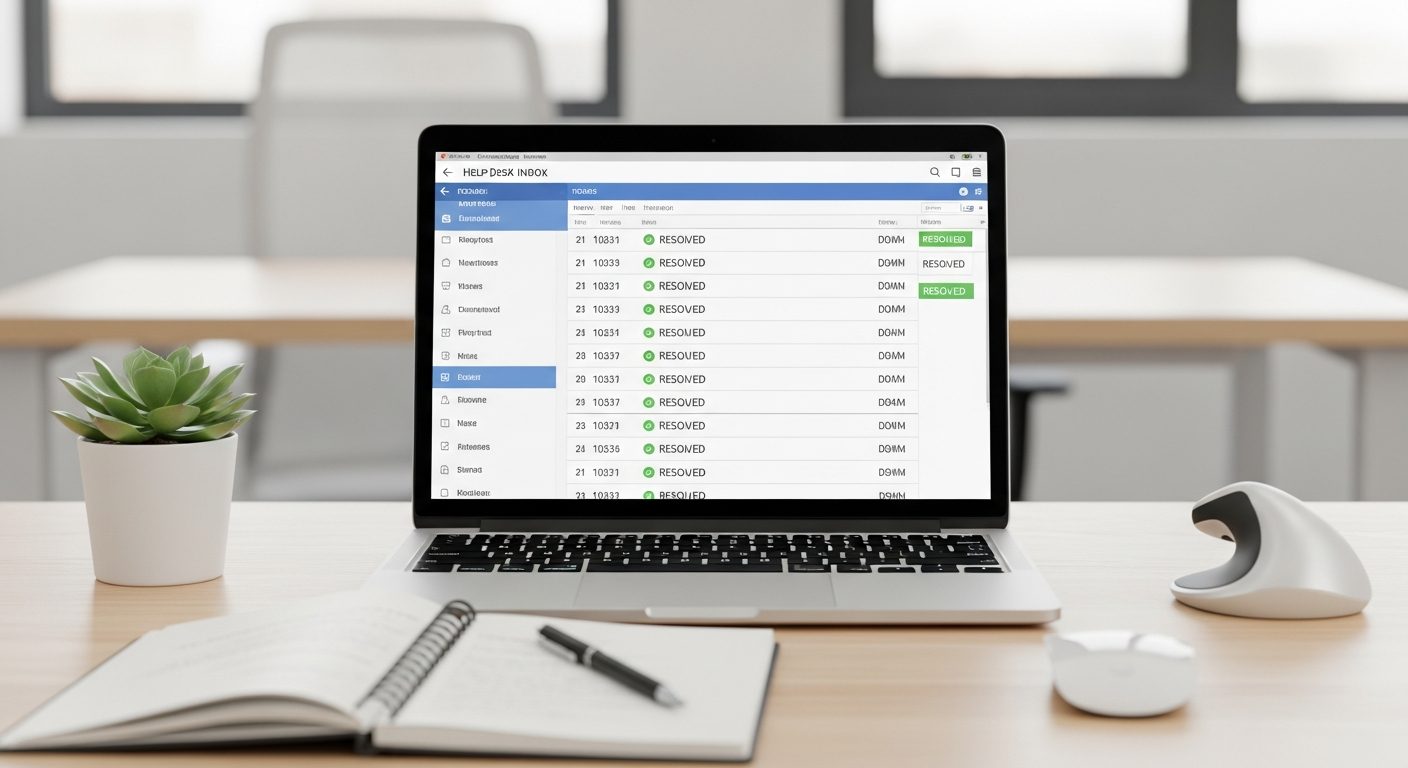
This is the core of the stack and the safest way to use AI in support. Tools like Help Scout, Freshdesk, or even a simple Gmail workflow can draft a reply from your knowledge base — but you approve before it sends, at least at first.
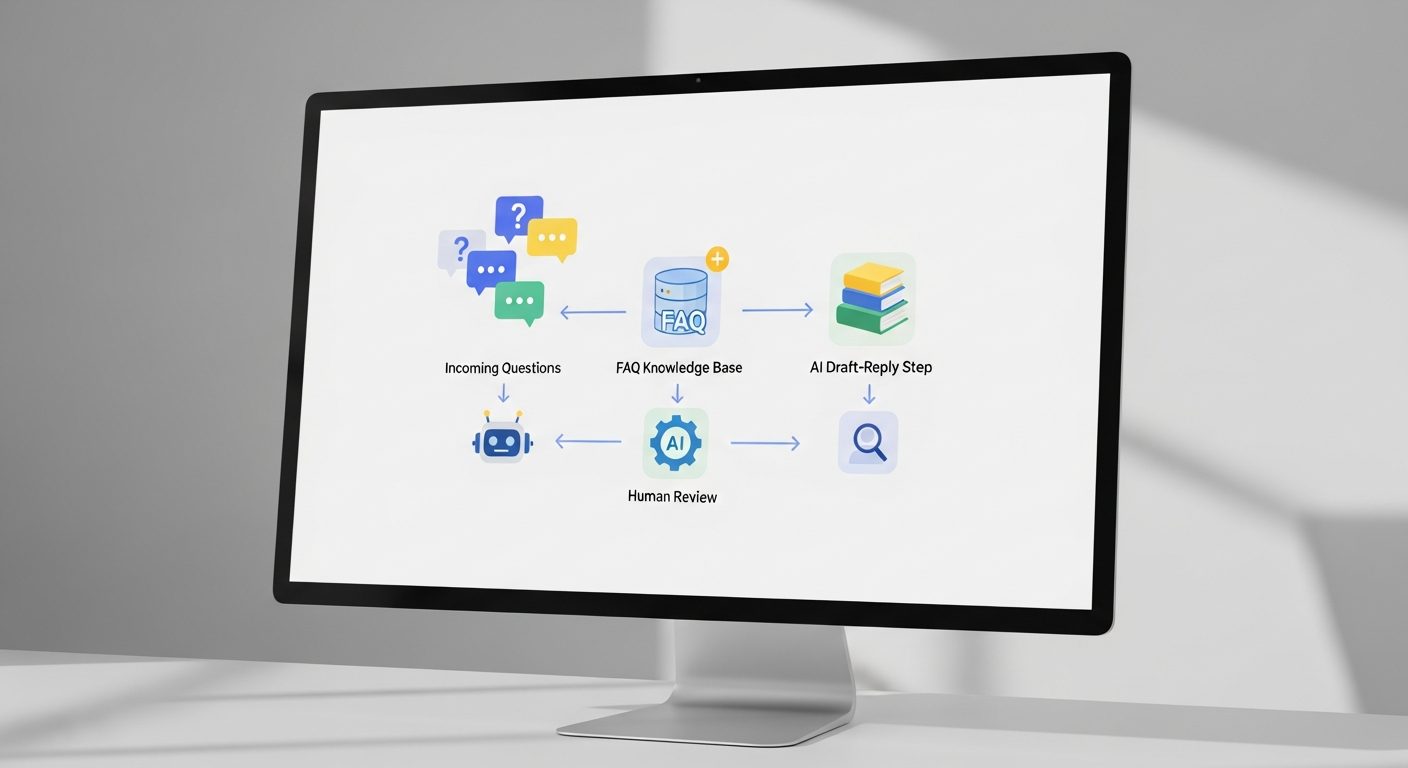
The workflow:
- Ticket arrives
- AI matches it to your knowledge base and drafts a reply in your tone
- You glance, tweak if needed, send — usually 15 seconds instead of 10 minutes
After a few weeks you’ll trust it to auto-send the clearly routine categories (password resets, “where’s my receipt”) and keep review on anything sensitive.
Step 4: Route the 20% to yourself, fast
Set up simple rules so the questions that need you jump the queue: anything mentioning “refund,” “cancel,” “disappointed,” or a named long-term customer. Everything else can wait for a batch. You’re not ignoring people — you’re making sure the human attention lands where it matters.
Step 5: Close the loop into your product
Every recurring question is a product or documentation problem in disguise. Once a month, ask AI to cluster your tickets: “What are the top 5 themes in these support messages, and what change would prevent each one?” Fix the cause, and support volume drops over time instead of growing.
A realistic stack and cost
| Layer | Tool options | Cost |
|---|---|---|
| Knowledge base / FAQ | Notion, your site | $0 |
| Help desk + AI drafts | Help Scout, Freshdesk, Gmail + AI | $0–25/mo |
| Reply drafting | Claude / ChatGPT | $20/mo |
For most solo businesses this lands around $20–45/month and gives back hours every week. That time goes straight back into the work that actually grows the business — the same logic behind automating client onboarding.
The honest limitation
Never let AI auto-send on emotionally charged or money-related tickets without a human in the loop. One tone-deaf automated reply to an upset customer can cost you a relationship you spent a year building. Automate the routine; protect the human moments. That balance is the whole point.
Related reading
- How to Automate Your Client Onboarding with AI
- 5 AI Automation Workflows I Use Every Week
- The Freelancer’s AI Content Stack
About the author
Shahid Saleem is the founder and editor of PickGearLab. He tests AI tools in the real world — writing, automation, content — and writes up what actually worked. Based in Dubai.
One practical AI tutorial. Every Monday.
Workflows like this one — straight to your inbox. Free. Unsubscribe in one click.
Subscribe free →