Disclosure: Some links in this post are affiliate links. If you sign up, PickGearLab may earn a commission at no extra cost to you. We only recommend tools we actually use.
Your brand has a visual identity. A logo. A color palette. A tone of voice in writing.
In 2026, it should also have an audio identity — a consistent voice that sounds like you across podcasts, videos, audio summaries, and voice notes.
Here’s how to build one with ElevenLabs in under an afternoon.

What ElevenLabs voice cloning actually does
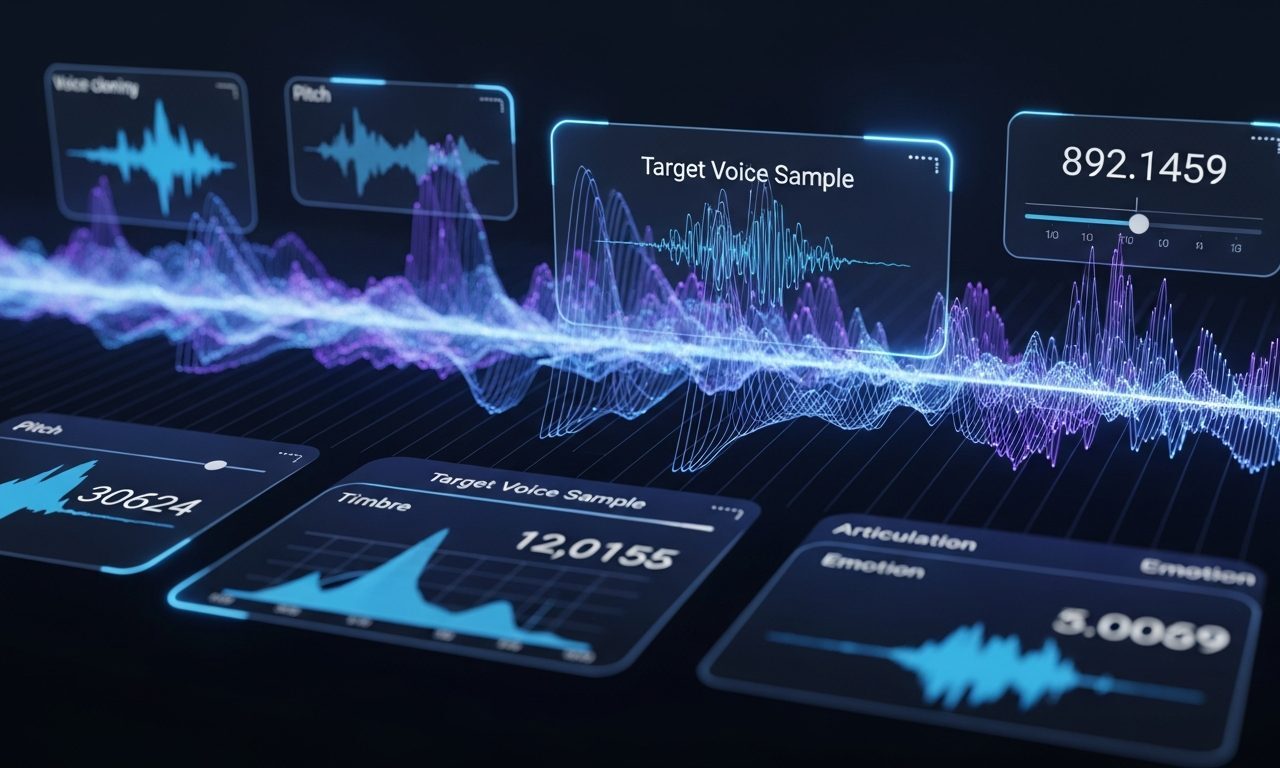
ElevenLabs‘s voice cloning technology analyzes your recorded voice and creates a synthetic model that matches your pitch, cadence, tone, and speech patterns. The result is a voice that sounds like you but can speak any text you give it — instantly, without you recording anything.
The two cloning options:
- Instant Voice Clone (IVC): Works with 1-3 minutes of clean audio. Good quality. Available on free trial.
- Professional Voice Clone (PVC): Requires 30+ minutes of studio-quality recordings. Exceptionally accurate. Requires Creator plan ($22/month) or above.
For most content creators, IVC is more than good enough.
Step 1: Record your source audio
This is the most important step. Garbage in, garbage out. For a good clone:
- Record in a quiet room (closet with clothes = best DIY acoustic treatment)
- Use the voice memo app on your phone — held 20-25cm from your face
- Read naturally, as if speaking to a friend. Vary your pace. Don’t try to sound “professional”
- Record 3-5 minutes of continuous speech — read blog posts you’ve written, describe a recent project, explain your process
- Export as MP3 or WAV (both work)
Step 2: Upload and configure the clone
- Log into ElevenLabs → My Voices → Add Generative or Cloned Voice → Instant Voice Clone
- Upload your recordings (you can add multiple files)
- Name the voice: “Shahid — podcast” or similar
- Add 3-4 labels: the accent, gender, and use case
- Click Save — clone is usually ready within 10-30 seconds
Step 3: Dial in the generation settings
For long-form content (blog articles, newsletters read aloud), these settings work best:
- Stability: 65-75% — lower means more expressive, higher means more consistent. Long articles need consistency.
- Similarity: 70-80% — how closely it matches your original voice. Don’t go above 85% or it sounds slightly robotic.
- Style: 15-25% — adds slight emotional variation. Good for conversational content.
- Model: eleven_multilingual_v2 for most use cases. eleven_turbo_v2 if you need faster generation.
Where to use your voice clone
- Blog audio summaries (2-3 minute reading of the key points)
- Podcast episodes from written articles
- LinkedIn video voiceovers
- Course or tutorial narration
- Customer-facing video walkthroughs
What this costs at scale
ElevenLabs pricing is character-based. Creator plan ($22/month) gives you 100,000 characters — enough for roughly 15-20 newsletter editions or 8-10 full podcast episodes per month. If you’re producing more, the Pro plan ($99/month, 500,000 characters) handles heavy volume.
Start on the free tier to test the clone quality. If it sounds right, upgrade.
Related reading
About the author
Shahid Saleem is the founder and editor of PickGearLab. He tests AI tools in the real world — writing, automation, content — and writes up what actually worked. Based in Dubai.
One practical AI tutorial. Every Monday.
Workflows like this one — straight to your inbox. Free. Unsubscribe in one click.
Subscribe free →