
Disclosure: Some links in this post are affiliate links. If you sign up, PickGearLab may earn a commission at no extra cost to you. We only recommend tools we actually use.
Meetings don’t waste time. Forgotten meetings waste time. The decision you can’t find, the task nobody owned, the “wait, what did we agree?” follow-up call — that’s where the hours go.
For the last six months I’ve run every call I care about through the same AI workflow. It turns a messy conversation into clean notes and a clear list of who-does-what, and it’s quietly one of the highest-ROI systems I have. Here it is.
The three jobs a good notes workflow has to do
- Capture — record/transcribe without me typing during the call
- Distill — turn the transcript into a short, accurate summary
- Action — extract owned, dated to-dos and get them in front of the right people
Most people only do step 1, end up with a wall of transcript nobody reads, and wonder why notes don’t help. The value is in steps 2 and 3.
Step 1: Capture without typing
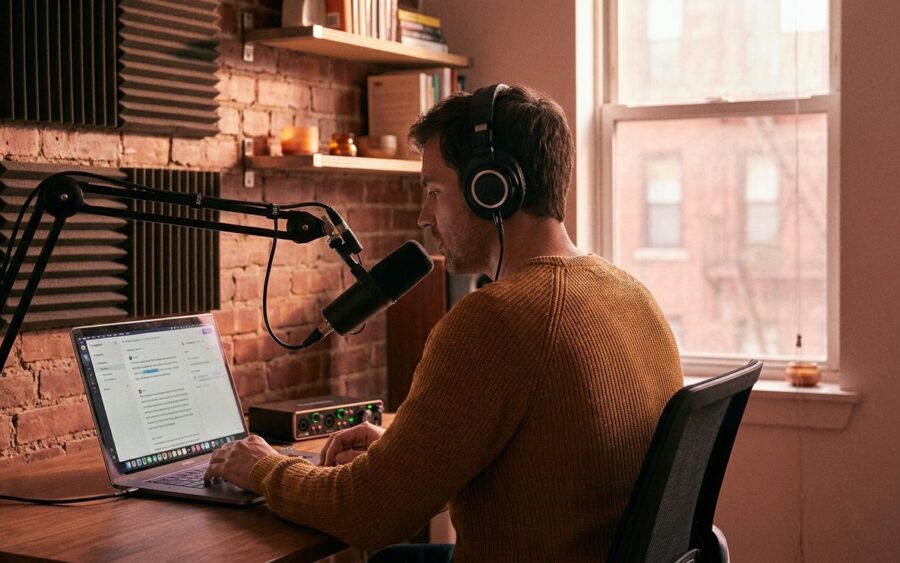
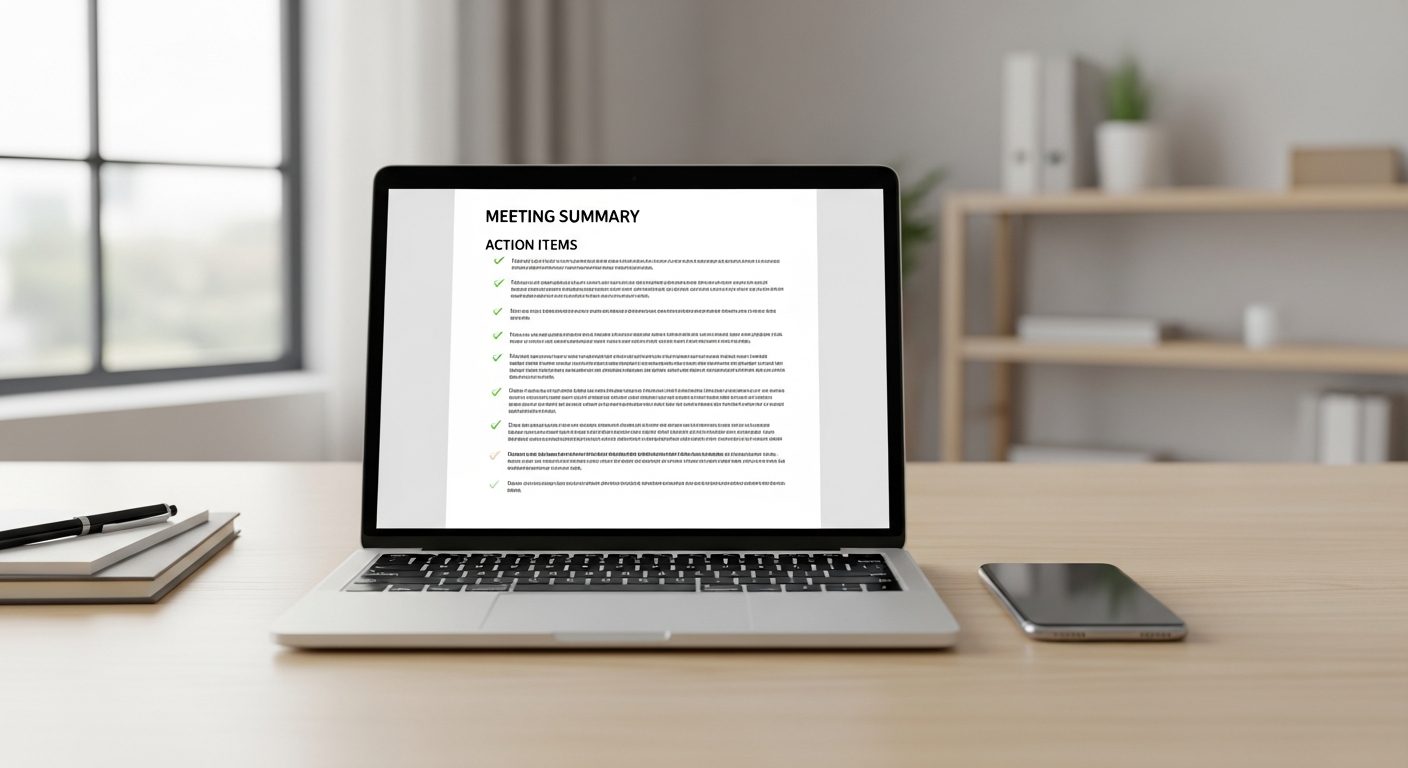
Let an AI notetaker join the call (Otter, Fathom, Fireflies, or your meeting platform’s built-in transcription). If it’s an in-person or phone conversation, record a voice memo and transcribe it afterward. The point is simple: you should be present in the meeting, not scribbling.
Step 2: Distill the transcript (the prompt that does the work)
A raw transcript is useless. This is the prompt I paste it into every time:
Here’s a meeting transcript. Produce: (1) a 5-bullet summary a busy person could read in 30 seconds; (2) a “Decisions made” list; (3) an “Action items” table with columns Owner, Task, Due date — only include tasks that were actually assigned; (4) an “Open questions” list of anything left unresolved. Be precise. Do not invent owners or dates that weren’t stated.
That last sentence matters. Without it, AI will confidently assign deadlines nobody agreed to. With it, you get a summary you can actually trust and send.
Step 3: Turn action items into owned tasks
A list of tasks in a document still dies in the document. Get them where work happens:
- Paste the action-item table into your task manager (Todoist, Notion, Asana, Trello)
- Send the summary + each person’s items to the relevant people the same day
- Put your own items on a date, not in a someday pile
Same-day follow-up is the secret. A summary sent within an hour, while it’s fresh, makes you the person who runs tight, professional meetings. That reputation compounds.
Step 4: Make it a one-click habit
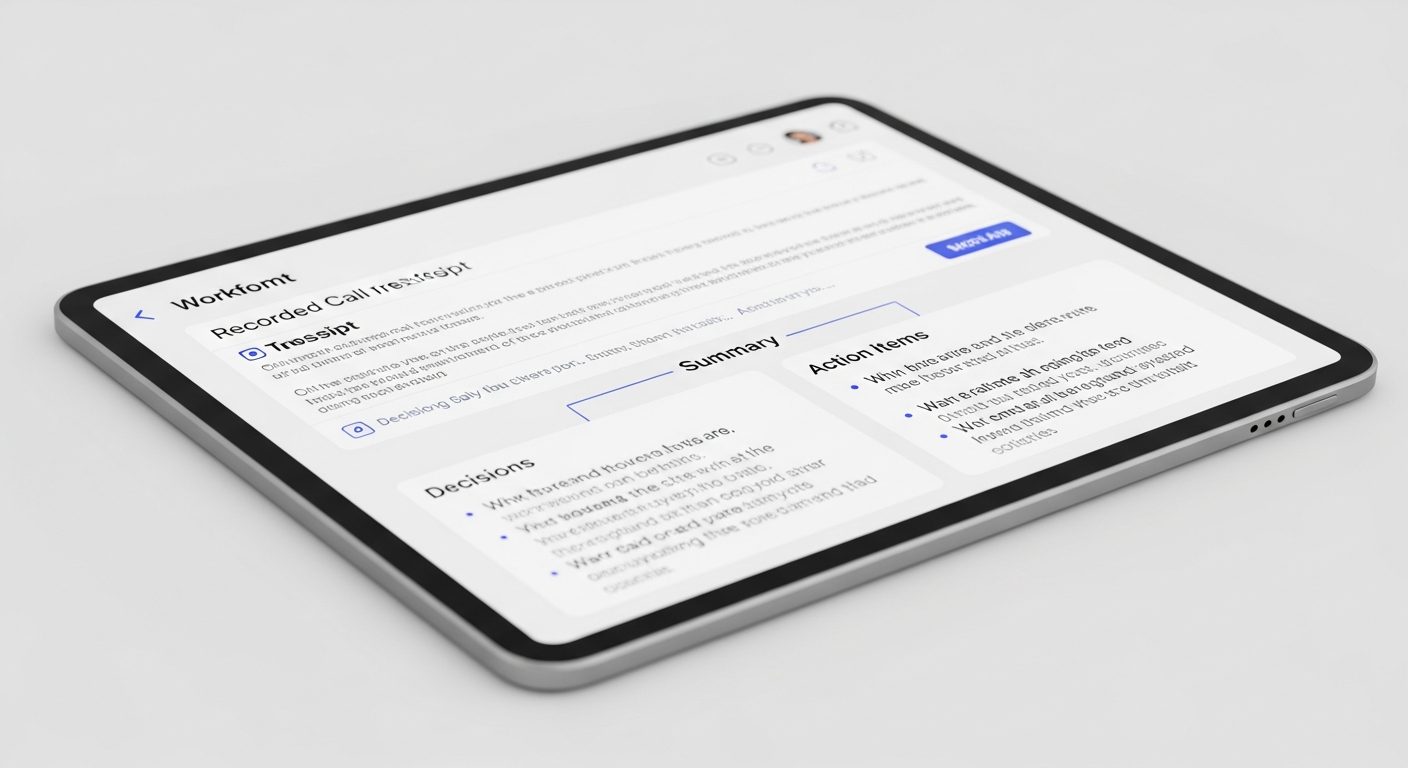
The workflow only saves time if it’s frictionless. I keep the distill prompt saved as a template so it’s two clicks: paste transcript, run, review. If you live in Notion or a tool with AI built in, you can wire it so a new transcript auto-generates the summary block. The less effort it takes, the more consistently you’ll do it — and consistency is where the five hours a week actually come from.
Where the time savings come from
| Before | After |
|---|---|
| Typing notes during calls (and missing half of it) | Present in the call; AI captures |
| Re-listening / reconstructing what was decided | 30-second summary, instantly |
| Follow-up calls because tasks were unclear | Owned, dated action items sent same day |
For anyone doing 8–10 meetings a week, recovering five of those hours is conservative. It’s the same principle as the rest of my stack: let AI handle the mechanical capture and structuring, keep the judgment for yourself. More of that thinking is in the 5 automation workflows I use every week.
The honest limitation
Transcription isn’t perfect — names, numbers, and technical terms get garbled, and AI summaries can subtly misstate a decision. For anything that matters (money, commitments, legal), read the summary against your own memory before you send it. Treat it as a fast first draft of the record, not the final word.
Related reading
- Fathom vs Otter.ai for Automatic Meeting Notes: A Freelancer’s Honest Take
- 5 AI Automation Workflows I Use Every Week
- The AI Writing Workflow That Produces 4 Articles a Week
- The Freelancer’s AI Content Stack
About the author
Shahid Saleem is the founder and editor of PickGearLab. He tests AI tools in the real world — writing, automation, content — and writes up what actually worked. Based in Dubai.
One practical AI tutorial. Every Monday.
Workflows like this one — straight to your inbox. Free. Unsubscribe in one click.
Subscribe free →