Disclosure: Some links in this post are affiliate links. If you sign up, PickGearLab may earn a commission at no extra cost to you. We only recommend tools we actually use.
I get asked “what does your actual workflow look like?” more than almost any other question.
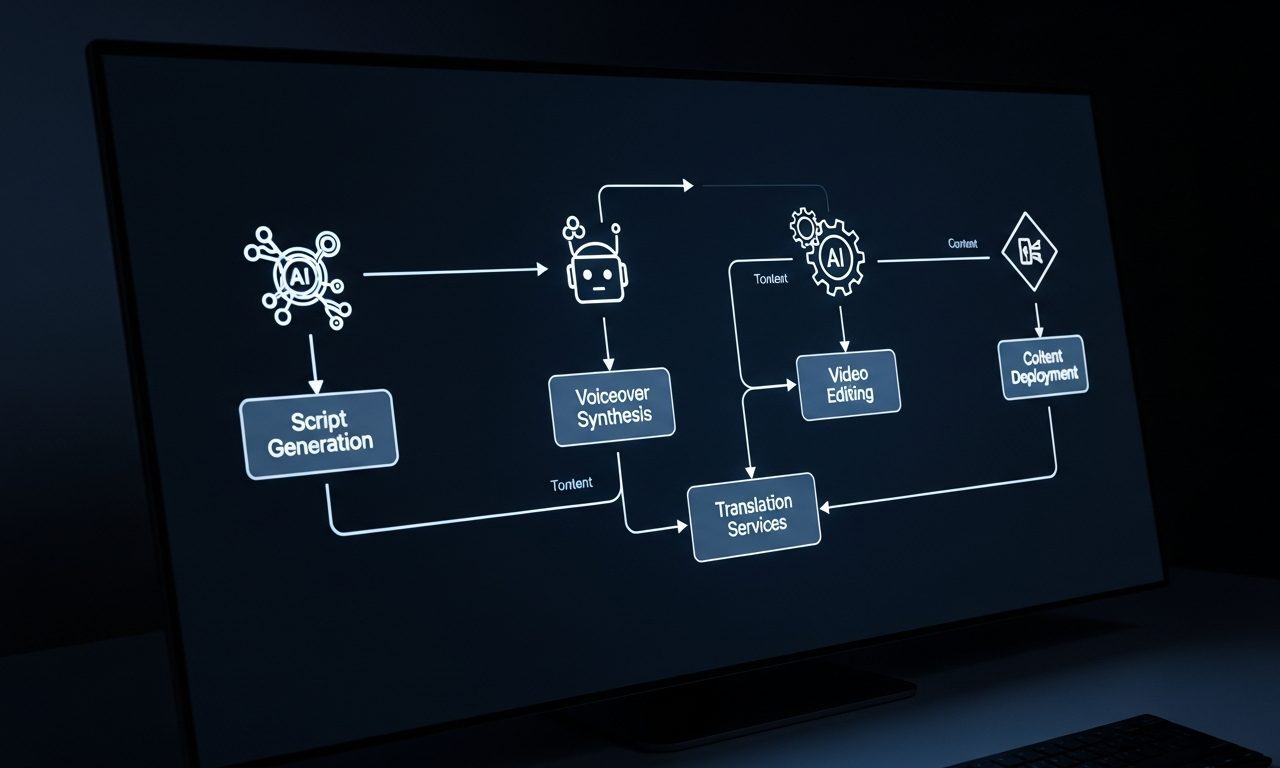
So here it is. Five workflows I run every week, what they do, and what’s inside each one.
Workflow 1: Blog post → audio episode (Mondays, ~20 min)
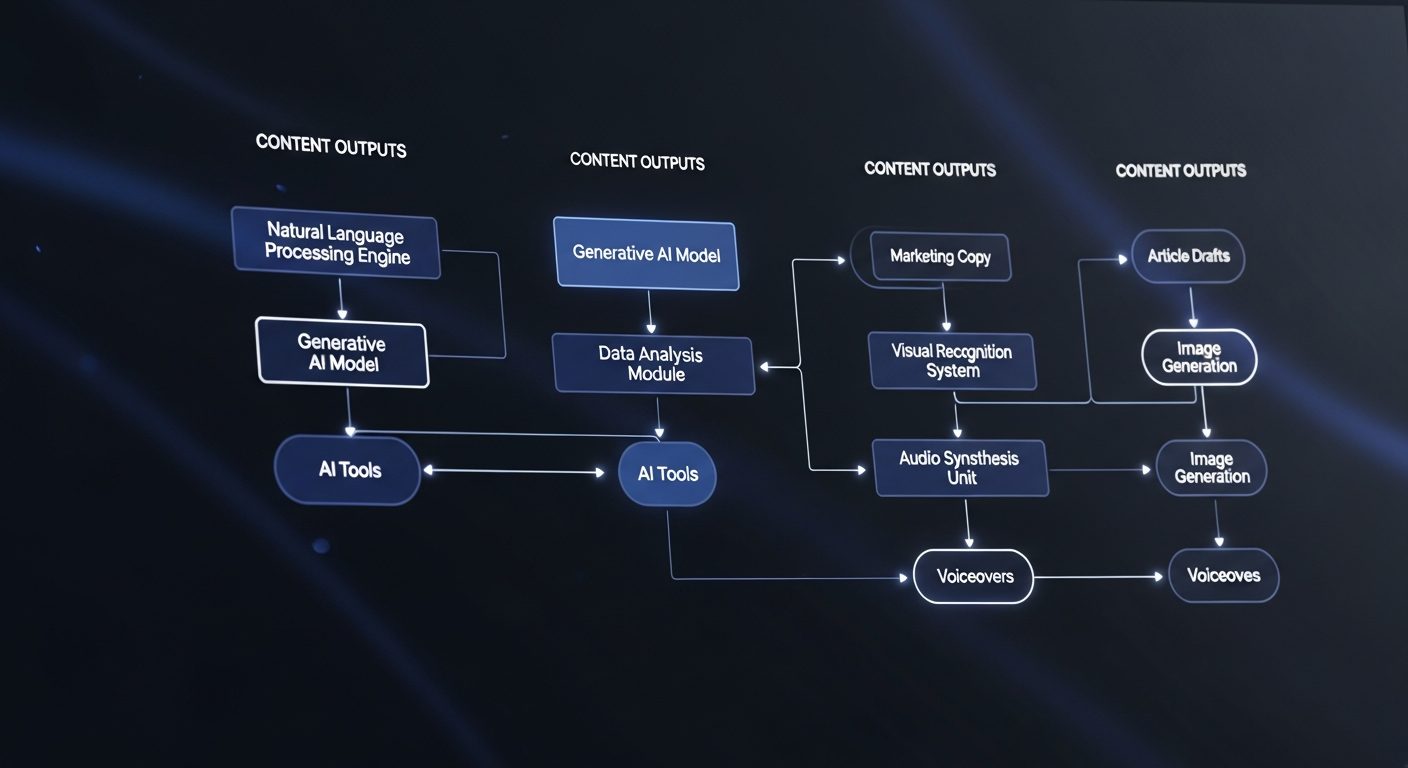
Tools: Claude (rewrite for audio) + ElevenLabs (voice synthesis)
What it does: Every Monday article gets converted to a 7-10 minute audio episode automatically queued for Tuesday.
Setup time: One hour to set up the ElevenLabs voice clone and audio template. Then 20 minutes per week thereafter.
ROI: Reached 340 podcast listeners in month one without any additional content creation.
Workflow 2: Newsletter (Sundays, ~90 min)
Tools: Claude (draft) + Kit (ConvertKit) (schedule and send)
What it does: Drafts, edits, and schedules the Monday email to subscribers.
Key automation: Kit (ConvertKit)‘s welcome sequence means every new subscriber gets my five best articles automatically — no manual work.
ROI: 42% average open rate vs. industry average of 21%.
Workflow 3: Article SEO prep (post-writing, ~15 min)
Tools: Claude (meta description + internal link suggestions) + WP REST API (auto-update)
What it does: After writing, I paste the article into a Claude prompt that returns: suggested meta description, three internal link opportunities with anchor text, and an FAQ block for featured snippet targeting.
ROI: Cut my post-publishing SEO time from 45 minutes to 15 minutes per article.
Workflow 4: Social repurposing (Tuesdays, ~30 min)
Tools: Claude (LinkedIn post + 5 tweets) + Buffer (schedule)
What it does: Each article becomes 1 LinkedIn post and 5 tweets/X posts scheduled across the week.
Prompt template: “You are a LinkedIn ghostwriter. Turn this article into a 200-word LinkedIn post with a hook first line, 3-4 insight bullets, and a question CTA. No hashtag spam. Tone: authoritative but approachable.”
ROI: 3x social output, same time investment.
Workflow 5: Weekly performance review (Fridays, ~20 min)
Tools: Google Search Console + Claude (analysis)
What it does: I export last week’s GSC data, paste it into Claude, and ask: “Which posts gained the most impressions? Which had high impressions but low CTR suggesting a title fix? What topics should I cover next based on these queries?”
ROI: Identified 3 underperforming titles that, once rewritten, doubled their CTR within 2 weeks.
The one thing these workflows have in common
None of them are fully automated. Each has a human review point. That’s intentional — AI handles the grunt work, but judgment stays with me. That’s what makes the output worth reading.
Start here if you’re new to this
If you’re just starting to build automation into your content workflow, start with Workflow 2 (newsletter) and Workflow 4 (social). They have the best ROI-to-setup-time ratio. Then add audio (Workflow 1) once you’re comfortable.
Kit (ConvertKit) and ElevenLabs both have generous free tiers — you can run both Workflows 1 and 2 for free until you hit volume.
Related reading
About the author
Shahid Saleem is the founder and editor of PickGearLab. He tests AI tools in the real world — writing, automation, content — and writes up what actually worked. Based in Dubai.
One practical AI tutorial. Every Monday.
Workflows like this one — straight to your inbox. Free. Unsubscribe in one click.
Subscribe free →