


Most meeting notes never get read. The person who typed them forgets what they meant within days. The people who were not in the meeting skim the first bullet and give up. And the decisions buried in a 45-minute call sit in a Google Doc nobody opens. The real problem is not note-taking — it is that structured, readable summaries take 20 minutes to write by hand, and nobody has 20 minutes after back-to-back meetings. Three AI tools chained together fix this: Otter.ai captures the meeting automatically, ChatGPT turns the raw transcript into a structured summary in 60 seconds, and Notion makes the summaries searchable forever. Total hands-on time: 5 minutes per meeting. This is the exact workflow I use for every call longer than 20 minutes.
TL;DR
This post details a 3-tool AI workflow (Otter.ai, ChatGPT, Notion) for automatically transcribing meetings and generating structured, searchable summaries in 5 minutes, solving the problem of unread meeting notes.
Key takeaways
- Otter.ai automatically transcribes meetings and labels speakers, integrating with calendar tools like Google Meet.
- ChatGPT transforms raw transcripts into structured summaries with specific sections like decisions, action items, and open questions.
- The structured summary includes a ‘no decision’ flag, which is crucial for identifying unresolved topics.
- Notion serves as a searchable archive for all meeting summaries, ensuring long-term accessibility.
- The entire setup takes 15 minutes, and subsequent per-meeting processing is only 5 minutes.
What You’ll Need
- Otter.ai — free plan gives 300 transcription minutes/month (about 6-8 average meetings). Otter Pro is $16.99/month for 1,200 minutes if you run a lot of calls.
- ChatGPT — free tier works; ChatGPT Plus ($20/month) handles longer transcripts without hitting context limits
- Notion — free personal plan is enough for a lifetime of meeting notes
- 15 minutes for the initial setup — after that, per-meeting processing takes 5 minutes
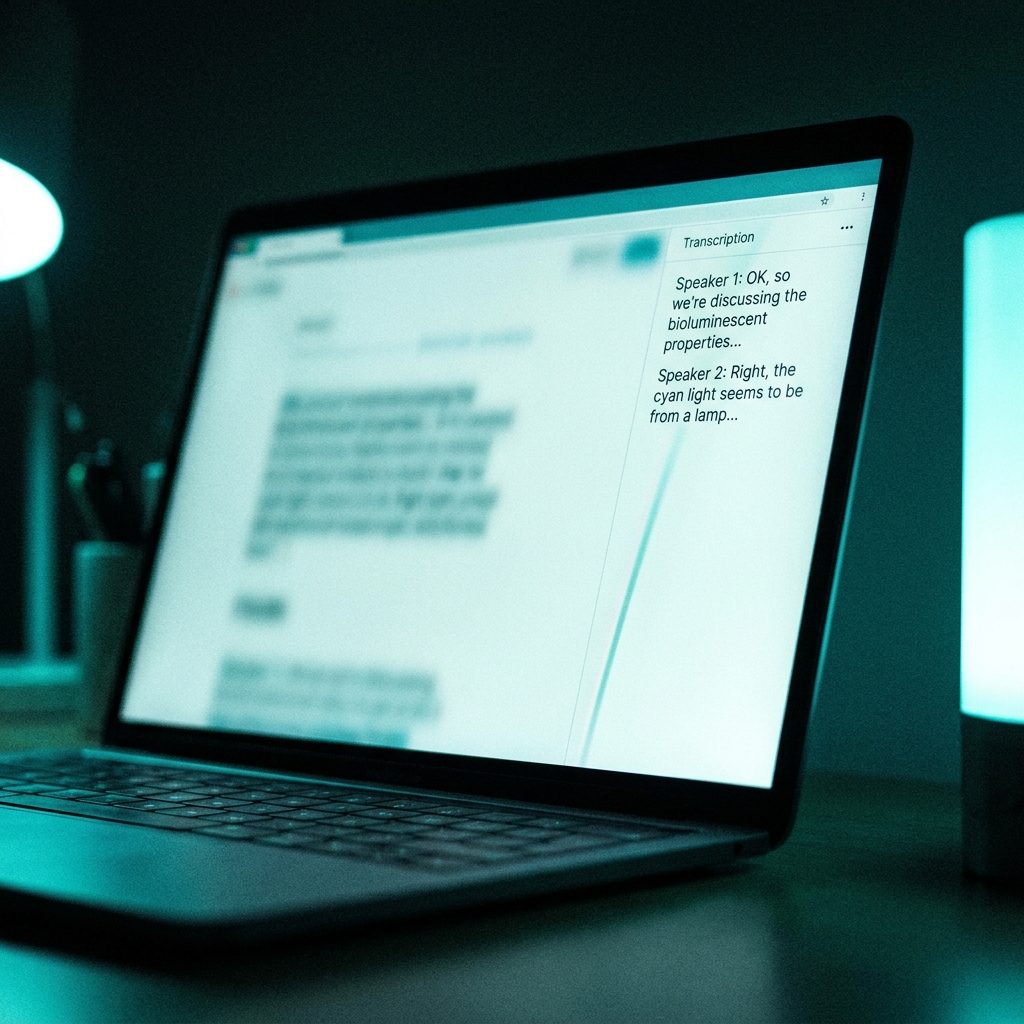
Tool 1 — Otter.ai (Live Transcription)
Otter is the capture layer. Its job is simple: record and transcribe the meeting with speaker labels, then hand you a clean text file. Skip its built-in summaries — they are decent but generic, and we will do better with ChatGPT in step two.
Set up once: sign up at otter.ai, install the browser extension, and connect it to Google Calendar. From then on, any Zoom, Google Meet, or Microsoft Teams meeting on your calendar can get an “Otter Pilot” bot that auto-joins and records. You do not have to click start. You do not have to remember.
During the meeting you can watch the live transcript roll in if you want — useful to check if Otter is misidentifying speakers. After the call ends, Otter emails you the transcript within a few minutes. Every meeting gets a unique URL like otter.ai/u/abc123 with speaker-labeled text.
One practical tip: if you have a call with someone whose name is unusual, tell Otter the correct spelling once in the speaker labels. It learns and gets it right in future calls.
Tool 2 — ChatGPT (Summarization)
Now we turn that raw transcript into something worth reading. Open the Otter transcript, select all, copy, and paste it into a new ChatGPT conversation with this prompt:
Prompt: “Below is a meeting transcript from [short context — e.g., ‘a weekly product review with my team’]. Turn it into a structured summary with these exact sections: (1) TL;DR — 2 sentences max, the single most important outcome. (2) Decisions made — bullets, each one clear and actionable. (3) Action items — who is doing what by when, if timing was discussed. (4) Open questions still unresolved. (5) Relevant context for someone who was not in the meeting. Keep it tight. If something was discussed but never concluded, flag it as ‘no decision’. Transcript: [paste here]”
ChatGPT produces a structured summary in about 30-60 seconds. The TL;DR at the top is what gets read. The rest is searchable archive.
Why this specific structure works: the “no decision” flag is the most useful part. Most meeting notes pretend everything got resolved because writing “we did not actually decide” feels like admitting failure. ChatGPT does not care about your feelings, so it flags unresolved topics honestly. That is often the most actionable output of the whole process.
Tool 3 — Notion (Storage + Distribution)
Finally, the summary needs a home. A note sitting in a ChatGPT conversation window is already half-lost — you will never find it again. Notion fixes this.
Create a Notion database once, called Meetings. Give it these properties: Title, Date, Attendees (multi-select), Type (1:1, team, client, interview), Status (Draft, Shared, Archived), TLDR (short text). Create three views: Recent (last 30 days), By Attendee (group by attendees), and By Type (group by type).
Paste your ChatGPT-generated summary into a new Notion entry. The TL;DR goes in the TLDR property field too, so you can scan 20 meetings at once without opening them. Tag the attendees. Set type. Done.
The magic: Notion’s search is fast and forgiving. Three months from now, searching “pricing discussion with Ahmed” surfaces every meeting where pricing came up with that person, including the exact decisions made. That is impossible with email-only meeting notes.
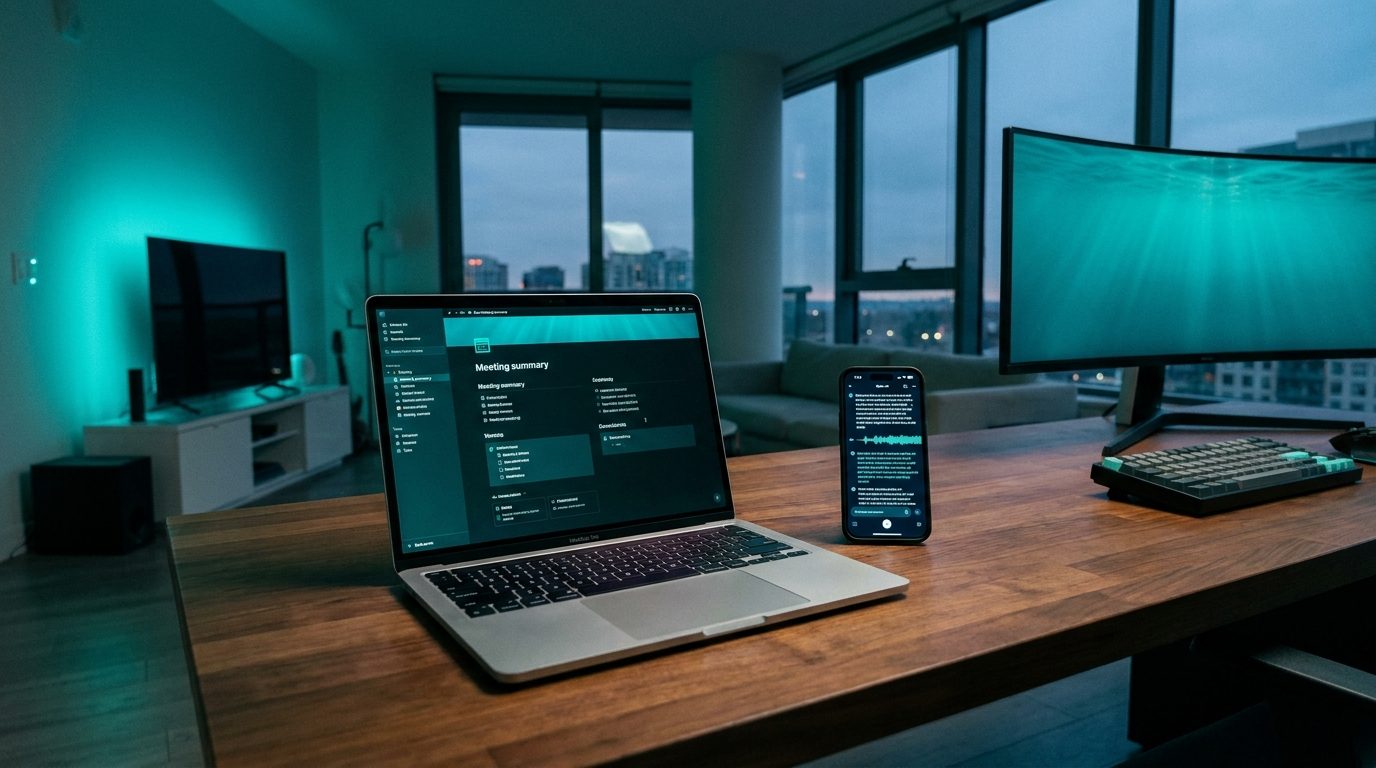
Putting It All Together — A Worked Example
Here is the full flow from a real 35-minute product review I ran recently.
2:00 PM: Meeting starts on Zoom. Otter Pilot auto-joins.
2:35 PM: Meeting ends. Otter emails the transcript 2 minutes later. I skim the speaker labels, fix one misattribution.
2:40 PM: I paste the transcript into ChatGPT with the summarization prompt above. 45 seconds later, I have a structured summary with 4 decisions, 6 action items, 2 open questions, and a “no decision” flag on a pricing debate.
2:42 PM: I paste the summary into a new Notion entry. Set the title as “Q3 Feature Prioritization — Product Team.” Tag attendees. Set type = team. Copy the TL;DR into the TLDR field.
2:44 PM: I send the Notion share link to one teammate who missed the meeting. They can read the TL;DR in 20 seconds, check action items in 40 more seconds, and ask a question back if they need to.
Total time from meeting end to a shareable, searchable record: 4 minutes. The same task by hand takes 20-25 minutes, and the result is worse because human note-takers miss things while listening.
Cost Breakdown
What this full stack actually costs, depending on volume:
- Free tier (under ~7 meetings/month): $0. Otter free + ChatGPT free + Notion free.
- Moderate use (15-30 meetings/month): $16.99/month. Otter Pro only. Still ChatGPT free + Notion free.
- Heavy use (30+ meetings/month with long transcripts): $37/month. Otter Pro + ChatGPT Plus.
The ChatGPT Plus upgrade only matters if you are processing transcripts longer than ~15 pages. For normal meetings, the free tier handles everything.
Tips and Traps
- Save your summarization prompt as a ChatGPT Custom Instruction so you do not have to paste it every time.
- Do a quick audit of Otter’s speaker labels before summarizing. If Otter misattributes a key decision, ChatGPT’s summary will be wrong too.
- Use the “no decision” flag to drive follow-up. Every “no decision” item is a pending action you need to resolve elsewhere.
- For sensitive meetings, read Otter’s terms. They do not use your audio to train models by default, but if you are discussing confidential HR, legal, or financial topics, check your employer’s policy first.
- Share the Notion page, not a PDF export. Notion pages can be edited later when new info comes in. PDFs go stale the moment you send them.
When This Stack Is Overkill and When It Is Just Right
Not every meeting deserves this workflow. Five-minute standups? Skip it — write the key decisions in Slack and move on. Skip-level 1:1s where you want a personal conversation? Actually ask before you record; auto-recording personal conversations poisons the vibe.
Where this stack earns its keep: any meeting over 20 minutes with 3+ people where decisions get made, any client call where you need a paper trail, any interview you want to review later, and any recurring meeting (weekly reviews, planning sessions) where you need continuity across weeks.
Start with one meeting per week. Run the full loop. If it saves you 15 minutes and produces a summary you actually re-read two weeks later, expand it to more meetings. Most people who try this never go back to manual note-taking.
Related reading
- How to Turn a Voice Memo into Clean Written Notes Using Whisper and ChatGPT
- How to Use ChatGPT and Notion Together to Build a Second Brain from Scratch
- How Arab Content Creators and Podcasters Can Use AI Tools to Save Time and Grow Faster
About the author
Shahid Saleem writes PickGearLab — a practical blog about AI tools, tutorials, and automation workflows for people who want real results, not another listicle. Certified in Microsoft AZ-900, CompTIA Security+, and AWS AI Practitioner, with 10+ years in enterprise IT.
→ Connect on LinkedIn · More about Shahid · Latest posts
One practical AI tutorial. Every Monday.
Workflows like this one — straight to your inbox. Free. Unsubscribe in one click.
Subscribe free →

6 responses